/
20 Best Customer Training Software for 2026

Quick Summary
Drawing on 20+ years of strategic technology leadership, I've tested and evaluated the best customer training software to help you find the right solution for customer education, product adoption, support cost reduction, and scaling your customer onboarding programs.
Table of Contents
Top 10 Customer Training Software Shortlist
Based on features, business impact, and reviews, here's the top 10 best customer training software:

Share this article:


Managing customer training through scattered documentation and manual onboarding calls is killing your support team's capacity.
Customer education software centralizes your product knowledge, onboarding programs, and certification tracking into a single platform.
The result?
Companies that implement formal customer training programs report:
- 30-50% fewer support tickets compared to untrained customers
- 12% higher renewal rates than organizations without customer education
- 60% faster time-to-value as customers adopt products more quickly
But the wrong platform creates new headaches—clunky portals customers never visit, generic analytics that don't prove ROI, and integrations that don't connect training to product usage.
At Continu, I work directly with companies building customer education programs that drive measurable retention and support cost reduction.
This guide breaks down the 20 best customer training software for 2026—covering features, pricing, and how to choose the right solution for your organization.
You Can Trust Our Customer Education Software Reviews
Our team has tested 50+ customer training platforms, LMS solutions, and customer education tools—backed by 20+ years of commercial strategy and technology leadership across enterprise organizations.
We've helped hundreds of organizations implement customer education programs that drive measurable retention and support cost reduction.
Here's how we built this guide.
Independent researchers compiled data on each platform, which we combined with our hands-on assessments of functionality, features, integrations, reporting capabilities, and value for price.
Our recommendations are based solely on platform performance—not partnerships or commissions.
For a deeper look at our scoring process, see our complete ranking methodology below.
This guide is updated quarterly to reflect new features, pricing changes, and emerging customer training solutions.
Last Updated: April 2026
Customer Training Solutions Compared
The table below summarizes our rankings that includes relevant quick info to find the ideal customer education solution for your organization.


4.7 (759)
No
Starts around $800–$1,000/month for up to 100 users; custom pricing for larger teams
View pricing details →
4.7 (244)
No
Plans typically range from $500 to $1,500 per month depending on user counts
View pricing details →
4.6 (1982)
Yes
Plans start at $69/month (annual) for 40 users; Core plan $119/month; Pro plan $449/month
View pricing details →

4.3 (929)
No
Custom enterprise pricing, very expensive and overkill for most companies
View pricing details →20 Best Customer Training Software Reviewed
Explore our in-depth breakdown of the top customer training software for businesses. We’ve compiled the most relevant information and ranked all products based on features, pricing, and its overall rating and reviews from trusted sources.


4.6 (727)
Best for turning customer training into measurable ROI
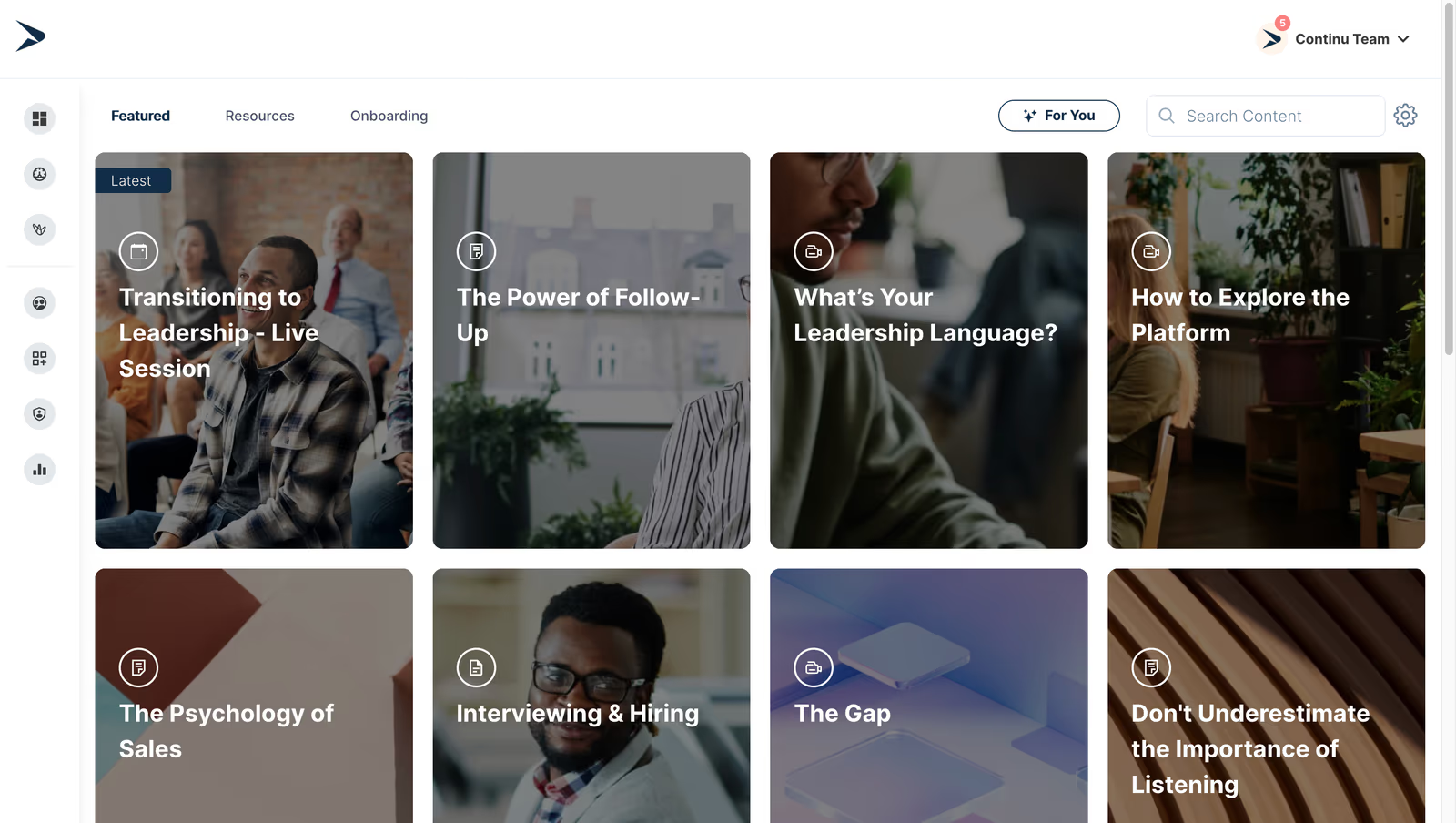
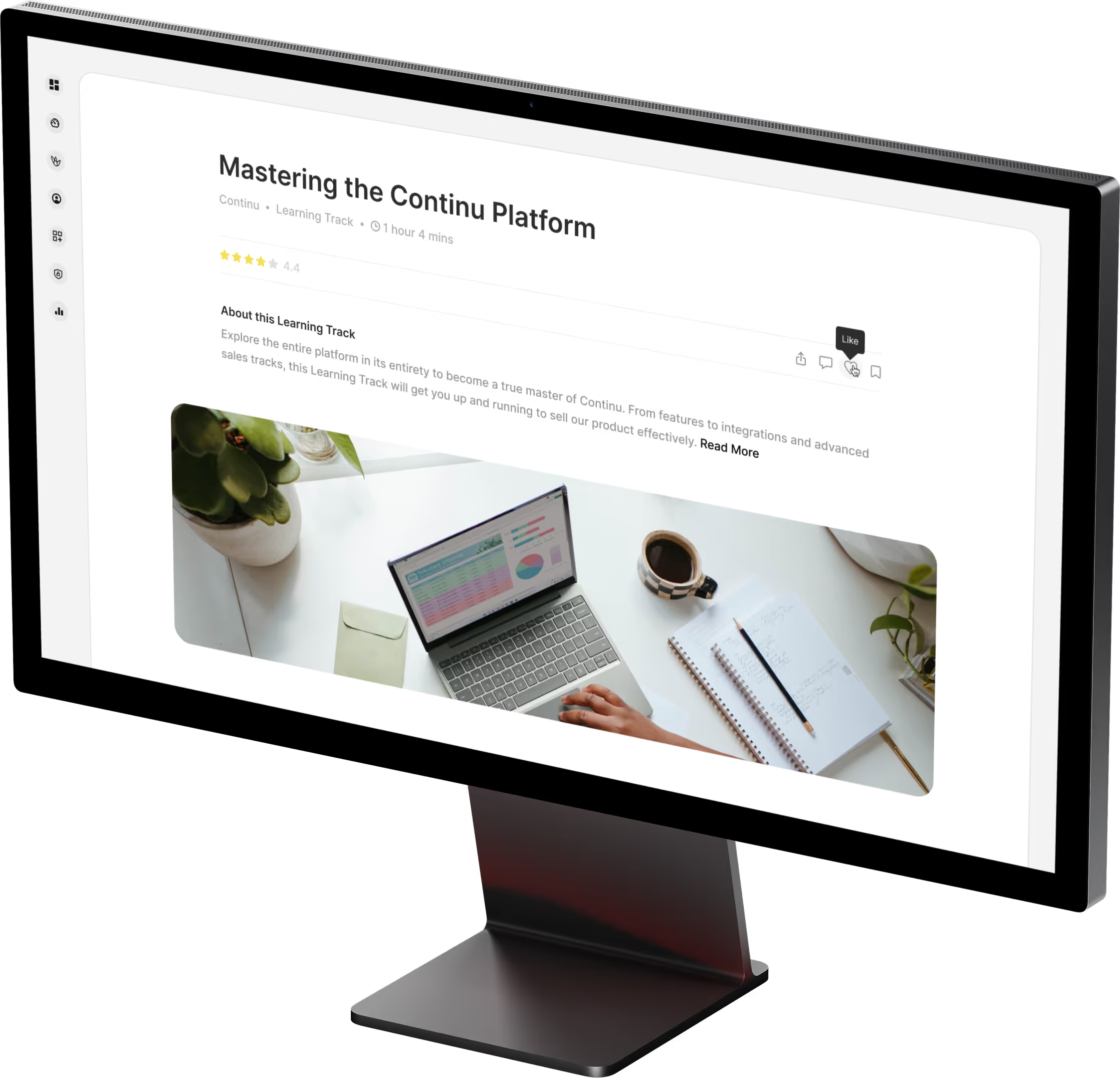
Continu is an AI-powered learning platform that helps companies build branded customer academies and training programs. It offers features like interactive content creation, adaptive learning paths, assessments, and analytics. Continu integrates with CRM and support tools to provide contextual training, enabling customers to access resources within their workflow and track engagement. Its modern UI and automation tools make it easy to onboard customers, certify them and nurture product adoption.
Continu is the top customer training software due to AI-driven recommendations and CRM integrations that deliver personalized customer training to drive product adoption for customer enablement teams.
- Custom, white-labeled instances for customers with adaptive learning and content personalization
- AI-powered recommendations and in-app learning
- Rich analytics, certifications and CRM integration to measure impact
Pros:
- Personalized training recommendations improve product adoption
- CRM and support integrations provide contextual learning
- Modern UI and automation simplify customer onboarding
Cons:
- Not a great fit for non-profits, governments, and educational institutions
- Requires internet access for most features
- Limitations in customizing workflows or content to fit niche requirements
4.6 (141)
Best for scalable customer education with branded academies
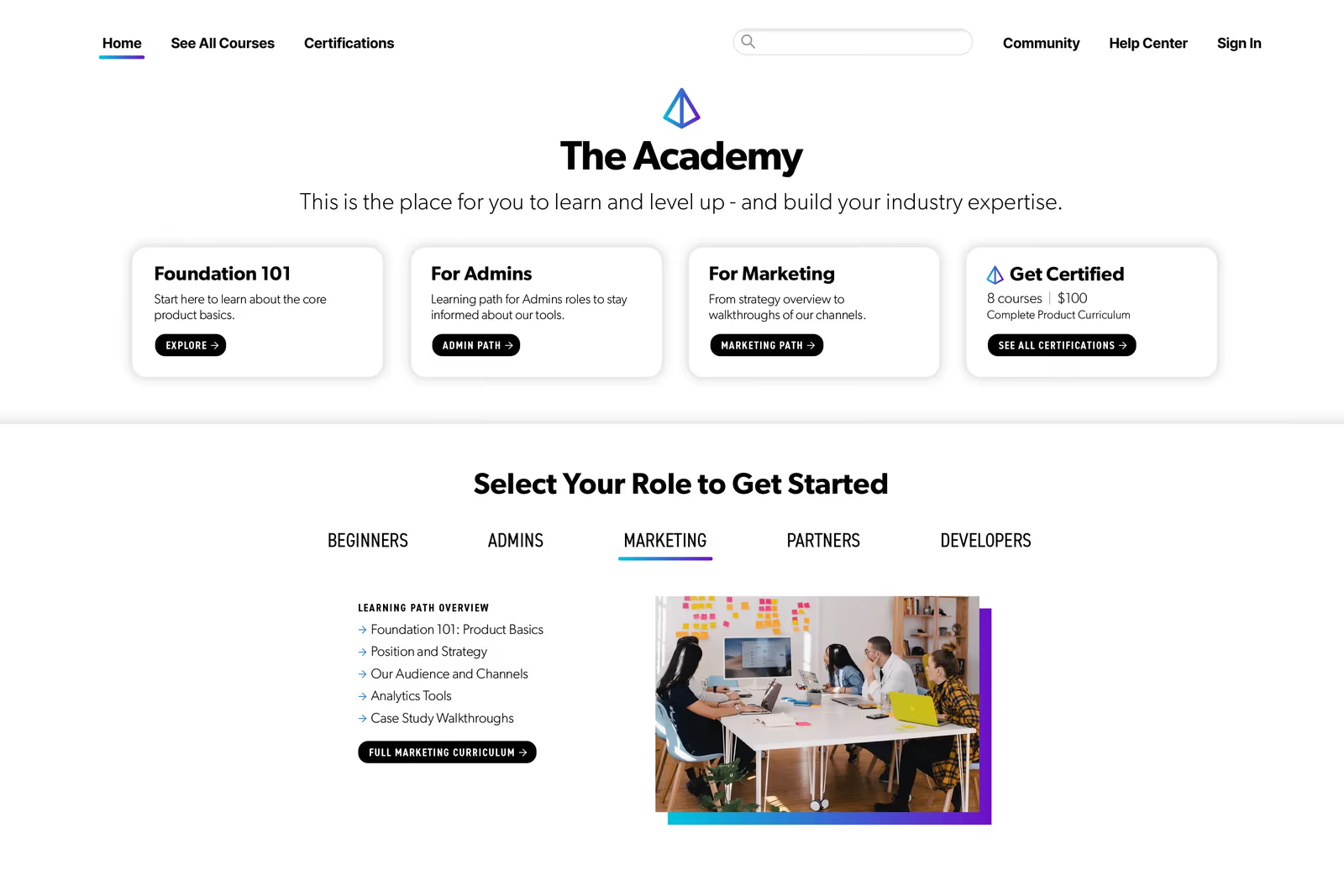
Skilljar is a customer education LMS used to launch branded academies for customers, partners and external users. It supports structured learning paths, self-service registration, certifications, analytics and monetization options. Robust integrations with CRM, support and marketing systems enable targeted training and tracking of customer engagement and business impact. Skilljar's flexible architecture lets you train external audiences at scale while delivering a seamless brand experience.
Skilljar's deep CRM integrations and branded academies enable customer education managers to deliver professional, scalable training that drives retention and adoption.
- Customizable branded customer academies with white-labeling
- Learning paths, certifications and e-commerce monetization
- Deep integrations with Salesforce and CRM/analytics
Pros:
- Highly customizable branded academies for external audiences
- Robust CRM integrations and analytics to track customer impact
- Excellent support and flexible monetization options
Cons:
- High upfront cost and requires annual contracts
- Reporting and analytics may be complex for smaller teams
- Limited built-in content authoring; rely on external tools
4.6 (150)
Best for launching branded customer academies quickly for SMBs

Northpass is a modern learning platform purpose-built for customer education. It allows organizations to create and deliver branded online academies quickly. With drag-and-drop course authoring, microlearning, quizzes and certifications, Northpass helps you onboard customers, train partners, and drive product adoption. Integration with CRM and support platforms ensures personalized learning experiences and insights into customer engagement.
Northpass allows customer training teams to spin up branded academies quickly with minimal technical overhead and CRM integration for targeted training.
- Easy drag-and-drop course authoring and microlearning
- Branded customer academies with self-service enrollment
- Analytics and CRM integration to track engagement
Pros:
- Fast set-up and user-friendly course creation
- Branded customer academies with flexible enrollment
- CRM and support integrations enable targeted learning
Cons:
- Limited advanced features compared to enterprise LMS
- Pricing can be high as learner numbers grow
- Reporting capabilities could be more comprehensive
4.6 (1443)
Best for compliance-focused customer training in regulated industries
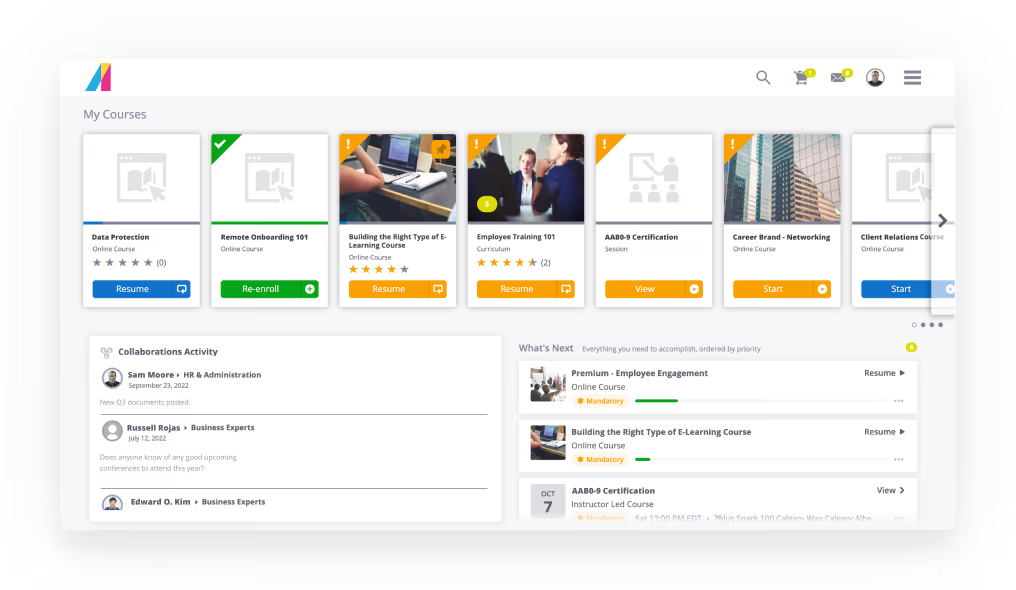
Absorb LMS is a scalable, enterprise-grade platform built to deliver customer and partner training. Its multi-portal architecture lets you create customized branded academies for different customer segments, while robust compliance tracking, certificates and analytics ensure you meet regulatory requirements. With e-commerce functionality and integrations, you can monetize training and gain insights into customer engagement.
Absorb provides the reliability and flexibility needed to train customers in regulated industries with branded portals and compliance features.
- Multi-portal and branded academies
- E-commerce and monetization with certifications
- Robust reporting and compliance analytics
Pros:
- Scalable multi-portal with compliance features
- Custom branding and monetization options
- Comprehensive reporting and analytics
Cons:
- High pricing compared to other LMS
- Complex UI for small teams
- Limited built-in content library
4.7 (759)
Best for mid-sized companies needing external training automation
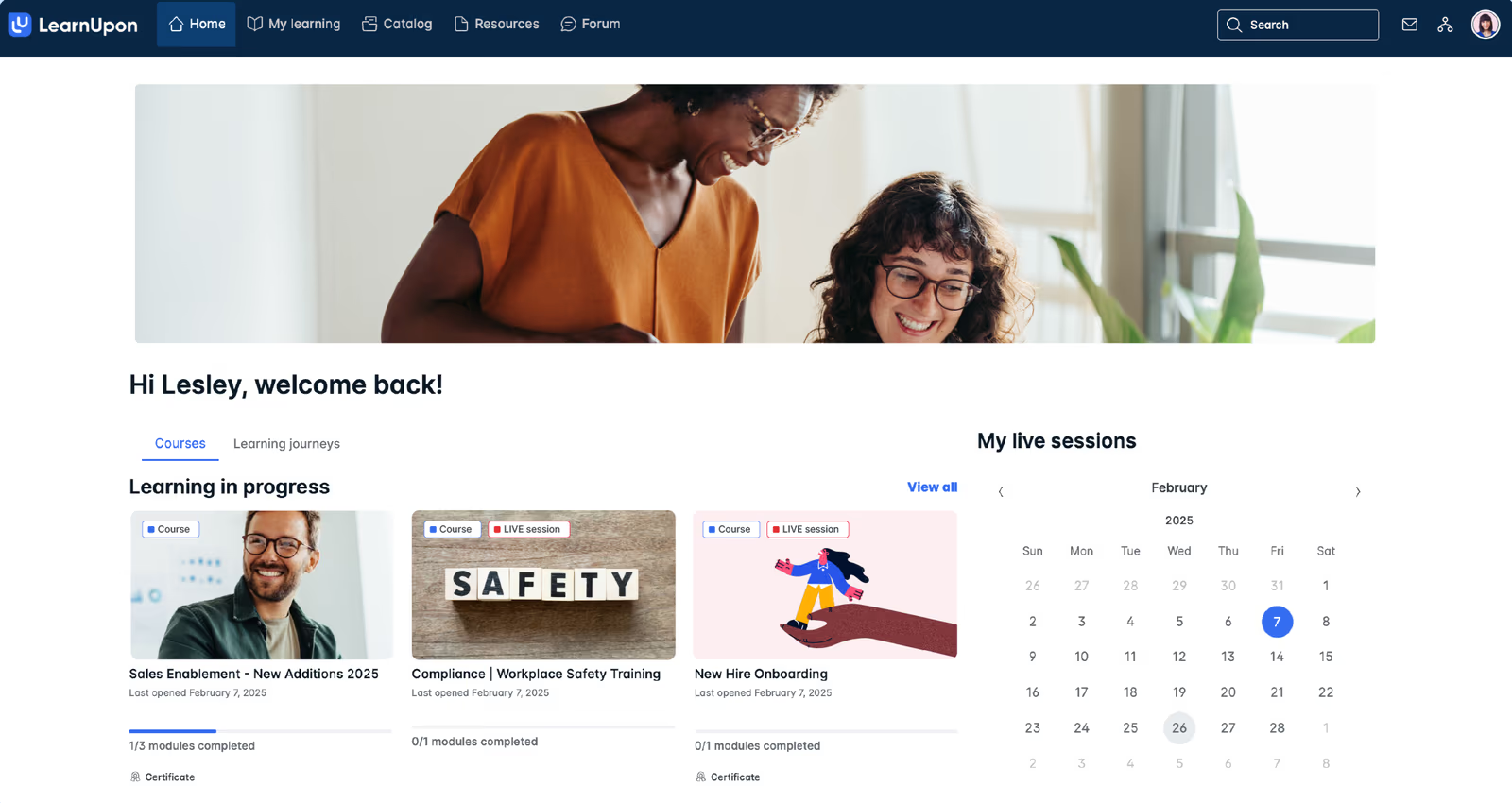
LearnUpon is a premium, feature-rich learning management system that supports both employee and customer education. It provides an intuitive interface, a large repository of course templates, and robust automation to assign training based on roles or departments. The platform integrates with HRIS and CRM tools, making it ideal for creating customer universities and partner training programs at scale.
LearnUpon's combination of ease of use, automation capabilities and responsive support delivers professional customer training without heavy admin overhead.
- User-friendly interface with course templates
- Automation & HRIS integrations for assignment
- Supports both internal and external training
Pros:
- Exceptional customer support and guidance
- Simple interface and automation reduce admin effort
- Supports both internal and external training use cases
Cons:
- No pre-built course content; requires external content purchases
- Premium pricing compared to basic LMS solutions
- Best suited for mid-sized companies; may be overpowered for small teams

4.6 (1106)
Best for collaborative customer training and peer learning
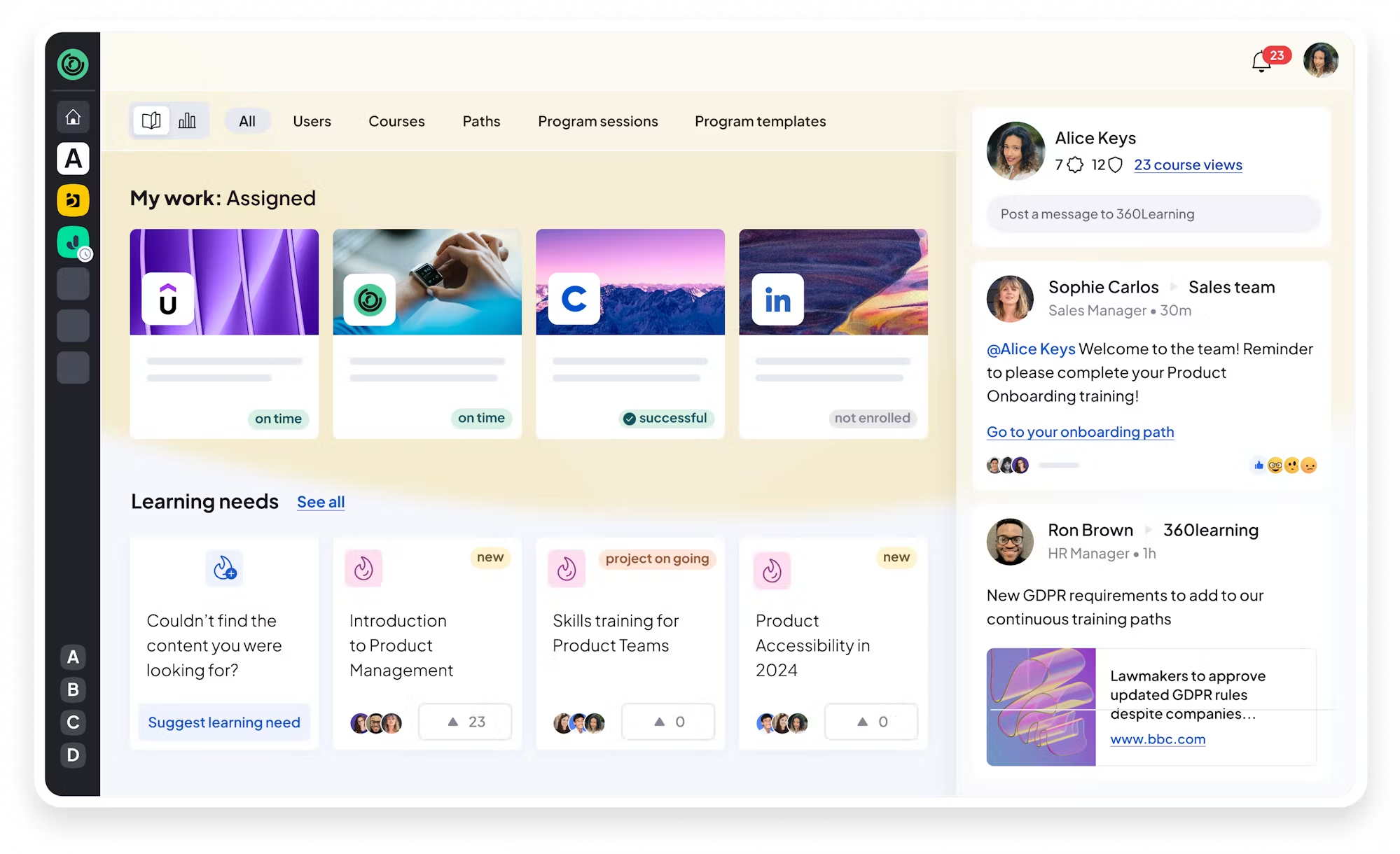
360Learning combines LMS and collaborative learning tools to enable organizations to create customer training with input from subject matter experts. It offers built-in course authoring, discussion forums, and feedback loops, making training social and engaging. Its team plan is affordable for small programs, while enterprise plans scale to thousands of learners.
360Learning's collaborative approach allows customer education teams to co-create training with product experts and customers, increasing relevance and adoption.
- Collaborative authoring and peer feedback
- Built-in authoring and mobile learning
- Analytics and skills mapping
Pros:
- Encourages collaborative, peer-driven content creation
- Easy-to-use built-in authoring and mobile access
- Affordable entry-level pricing
Cons:
- Customization options can be limited
- Slight learning curve for new users
- Enterprise integrations require setup
4.7 (244)
Best for creating interactive customer learning experiences quickly
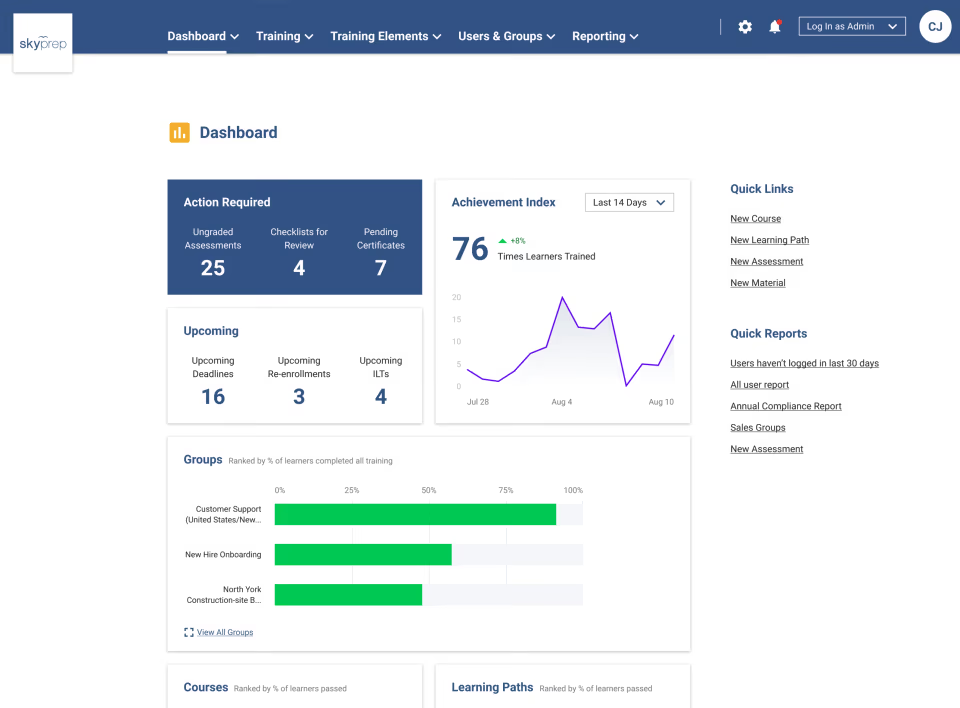
SkyPrep offers a straightforward learning platform that helps businesses create engaging courses for customers and partners. It supports drag-and-drop course creation, quizzes, assessments, and gamification. With a 14-day free trial and customizable branding, it's ideal for organizations that need to build customer training without complexity.
SkyPrep's intuitive interface and interactive content creation tools let customer training teams launch courses quickly without IT support.
- Interactive course authoring with quizzes and gamification
- Customizable branding and certificates
- Simple reporting and analytics
Pros:
- User-friendly interface and fast setup
- Interactive content and gamification features
- Responsive customer support
Cons:
- Limited advanced customization
- Integrations library smaller than competitors
- Reporting tools are basic

4.7 (70)
Best for video-based customer onboarding and product tours

Trainn is a customer education platform designed for SaaS businesses. It offers a suite for creating video tutorials, product walkthroughs, and knowledge base articles, enabling teams to deliver consistent and engaging training at scale. Customers can access self-serve guides, watch feature-specific videos, and track progress while you monitor engagement analytics and feedback.
Trainn's video-first approach helps customer success teams show product usage through immersive guides, reducing support tickets.
- Interactive video tutorials and product tours
- Self-service guides and knowledge hub
- Analytics for customer engagement
Pros:
- Video-based tutorials improve engagement and understanding
- Self-service guides reduce support workload
- Easy to create and update content
Cons:
- Limited advanced LMS features
- Fewer integrations than larger platforms
- Smaller vendor with limited track record

4.4 (1126)
Best for AI-driven customer education and monetized training programs
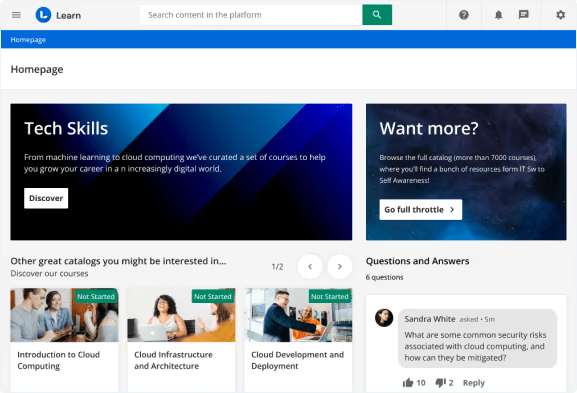
Docebo is a powerful customer education platform that uses AI to personalize learning experiences, automate onboarding, and deliver targeted communications. Its e-commerce capabilities let you monetize courses and certifications, while deep CRM integrations and analytics provide insight into customer adoption and retention.
Docebo's AI personalization and revenue tools enable customer education teams to offer tailored training at scale while driving new revenue streams.
- AI-powered personalization and recommendations
- Integrated CRM and customer success platforms
- E-commerce for course monetization
Pros:
- AI personalization delivers tailored experiences
- Deep integrations and automation with CRM and CS platforms
- Supports monetization of training content
Cons:
- Premium pricing and complex contracts
- Steep learning curve for administrators
- Limited pre-built course content

4.5 (691)
Best for modern LMS with integrated enablement for customers
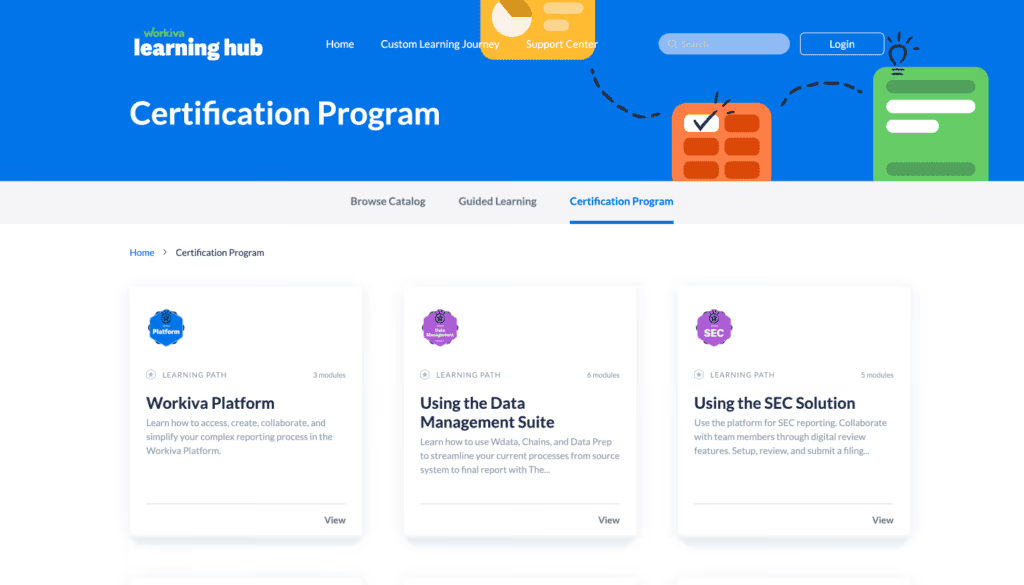
WorkRamp provides an all-in-one learning platform that supports both customer education and employee training. With built-in course authoring, knowledge bases, and certifications, it enables companies to onboard and train customers efficiently. Integration with Salesforce and Slack allows for contextual learning in the flow of work, and analytics track engagement and outcomes.
WorkRamp's unified platform with enablement tools helps customer success teams deliver structured training and knowledge while aligning internal teams.
- Unified LMS and enablement platform
- Built-in knowledge base and certifications
- Salesforce and Slack integrations for contextual training
Pros:
- Intuitive interface and unified platform
- Deep Salesforce and Slack integrations
- Responsive support and continuous improvement
Cons:
- Pricing may be high for smaller teams
- Limited template library for course creation
- Security and compliance features could be stronger
4.6 (1982)
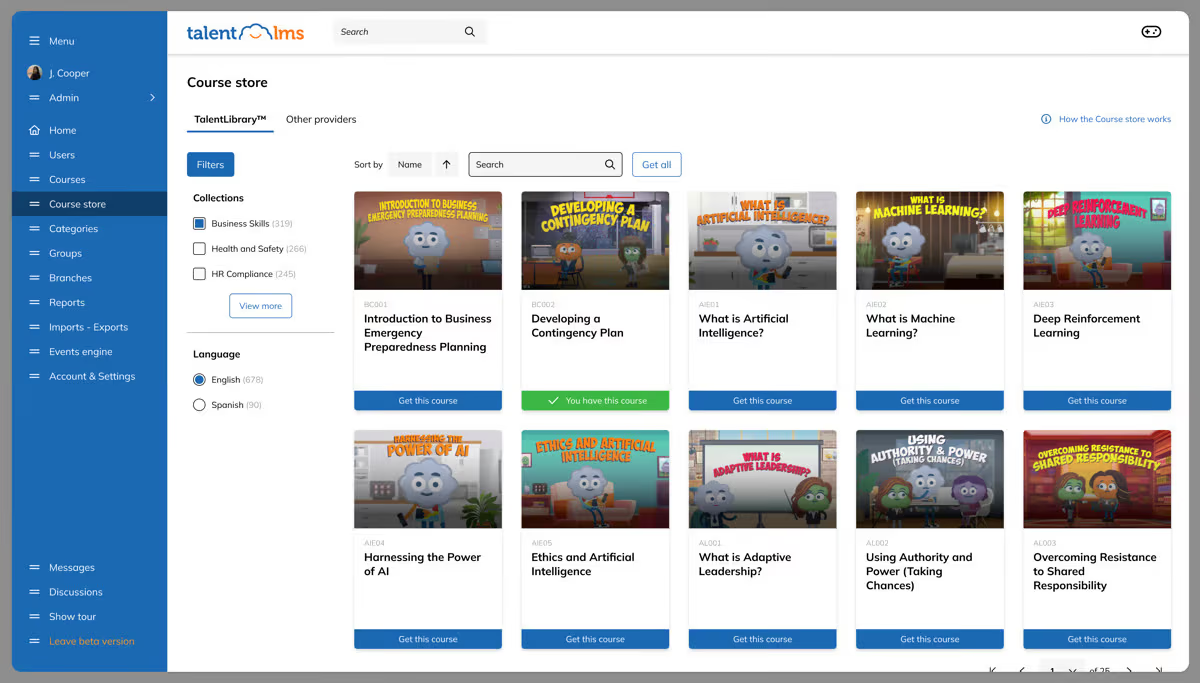
TalentLMS is a cloud-based learning platform built for small to mid-sized organizations seeking to train customers and partners. It offers a free plan for up to 5 users and 10 courses, and paid plans starting at $69 per month for more users. Features include drag-and-drop course authoring, quizzes, gamification, certificates, and integrations with various tools. Its user-friendly interface makes it easy to launch customer training quickly.
TalentLMS provides customer education teams with an affordable, easy-to-set-up platform and free tier to start training without heavy investment.
- Drag-and-drop course creation and quizzes
- Free plan and affordable pricing
- Gamification and certificates
Pros:
- Affordable with free plan for small teams
- Easy to use and set up quickly
- Gamification and certifications enhance engagement
Cons:
- Limited customization and branding
- Reporting and analytics are basic
- Integrations may require Zapier or manual setup

4.4 (296)
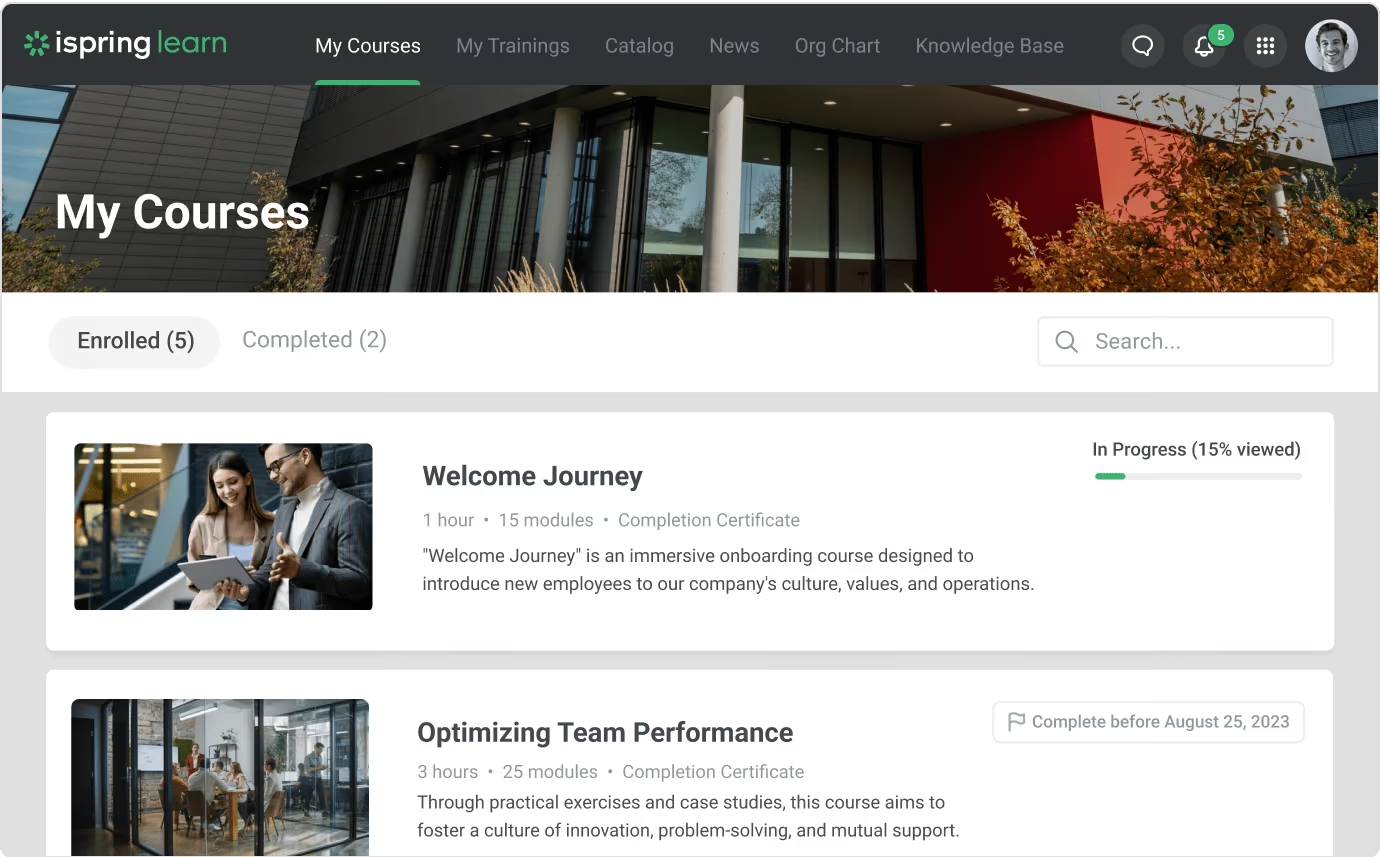
iSpring Learn is a cloud-based LMS that allows businesses to launch customer training quickly. It includes a built-in course editor for creating lessons with videos, quizzes and interactions, provides SCORM and xAPI compliance, and supports blended learning with webinars. Pricing is based on active users, making it cost-effective for customer education programs.
iSpring Learn offers customer training teams a simple interface, built-in authoring tools and affordable active-user pricing for external training.
- Built-in course authoring and SCORM/xAPI compliance
- Active-user pricing with unlimited registered users
- Mobile learning and blended learning features
Pros:
- Easy-to-use interface with built-in authoring
- Affordable pay-as-you-go pricing for active users
- Supports blended and mobile learning
Cons:
- Limited customization and branding
- Pricing can increase for small teams if many active users
- Advanced analytics and reporting are basic

4.5 (458)
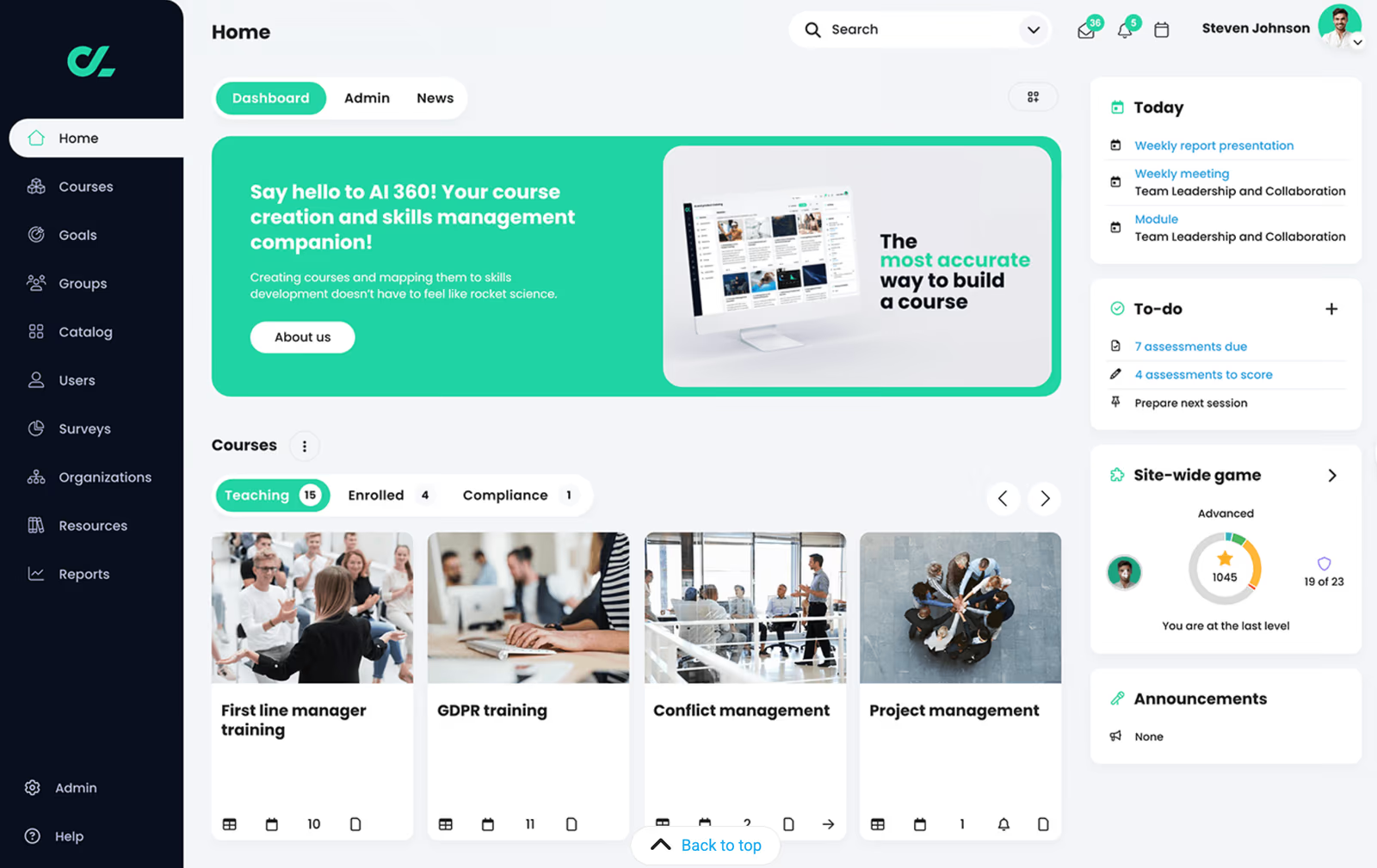
CYPHER Learn (also known as NEO LMS) delivers AI-driven personalized learning experiences for customers and partners. It supports gamification, badges, and leaderboards to encourage engagement, multi-tenant portals for branding, and integrated e-commerce to monetize courses. The system includes built-in authoring and social learning features, making it ideal for modern customer training.
CYPHER Learn combines personalization, gamification and e-commerce capabilities that drive customer engagement and revenue for training programs.
- AI-powered personalization and recommendations
- Gamification with badges and leaderboards
- Multi-tenant portals and e-commerce
Pros:
- AI-driven personalization enhances learning paths
- Gamification increases engagement and motivation
- Supports monetization with e-commerce and multi-portal
Cons:
- Relatively new brand with limited market awareness
- Reporting and analytics less robust than enterprise LMS
- Pricing structure can be complex due to fees

4.5 (250)
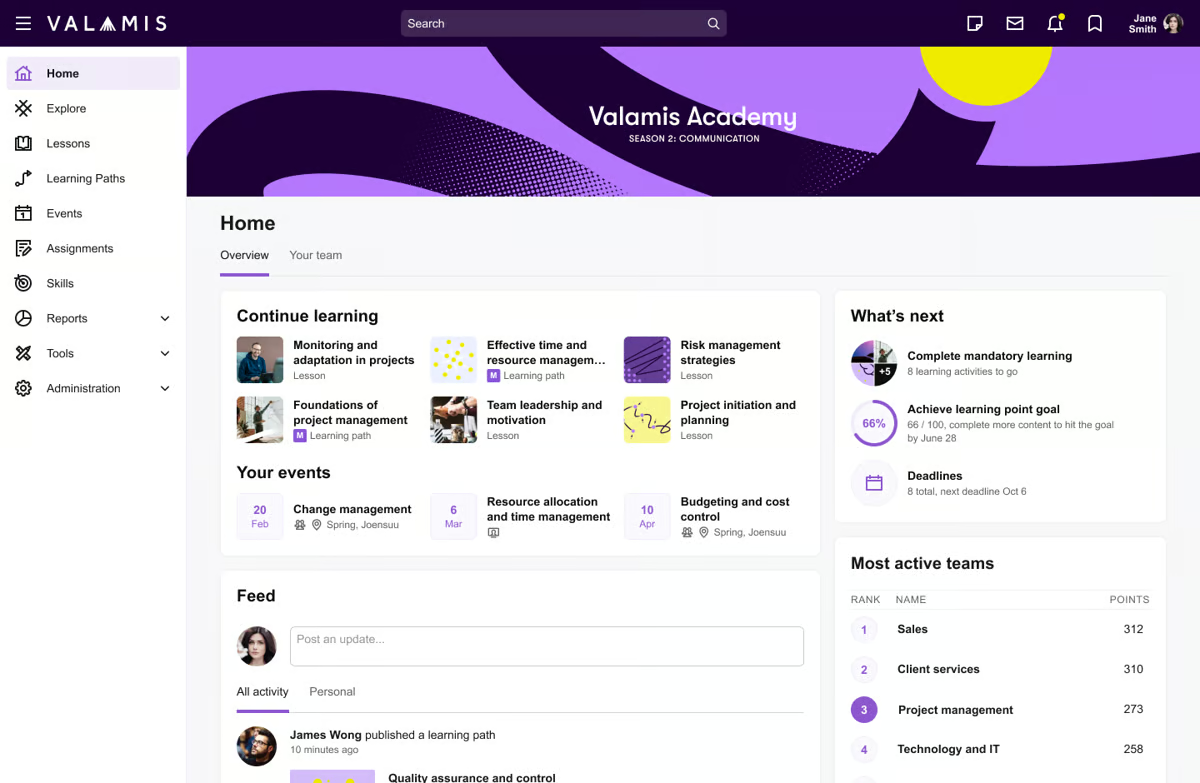
Valamis offers a robust learning platform that leverages xAPI and LXP technologies to capture detailed learning data and deliver personalized experiences. It supports open-source content, learning records, and analytics to understand customer engagement and performance. The platform is customizable and can integrate with existing systems.
Valamis' advanced analytics and xAPI support help customer education teams track learning in detail and deliver personalized experiences.
- xAPI data collection and analytics
- Personalized learning paths and LXP
- Open-source flexibility and integrations
Pros:
- Advanced analytics and xAPI capabilities
- Personalized learning paths and LXP features
- Highly customizable and integrable
Cons:
- High complexity and configuration requirements
- Higher cost and custom pricing
- Limited out-of-box content
4.3 (413)
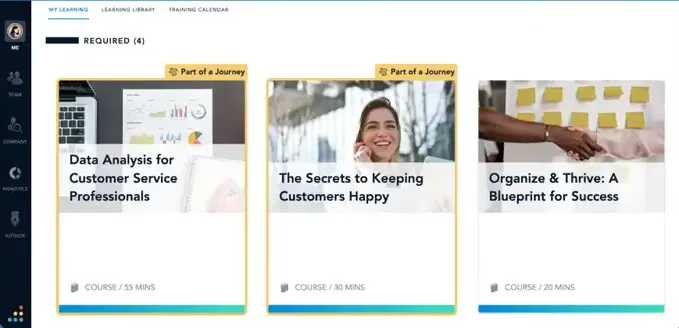
Bridge LMS provides a simple yet powerful platform for delivering training to customers, partners, and employees. It features microlearning modules, quizzes, and performance management tools such as 1:1s and feedback. With an intuitive interface and mobile app, Bridge helps organizations provide training and track progress easily.
Bridge's simplicity and performance management tools enable customer success teams to deliver training and track engagement without complexity.
- Microlearning and quizzes
- Mobile app and offline access
- Performance tools like 1:1s and feedback
Pros:
- Easy to use with mobile-friendly interface
- Includes performance management features
- Affordable pricing for SMBs
Cons:
- Customization options limited
- Integrations fewer than enterprise LMS
- Advanced analytics require add-ons

4.5 (659)
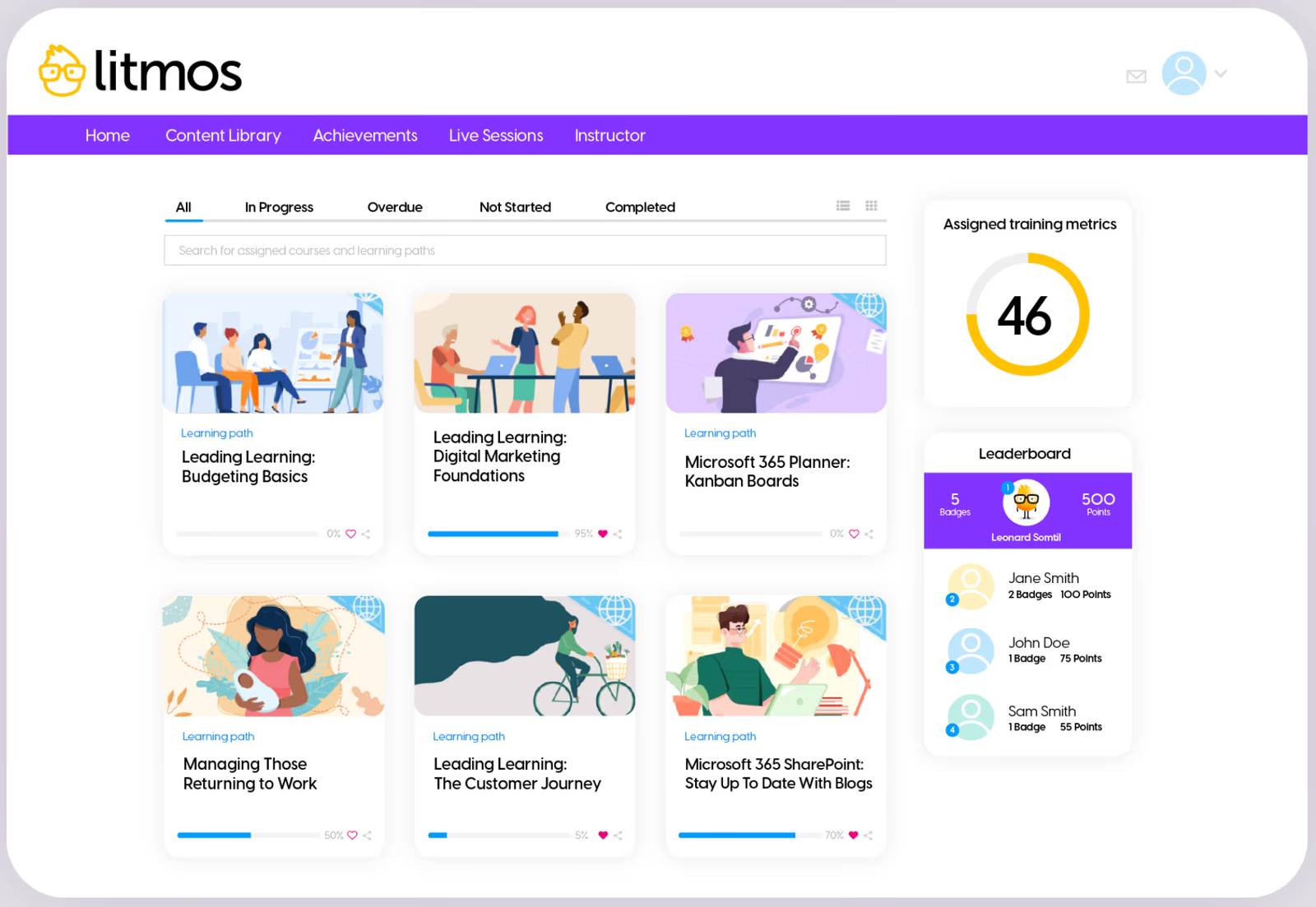
Litmos offers an easy-to-use learning platform for training customers, partners, and employees. It includes a large library of ready-made courses covering compliance, sales, and customer service, plus tools for creating custom content. Litmos supports e-commerce and multiple languages, making it ideal for global customer education.
Litmos' built-in content library and simple setup allow customer education teams to quickly deliver training without creating courses from scratch.
- Extensive pre-built course library
- Mobile-friendly platform with multi-language support
- E-commerce and certification management
Pros:
- Ready-made content library reduces course creation time
- Easy to use with mobile access
- Supports e-commerce and global training
Cons:
- Customization and branding options are limited
- UI feels outdated compared to modern platforms
- Customer support response times can vary

4.3 (242)

Thought Industries is a leading external learning platform that provides powerful tools for creating, delivering, and monetizing customer education programs. It offers multi-tenant portals for different audiences, a robust e-commerce engine for selling courses and subscriptions, and advanced analytics to measure impact. It supports webinars, certifications, and blended learning.
Thought Industries provides enterprise-grade multi-portal and monetization capabilities that enable training teams to deliver programs to diverse customer segments and generate revenue.
- Multi-tenant portals and audience segmentation
- Robust e-commerce and subscription management
- Advanced analytics and reporting
Pros:
- Multi-portal architecture for segmented audiences
- Strong e-commerce and monetization features
- Advanced analytics for measuring program success
Cons:
- High cost with annual contracts
- Steep learning curve for administrators
- Limited pre-built content; must create or purchase courses
4.3 (929)
Cornerstone provides a comprehensive talent management system that includes a learning suite for both internal and external audiences. It supports customer and partner education with compliance, certifications, rich analytics, and multi-language capabilities. Its robust features and global infrastructure make it suited to large enterprises.
Cornerstone offers enterprise-grade reliability, compliance and integration across HR and training functions for large customer programs.
- Comprehensive LMS integrated with talent management
- Global compliance and certifications
- Advanced analytics and reporting
Pros:
- Robust feature set with compliance and talent management
- Scalable for global enterprises
- Extensive integration options
Cons:
- High cost and complex implementation
- User interface can feel outdated
- Requires significant administration

4.3 (148)

Intellum delivers a comprehensive customer education platform that brings together LMS, knowledge bases, certifications, virtual events, and community features into one solution. It allows organizations to build academies, publish documentation and support articles, host webinars, and engage customers through forums, all while tracking engagement metrics.
Intellum's unified platform goes beyond an LMS to create a full customer education ecosystem for customer training teams.
- Integrated training, knowledge base, and community
- Rich analytics and reporting
- Customizable branding and certification
Pros:
- All-in-one platform for learning, docs, and community
- Robust analytics and customizable branding
- Scales for enterprise customer education programs
Cons:
- High cost for small to mid-sized organizations
- Implementation and management can be complex
- Limited out-of-box content; must build from scratch

4.2 (250)

Paradiso LMS is a versatile learning platform that supports customer, partner and employee training. It provides multi-tenant portals, e-commerce capabilities, gamification, and a large library of integrations. The system is multilingual and allows monetizing courses through subscriptions or one-time purchases, making it suitable for global customer education.
Paradiso LMS offers customer training teams a balanced combination of features, integrations and pricing to build customer academies and monetize training.
- Multi-tenant portals and e-commerce
- Gamification and social learning
- Wide range of integrations
Pros:
- Versatile platform with e-commerce and multilingual support
- Offers gamification and social learning
- Numerous integrations with business systems
Cons:
- Interface not as modern as competitors
- Support responsiveness can vary
- Requires technical skills for advanced customization
How We Evaluate Customer Training Software
Selecting the right customer training platform requires more than feature checklists.
You need a solution that reduces support tickets, drives product adoption, and scales as your customer base grows.
Our evaluation methodology reflects these priorities.
Our Scoring Methodology
Each customer training solution was assessed across seven weighted criteria.
We combined independent research with hands-on platform testing to generate a composite score out of 100.
Why These Criteria Matter for Customer Training Solutions
Customer training software serves a different purpose than employee-focused LMS platforms.
Your customers are external users—often with limited time and competing priorities across multiple vendors.
The best customer education platforms reduce friction, accelerate time-to-value, and connect learning directly to product usage and retention.
That's why we weighed Customer Education Features and Business Impact & Analytics highest.
These criteria determine whether a platform actually drives customer success and measurable business results—not just course completions.
What Is Customer Training Software?
Customer training software is a learning platform designed to educate, onboard, and enable external users such as customers, clients, and end-users of your products or services.
Unlike employee-focused LMS platforms, customer training solutions are built for audiences outside your organization.
These tools help companies deliver consistent product education, onboarding programs, and certification to customers who use their products.
Here's why that matters.
Your customers don't work for you directly.
They have competing priorities, limited time, and often use products from multiple vendors.
Customer training software solves this by making learning accessible, trackable, and tied to business outcomes—so customers actually complete training and get value faster.
Common use cases for customer training platforms include:
- Customer onboarding and product education
- Feature adoption and advanced training programs
- Certification and compliance training for regulated industries
- Partner and reseller enablement
- End-user training for B2B software
- Support deflection through self-service education
Organizations use customer training tools to reduce support ticket volume, accelerate time-to-value for new customers, and improve retention through better product adoption.
7 Benefits of Customer Training Tools for Businesses
Investing in customer training software delivers measurable returns across support costs, retention, and product adoption.
Here are seven benefits that matter most for organizations building or scaling customer education programs.
1. Reduced Time-to-Value
New customers generate ROI faster when they understand your product from day one.
Customer training software compresses onboarding timelines by delivering structured learning paths customers can complete on their own schedule.
Instead of weeks of back-and-forth support tickets and one-off calls, customers access everything they need in a single platform—and start seeing value 40-60% faster.
2. Dramatic Support Cost Reduction
Trained customers contact support less frequently.
Organizations with formal customer education programs see 30-50% fewer support tickets compared to untrained customers.
At an average cost of $15-25 per ticket, reducing 500 monthly tickets by 40% saves $36,000-$60,000 annually.
When customers can find answers through self-service training, your support team focuses on complex issues that actually require human expertise.
3. Higher Product Adoption Rates
Customers don't use features they don't understand.
Customer training software drives 2-3x higher feature adoption by educating users on capabilities they'd otherwise miss.
Deeper product usage correlates directly with satisfaction, willingness to pay, and openness to expansion—turning basic users into power users who see real value in your product.
4. Improved Customer Retention
Educated customers renew at higher rates.
TSIA research shows 92% of trained customers renew subscriptions versus 80% of untrained customers—a 12-percentage-point improvement.
For a SaaS company with $10M in annual recurring revenue, that 12% retention boost represents $1.2M in saved revenue.
Training programs signal investment in customer success and provide ongoing value beyond just product access.
5. Measurable Business Impact
Traditional customer education is difficult to track.
Did customers watch that webinar? Did they actually learn anything?
Customer training platforms provide analytics connecting learning completion to business outcomes—giving you visibility into which training reduces support tickets, which content drives adoption, and which customers need additional help.
6. Scalable Customer Education
Growing from 500 customers to 5,000 customers shouldn't require 10x the customer success resources.
Cloud-based customer training tools scale with your customer base, delivering consistent education to users across regions, languages, and time zones without adding headcount.
Automated onboarding sequences handle hundreds of new customers simultaneously while maintaining quality and personalization.
7. Faster Feature Launches
Launching new features without customer education creates confusion and support backlash.
Customer training software enables you to educate users proactively—releasing training content alongside new features so customers understand capabilities immediately.
This accelerates adoption of new functionality and prevents the "we launched this feature but no one uses it" problem that plagues product teams.
Key Features of Customer Training and Education Solutions
The right customer training platform includes capabilities specifically designed for external user education and product adoption.
Here are the features that separate effective customer education solutions from generic learning management systems.
Branded Customer Portal
A dedicated, branded customer portal creates a professional learning experience that reinforces your company's identity.
Look for customizable login pages, branded interfaces, and white-label options with custom domains (academy.yourcompany.com) that make customers feel they're accessing an official product resource.
Certification and Credentialing
Customer certification programs validate product knowledge and create tiered user expertise levels.
Effective platforms include automated certificate generation, expiration tracking, recertification workflows, and digital badges customers can display on LinkedIn or professional profiles.
Learning Paths and Role-Based Training
Different customer roles require different training.
An administrator needs system configuration guidance, while an end-user needs basic feature training.
Learning paths organize content by role, use case, or industry—ensuring each customer sees only what's relevant to their needs.
Content Authoring and Management
Creating customer training content should be fast and flexible.
Built-in authoring tools, SCORM/xAPI support, multimedia embedding, and content version control allow teams to develop and update training without external tools or developers.
Progress Tracking and Business Impact Analytics
Visibility into customer learning activities is non-negotiable.
Track completion rates, assessment scores, time spent, and certification status across your entire customer base.
Advanced platforms connect training data to support systems and product analytics to measure impact on ticket volume, feature adoption, and retention.
Mobile and On-Demand Access
Customers learn when it's convenient for them—not during scheduled webinars.
Mobile-responsive design and on-demand content access ensure customers can complete training from anywhere, on any device.
Product and Support System Integrations
Customer training software should connect to your existing tech stack.
Native integrations with your product, CRM (Salesforce, HubSpot), support platforms (Zendesk, Intercom), and SSO providers eliminate data silos and enable contextual training triggers.
In-App Training and Contextual Help
The best training happens in the moment of need.
In-app training widgets, tooltips, and embedded video tutorials deliver contextual help without forcing customers to leave your product and search through a separate portal.
Gamification and Engagement Tools
External customers need motivation to prioritize training over their other responsibilities.
Leaderboards, points, badges, and completion incentives increase engagement and create positive reinforcement for learning behaviors.
Multi-Language Support
Global customer bases require localized training.
Multi-language content support, automatic translation features, and region-specific learning paths ensure customers worldwide receive relevant, accessible education.
Community and Peer Learning
Customers learn best from other customers.
Discussion forums, Q&A sections, and user-generated content capabilities enable peer-to-peer learning while reducing your content creation burden and support ticket volume.
How to Choose the Right Customer Training Software
Finding the right customer training platform requires more than comparing feature lists.
You need a solution that fits your customer base's size, complexity, and growth trajectory.
Here's a step-by-step framework for evaluating and selecting the best customer education tool for your organization.
Step 1: Define Your Customer Training Goals
Start with the end in mind.
What specific outcomes do you need customer training to deliver?
Common goals include reduced support tickets, faster time-to-value, improved product adoption, or decreased customer churn.
Write these down.
Your goals will drive every decision that follows—from feature requirements to budget allocation.
Step 2: Assess Your Customer Base
Not all customer education programs look the same.
Consider the size and structure of your customer ecosystem.
Are you training 500 customers or 50,000?
Do you have multiple customer segments—enterprise users, SMB clients, end-users, administrators—with different training needs?
Understanding your audience helps you identify platforms built for your scale and complexity.
Step 3: Identify Must-Have Features
Based on your goals and audience, determine which capabilities are non-negotiable.
Common must-haves for customer training include:
- Branded customer portal with SSO access
- Certification and credentialing management
- Learning path customization by role or use case
- Product and support system integration
- Analytics that connect training to business outcomes like support reduction and retention
Separate these from nice-to-have features to avoid scope creep during evaluation.
Step 4: Evaluate Integration Requirements
Customer training software doesn't operate in isolation.
Map out the systems your platform needs to connect with.
This typically includes your product platform, CRM (Salesforce, HubSpot), support systems (Zendesk, Intercom), product analytics tools, and identity providers for single sign-on.
Prioritize platforms with native integrations or robust API access. Custom integrations add cost, complexity, and ongoing maintenance.
Step 5: Consider the Customer Experience
Here's the thing. Your customers won't use a platform that's difficult to navigate. They have limited time and competing priorities.
The best customer training solutions are intuitive, mobile-friendly, and designed for self-directed learning.
Request a demo from the customer's perspective—not just the admin view.
If the learning experience feels clunky, expect low adoption and incomplete training.
Step 6: Review Reporting and Analytics Capabilities
You need to prove training ROI.
Look for platforms that go beyond basic completion tracking.
The right solution connects learning data to business metrics—training completion correlated with support ticket volume, certifications tied to product usage depth, engagement trends by customer segment.
Ask vendors specifically how their reporting connects training to retention, adoption, and support cost reduction.
Step 7: Understand Total Cost of Ownership
Pricing models vary significantly across customer training platforms.
Some charge per user, others by active learners, and some offer flat-rate pricing.
Beyond subscription costs, factor in:
- Implementation and setup fees
- Content migration or creation costs
- Integration development expenses
- Ongoing support and training fees
- Costs to scale as your customer base grows
Request detailed pricing scenarios based on your current customer count and projected growth.
Step 8: Test Before You Commit
Never select a customer training platform based on demos alone.
Request a pilot or free trial period.
Use this time to upload real content, invite a small group of customers, and test the complete workflow—from enrollment to certification to reporting.
Gather feedback from both customers and internal admins.
Their experience during the trial predicts long-term adoption success.
Step 9: Evaluate Vendor Support and Partnership
The vendor relationship extends far beyond the sales process.
Assess their onboarding support, ongoing customer success resources, and responsiveness during your evaluation.
Ask for customer references from organizations similar to yours in size and industry.
A strong vendor partnership accelerates implementation and ensures you maximize platform value over time.
Step 10: Plan for Scalability
Your customer base will evolve.
Choose a platform that grows with you.
Consider future needs—additional customer segments, new geographies, expanded certification programs, advanced analytics requirements.
The right customer training software handles today's needs while supporting tomorrow's growth without requiring a platform migration.
Find Your Customer Training Solution
The right customer training software turns support costs into customer success outcomes.
Trained customers generate 30-50% fewer support tickets.
Organizations with formal customer education programs see 12% higher retention rates.
The platforms in this guide represent the best options for organizations serious about customer education and product adoption.
Your next step:
Review the detailed product comparisons above, identify 2-3 platforms that match your requirements, and request demos focused on the customer learning experience—not just the admin interface.
Share this article:
Author
Keith Martin
President
Customer Training Software FAQs
What is the best customer training software?
Continu is the top-rated customer training software for 2026 because it combines branded customer academies, AI-powered content personalization, and deep CRM integrations into a single platform. The software is designed to turn customer education into a measurable return on investment by automating onboarding workflows and delivering contextual training within the customer’s flow of work. By using these tools, companies can drive faster product adoption, reduce the burden on support teams, and ultimately improve long-term customer retention through better product understanding.
How does customer training reduce support costs?
Implementing formal customer training significantly reduces support overhead because educated users are more self-sufficient and contact support less frequently. Research shows that organizations with dedicated customer education programs see between 30% and 50% fewer support tickets compared to those with untrained customers. By allowing users to find answers through structured, self-service learning paths, companies can save tens of thousands of dollars annually while enabling their support staff to focus on solving complex technical issues rather than repetitive basic inquiries.
What key features should I look for in customer education software?
The most effective customer education platforms offer white-label branding to ensure a seamless user experience, along with interactive course authoring and certification management. Essential technical features include native integrations with CRMs like Salesforce to track training impact on account health, and support tools to surface learning content exactly when a user needs help. Furthermore, the software should provide robust analytics to identify which training modules drive product adoption and which customers may need proactive intervention from the success team.
How does customer training impact product adoption and retention?
Customer training directly influences adoption rates by educating users on advanced features they might otherwise overlook, which often leads to 2-3x higher feature usage. This deeper product engagement is strongly correlated with customer satisfaction and renewal rates; for instance, trained customers renew their subscriptions at a 12% higher rate on average than those without formal education. By accelerating the time-to-value during onboarding, training software ensures that new users reach their "aha moment" up to 60% faster, transforming basic users into long-term power users.
One platform. Every customer. Fully branded.
Custom portals. Smart Segmentation™. AI-powered support. Built to train every customer in your ecosystem from one place.