/
20 Best Sales Training Software for 2026

Quick Summary
Drawing on 20+ years of strategic technology leadership and hands-on experience working with sales organizations, I've tested and evaluated the best sales training software to help you find the right solution for accelerating rep ramp time, improving quota attainment, and scaling sales enablement programs that drive measurable revenue impact.
Table of Contents
Top 10 Sales Training Software Shortlist
Based on features, business impact, and reviews, here's the top 10 best sales training and enablement software:

Share this article:


Managing sales training across scattered spreadsheets, disconnected tools, and outdated playbooks is costing you deals.
Your reps spend hours hunting for the latest product updates, competitive intel sits buried in email threads, and new hires take months to ramp—while quota clocks keep ticking.
Sales training software centralizes your sales enablement programs, onboarding workflows, and ongoing skills development into a single platform that gets reps selling faster.
Companies with formal sales training programs report:
- 50% higher net sales per employee
- 15% improvement in win rates.
- Reduce new hire ramp time by 30-50%
But the wrong platform creates more friction—clunky interfaces reps ignore, content that's impossible to update, and zero visibility into what training actually drives revenue.
This guide breaks down the 20 best sales training software for 2026—covering features, pricing, and how to choose the right solution for your sales organization.
Each platform was evaluated using our 7-point methodology including core sales enablement features, ease of use, integration capabilities, and measurable business impact. See our complete review methodology here.
You Can Trust Our Sales Training Software Reviews
Our team has tested 50+ sales training platforms, LMS solutions, and sales enablement tools. We've worked directly with sales leaders at organizations from 50-person startups to Fortune 500 enterprises implementing training programs that reduce ramp time and improve quota attainment.
I bring 20+ years of strategic technology leadership to this evaluation, including executive roles at two companies through successful acquisitions. At Continu, I lead go-to-market strategy and work daily with sales organizations building training programs that directly impact revenue.
Here's how we built this guide.
Independent researchers compiled data on each platform—features, pricing, user reviews, and technical specifications. We combined this with hands-on testing of functionality, ease of use, integration capabilities, and actual implementation complexity.
Our recommendations are based solely on platform performance—not partnerships or commissions.
This guide is updated quarterly to reflect new features, pricing changes, and emerging sales training solutions.
Last Updated: April 2026
Sales Enablement Solutions Compared
The table below summarizes our rankings that includes relevant quick info to find the ideal sales enablement platform for your organization.


4.7 (759)
No
Starts around $800–$1,000/month for up to 100 users; custom pricing for larger teams
View pricing details →
4.6 (1982)
Yes
Plans start at $69/month (annual) for 40 users; Core plan $119/month; Pro plan $449/month
View pricing details →
4.7 (244)
No
Plans typically range from $500 to $1,500 per month depending on user counts
View pricing details →

4.3 (53)
No
Basic $249/month, Advanced $599/month, Pro $1,199/month; enterprise custom
View pricing details →20 Best Sales Training Platforms Reviewed
Explore our in-depth breakdown of the top sales training software for businesses. We’ve compiled the most relevant information and ranked all products based on features, pricing, and its overall rating and reviews from trusted sources.


4.6 (727)
Best for enterprise sales training, enablement, and overall ROI
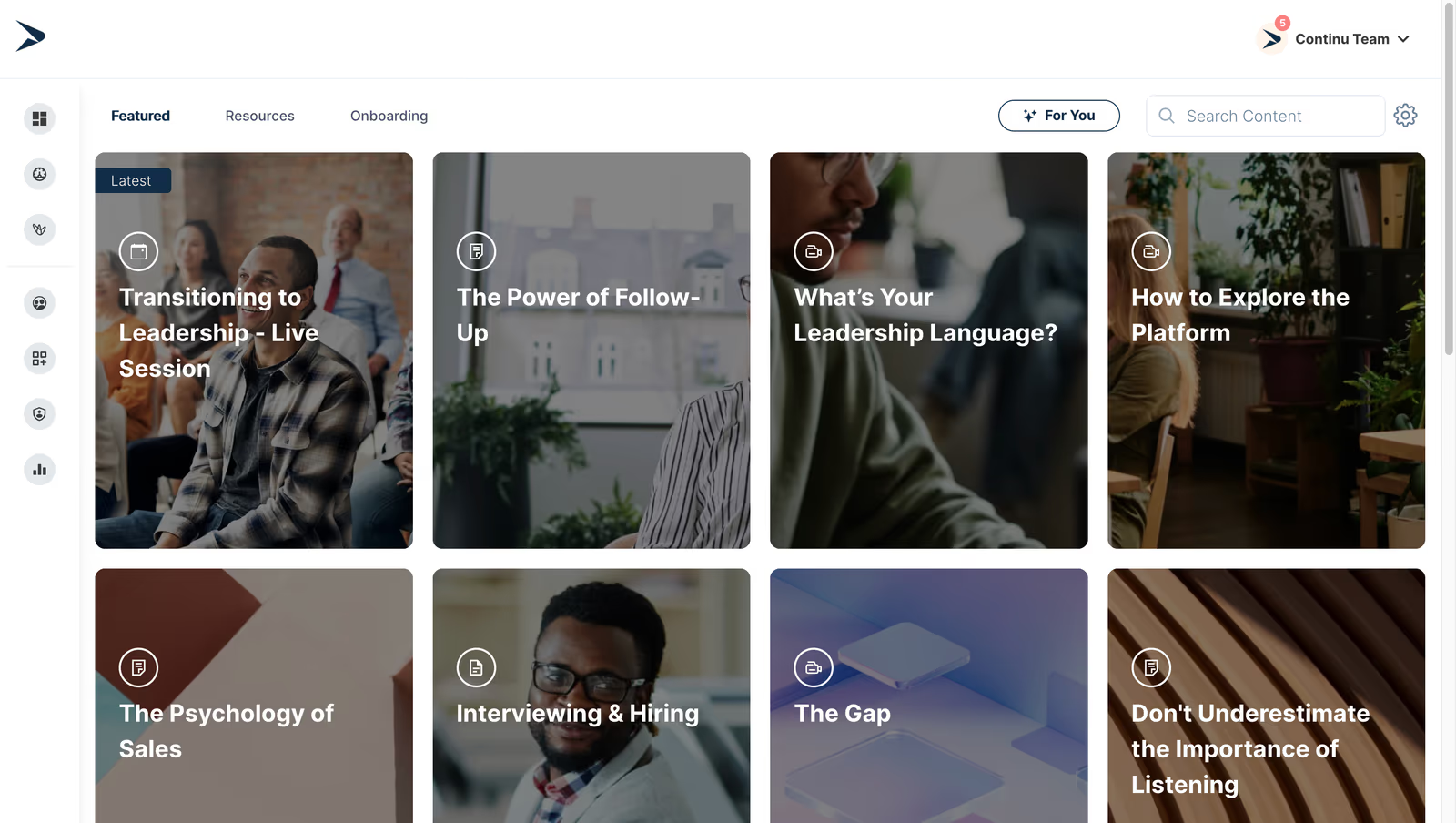
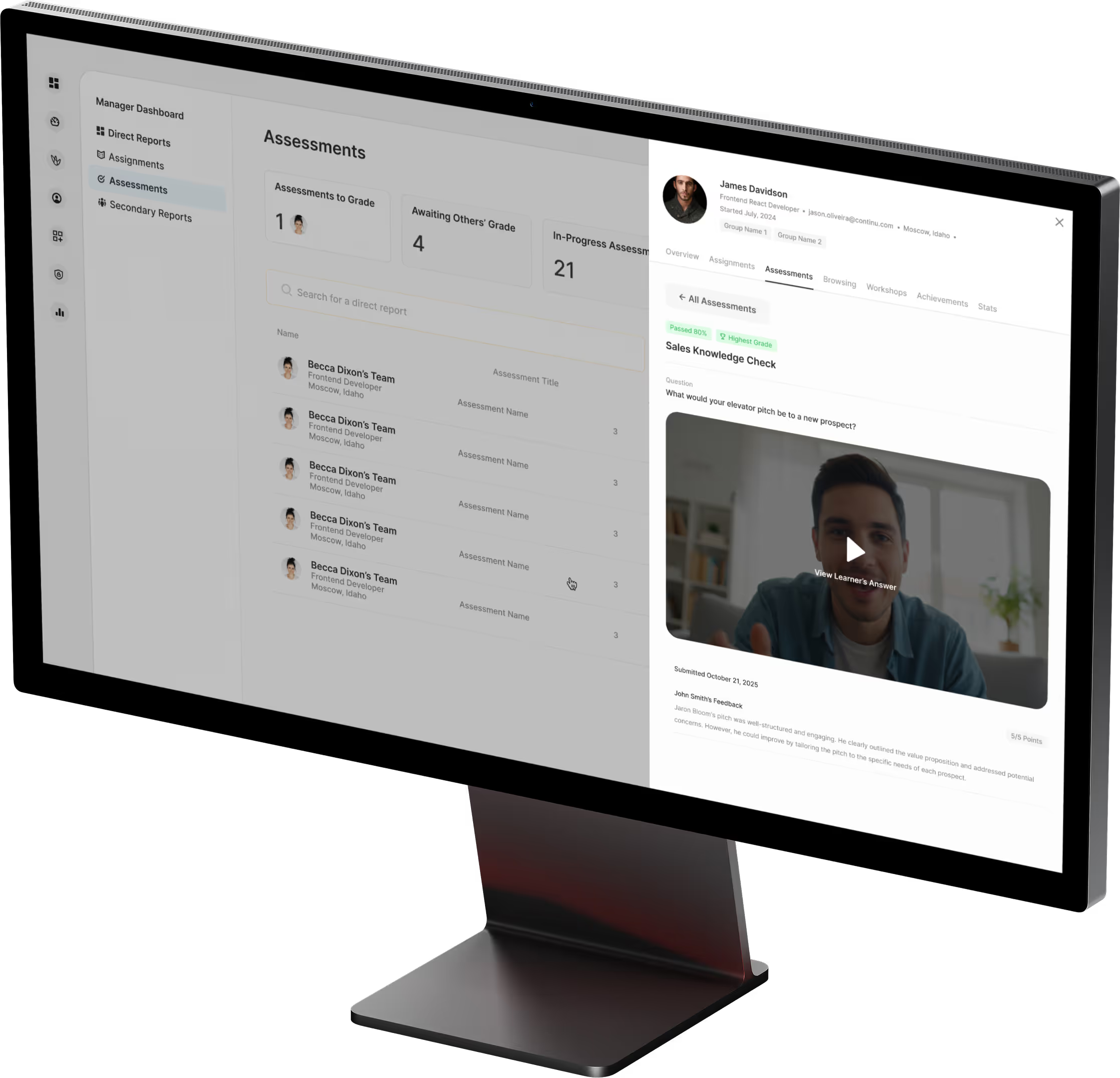
Continu is a modern LMS that delivers bite‑sized training modules, personalized learning paths and robust analytics. It connects to tools like Slack, Zoom and Salesforce so reps can access training in their flow of work. The platform’s AI engine recommends content based on role and performance, helping sales teams master product knowledge, objection handling and processes quickly.
Continu is the top sales training software because it personalizes learning for each rep and surfaces insights on training completion and effectiveness, enabling data-driven enablement decisions for sales leaders.
- AI-powered business intelligence suite to connect training to sales outcomes
- Sales enablement analytics & progress tracking dashboards
- Seamless integrations with CRM and collaboration tools
Pros:
- Powerful reporting and analytics that show training's impact on sales
- Integrates with CRM and collaboration tools for training in the flow of work
- Simple and intuitive video coaching and grading
Cons:
- Not a great fit for non-profits, governments, and educational institutions
- Requires internet access for most features
- Limitations in customizing workflows or content to fit niche requirements
4.8 (7139)
Best for conversational intelligence and call analytics for sales coaching
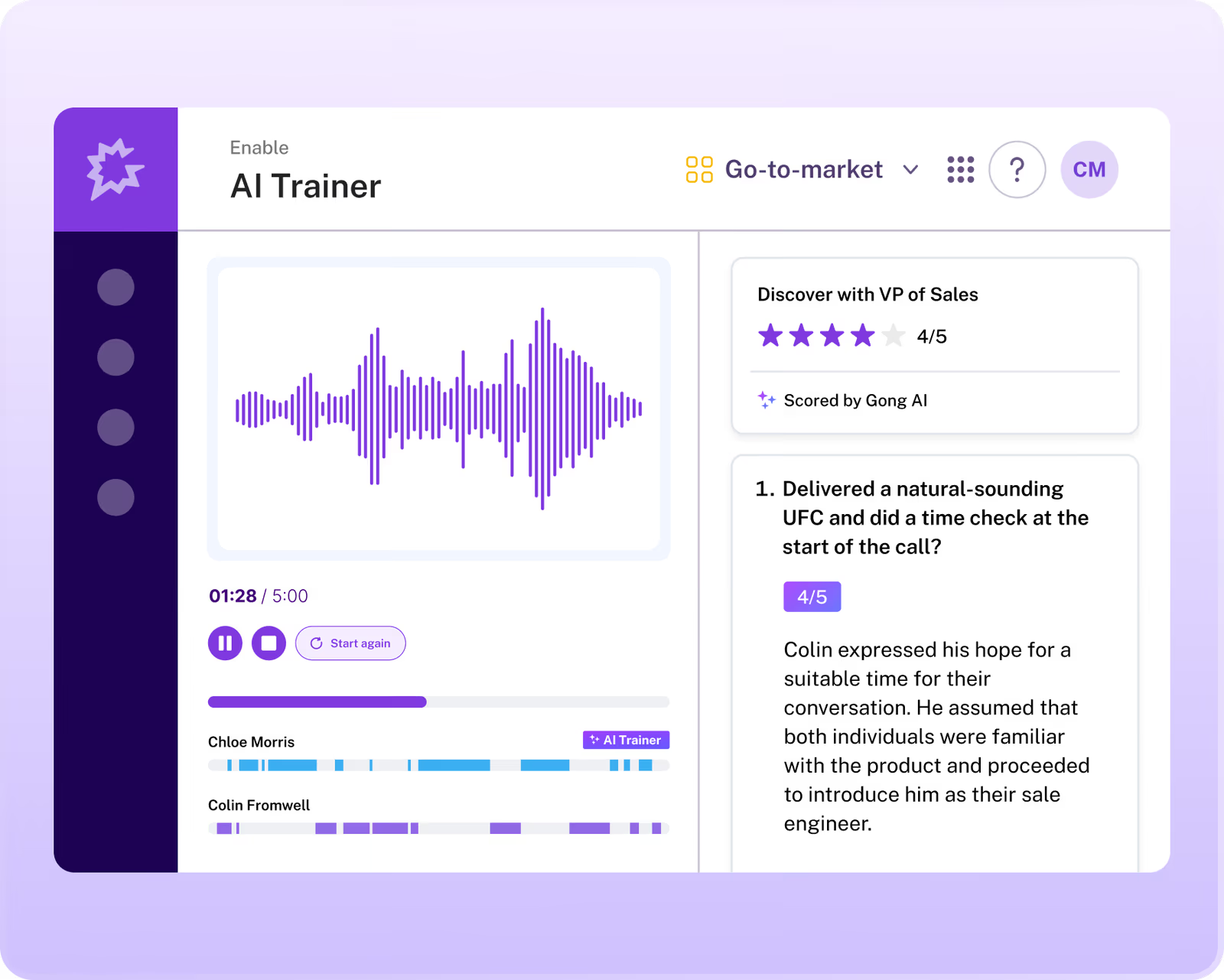
Gong automatically records, transcribes and analyzes sales calls, surfacing key topics, talk ratios, competitive mentions and buyer sentiment. Managers can use insights to coach reps on objection handling, messaging and next steps. Integrations with CRM and collaboration tools help deliver just-in-time learning. Pricing includes platform fee and per-user licensing.
Gong provides actionable insights and coaching from real customer conversations, helping sales leaders improve their sales process.
- Conversation recording and AI-driven analytics
- Deal pipeline and risk insights
- Coaching tools and scorecards
Pros:
- Deep insights into conversations and deal risks
- AI-driven coaching recommendations
- Integrates with CRM and communication tools
Cons:
- High cost with per-user and platform fees
- Requires change management for reps to adopt call recording
- Not a full LMS so training content must be sourced elsewhere

4.7 (2474)
Best for advanced sales enablement combining training, coaching and deal execution
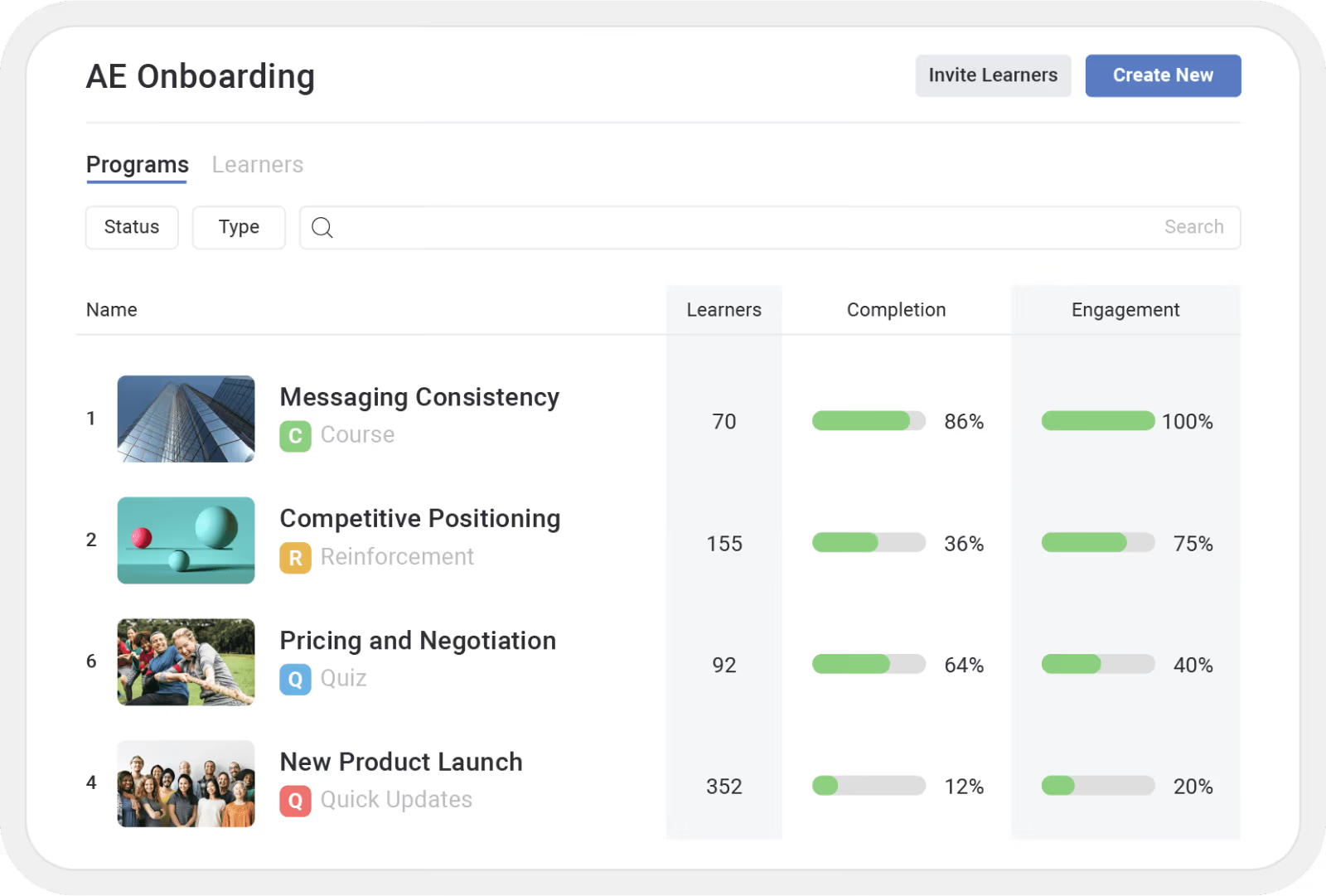
Mindtickle provides sales onboarding, continuous training, coaching, and conversation intelligence. Reps can practice pitches, receive AI-driven feedback, and managers can track competencies and readiness. Integration with CRM provides just-in-time learning recommendations, while analytics tie training activities to revenue outcomes.
Mindtickle trains sales teams while reinforcing skills with coaching and tracking impact on deals across the entire sales lifecycle.
- AI-powered coaching and role-play simulations
- Competency and readiness analytics tied to revenue
- Integrated content management and sales playbooks
Pros:
- Combines training, coaching and deal execution in one platform
- AI-driven simulations and analytics provide measurable readiness
- Highly rated by analysts and customers
Cons:
- Pricing is high and custom
- Implementation complexity and change management required
- May be overkill for smaller teams
4.7 (1422)
Best for enterprise sales content management and training
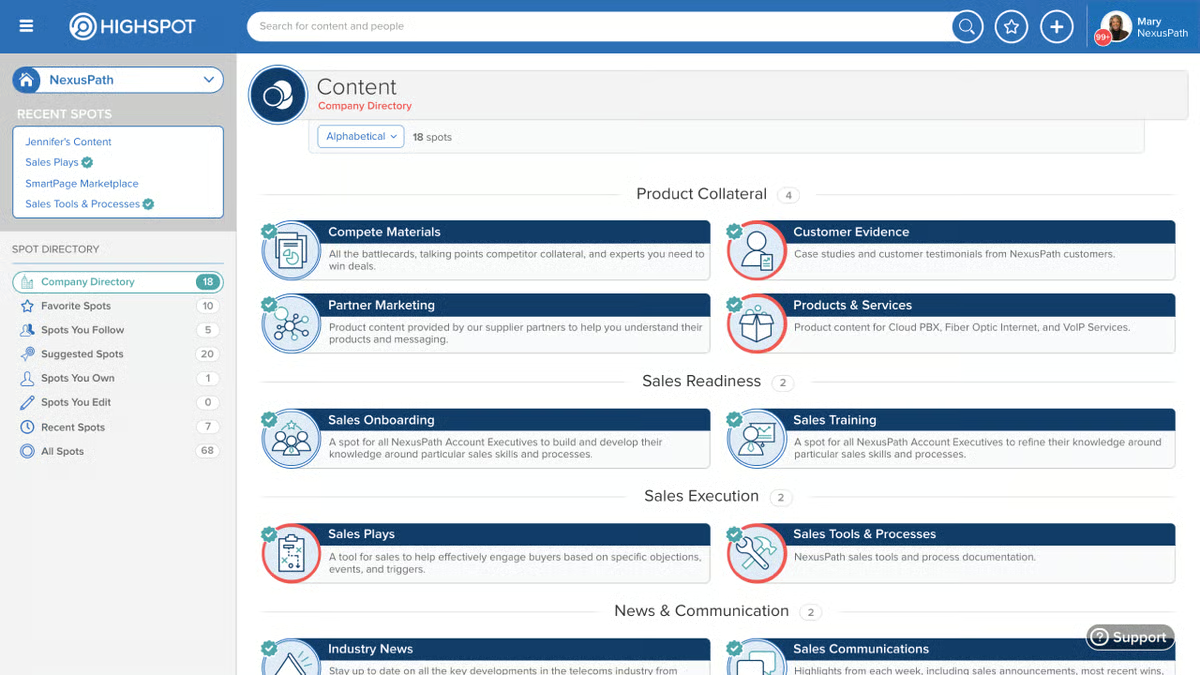
Highspot centralizes sales content and delivers contextual training and guidance within the seller’s workflow. Reps can access product information, pitches and training resources; managers can set up guided playbooks and track usage and performance. Highspot's AI surfaces relevant content and plays for each deal stage. Pricing is customized.
Highspot combines training with live sales content and playbooks, ensuring reps always know what to say and share with prospects.
- Content management and guided selling playbooks
- Training & coaching modules integrated into workflows
- AI-driven recommendations and analytics
Pros:
- Unified content management with training guidance
- AI surfaces relevant plays and content
- Strong integrations with CRM and email
Cons:
- Pricing is high and not transparent
- Implementation requires change management
- Complexity for smaller teams

4.7 (1072)
Best for enterprise enablement combining content delivery and training
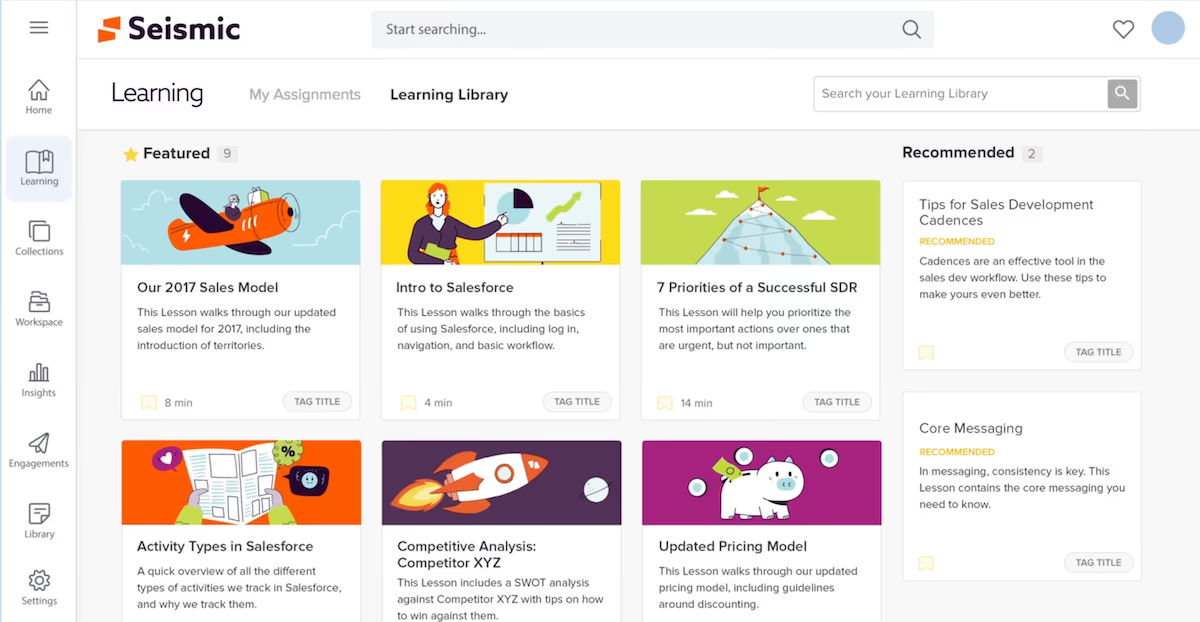
Seismic’s enablement suite includes content management, live content personalization, learning and coaching modules through its Lessonly acquisition, and analytics that show which materials drive engagement and deals. It integrates with CRM and communication tools to deliver training and resources within workflows. Pricing is custom.
Seismic unifies content, training and coaching in one platform, ensuring sellers always have the right information and skills to close deals.
- Dynamic content management and personalization
- Integrated learning & coaching (Lessonly)
- Analytics and CRM integration
Pros:
- Combines content management with training and coaching
- Dynamic content personalization for each buyer
- Deep integrations with CRM and marketing systems
Cons:
- Custom pricing and high cost
- Complexity may require dedicated admin
- Implementation can be time-consuming
4.7 (759)
Best for scaling enterprise sales training with automation and support
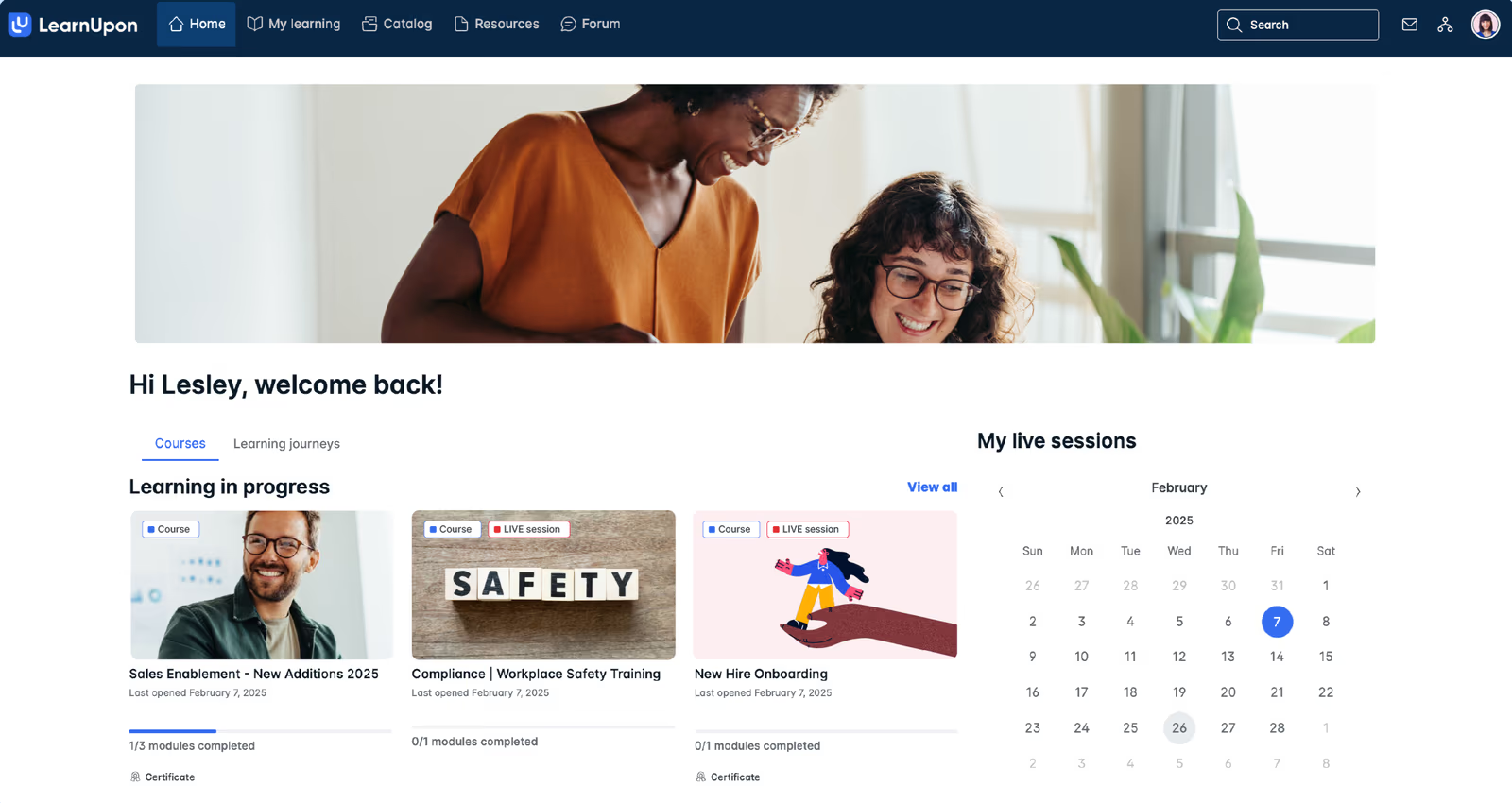
LearnUpon’s platform offers built‑in course authoring, blended learning, and automation features that simplify the administration of global sales training programs. It integrates with Salesforce to deliver training within the CRM, supports e-commerce for external learners, and provides robust reporting and certification tracking. Pricing is per employee per month with scalable tiers.
LearnUpon balances ease of use with powerful features and responsive support to help sales enablement teams scale programs across regions.
- Scalable LMS with blended learning and certifications
- Automation and reporting
- CRM and e-commerce integrations
Pros:
- Easy-to-use yet robust for admins and learners
- Automation saves admin time
- Strong customer support
Cons:
- Pricing can add up as user counts grow
- Limited built-in sales content
- Some features require additional modules

4.6 (1443)
Best for modern and scalable sales training with built-in content library
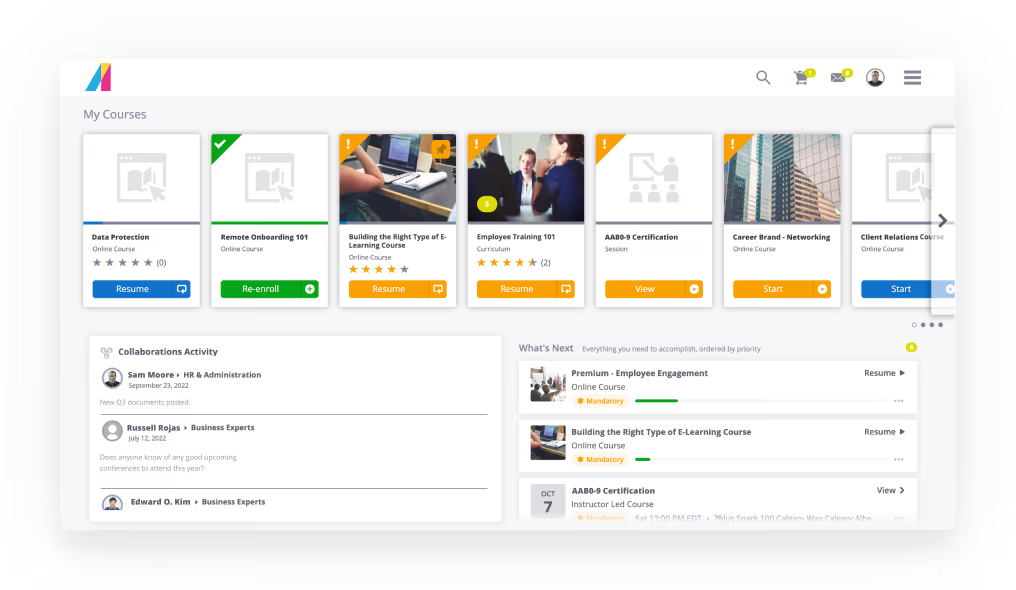
Absorb LMS supports interactive courses, video-based learning and assessments to upskill sales teams. It offers a content library with ready-made courses, flexible branding for customer portals, and robust analytics to track completion and performance. Integrations with Salesforce and other tools ensure training fits into sales workflows.
Absorb combines curated content with flexibility to build custom training modules and track certifications across sales teams.
- Extensive content library & course authoring
- Mobile-friendly learning with gamification
- Detailed reporting and analytics
Pros:
- Large course library reduces time to create training
- Mobile access and gamification keep reps engaged
- Robust analytics for compliance and performance tracking
Cons:
- Pricing can be high and not publicly listed
- Administrator interface can be complex
- Limited sales-specific content by default
4.6 (1106)
Best for collaborative peer-driven sales training programs
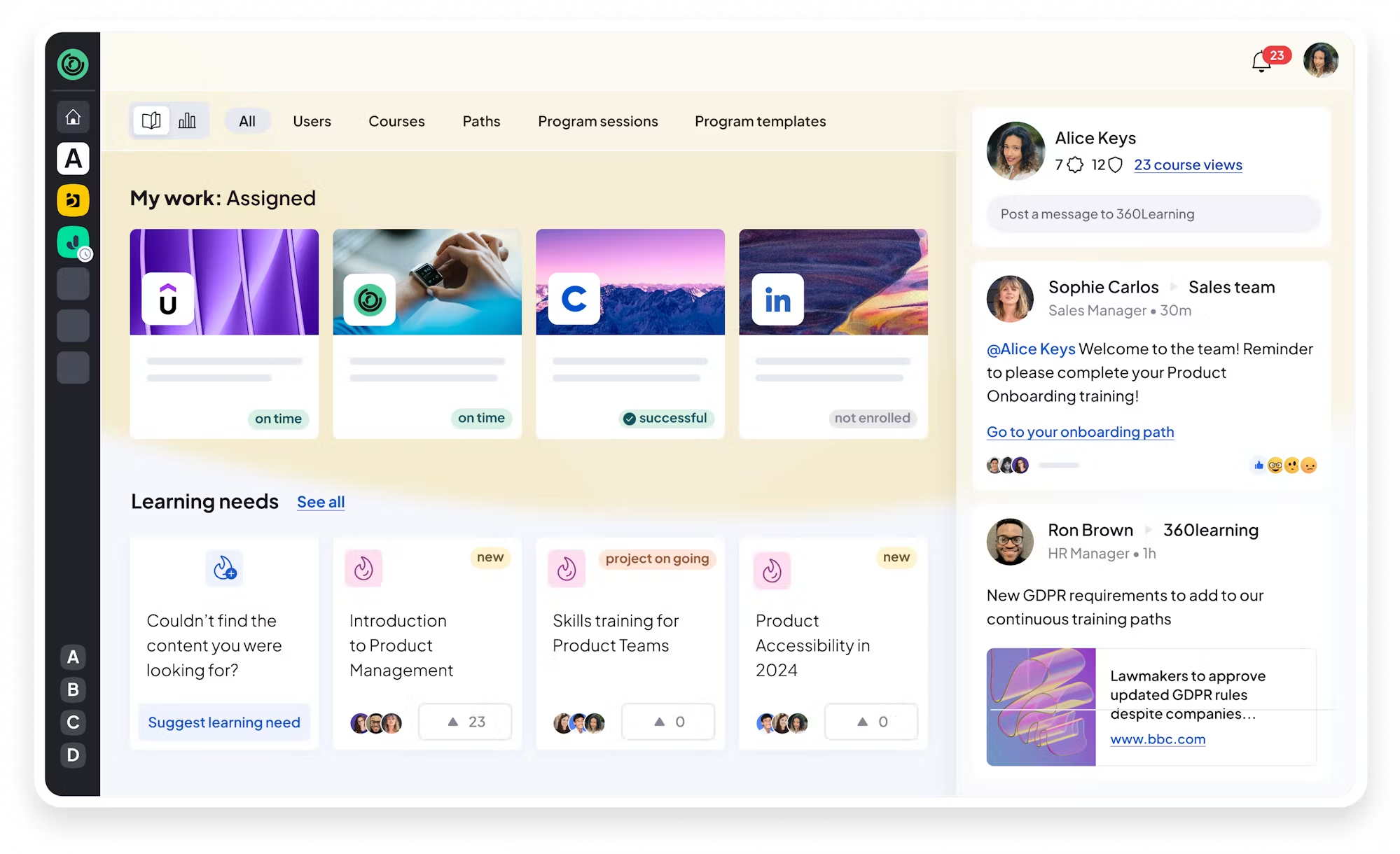
360Learning enables subject matter experts and reps to collaboratively build and update sales training courses. Its built‑in authoring tools, peer reviews, discussion forums and gamification motivate sellers to engage, while analytics track completion and knowledge retention. Mobile apps and SCORM compliance ensure training is accessible anytime.
360Learning's collaborative approach turns top performers into coaches and fosters a culture of continuous learning and peer accountability across sales teams.
- Collaborative authoring and peer feedback
- Mobile‑ready microlearning with gamification
- Analytics and progress tracking
Pros:
- Empowers subject matter experts to create and update training content
- Engaging peer feedback and gamification encourage adoption
- Strong analytics to track completion and proficiency
Cons:
- Advanced reporting and customization limited
- Requires active participation from coaches
- Pricing details not publicly available
4.6 (1982)
Best for cost-effective customizable sales training for SMBs
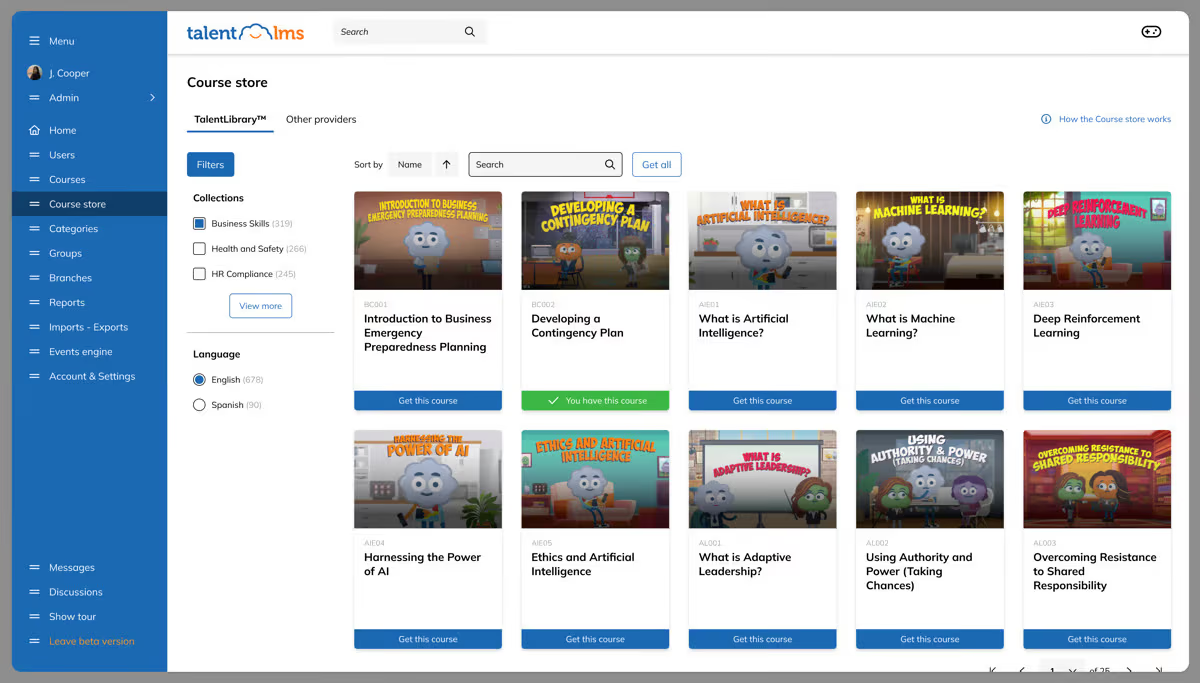
TalentLMS provides an intuitive platform for creating bite-sized sales courses, interactive quizzes, and assessments. The system supports blended learning, webinars, and gamification to engage learners. Pre-built templates and a free plan make it accessible to small sales teams, while integrations with CRM and video conferencing tools help incorporate training into existing workflows.
TalentLMS's affordability and ease of setup allow sales leaders to roll out consistent training to growing teams without complexity.
- Drag-and-drop course builder with quizzes and multimedia
- Gamification & certificates
- Free plan and tiered pricing
Pros:
- Very affordable with free plan
- Intuitive course creation and gamification
- Quick to set up for small teams
Cons:
- Limited advanced analytics and customization
- May not scale for enterprise complexity
- Integration features require third-party connectors

4.9 (104)
Best for AI‑powered personalized learning and knowledge management for sales teams
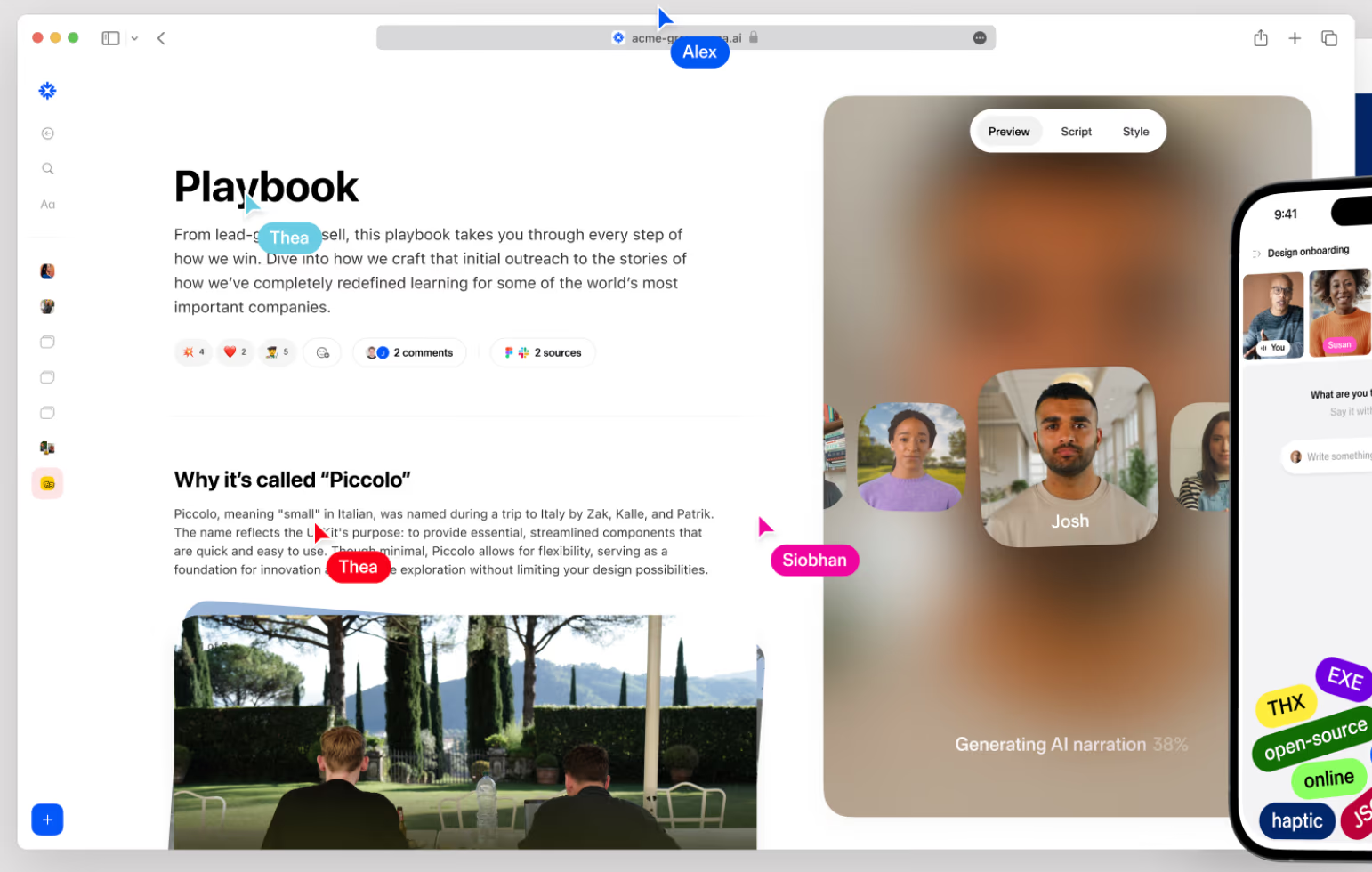
Sana is an AI-powered learning platform whose engine automatically generates learning paths and microlearning modules based on each rep's knowledge gaps and context. It uses advanced search to pull up company information, product documentation and best practices in seconds, so reps can find answers while on the job. It also offers interactive Q&A and integration with communication tools, enabling a just-in-time learning environment that scales across global teams.
Sana's generative AI helps sales enablement teams deliver tailored training to each salesperson and keep knowledge bases up to date.
- AI‑powered personalized learning paths
- Integrated knowledge base and dynamic search
- Automated content generation and analytics
Pros:
- Personalized AI‑driven learning experiences
- Integrated knowledge base with powerful search
- Modern interface and strong support
Cons:
- Pricing may be prohibitive due to minimum seats
- Limited public pricing transparency
- Smaller review base and early‑stage platform
4.7 (244)
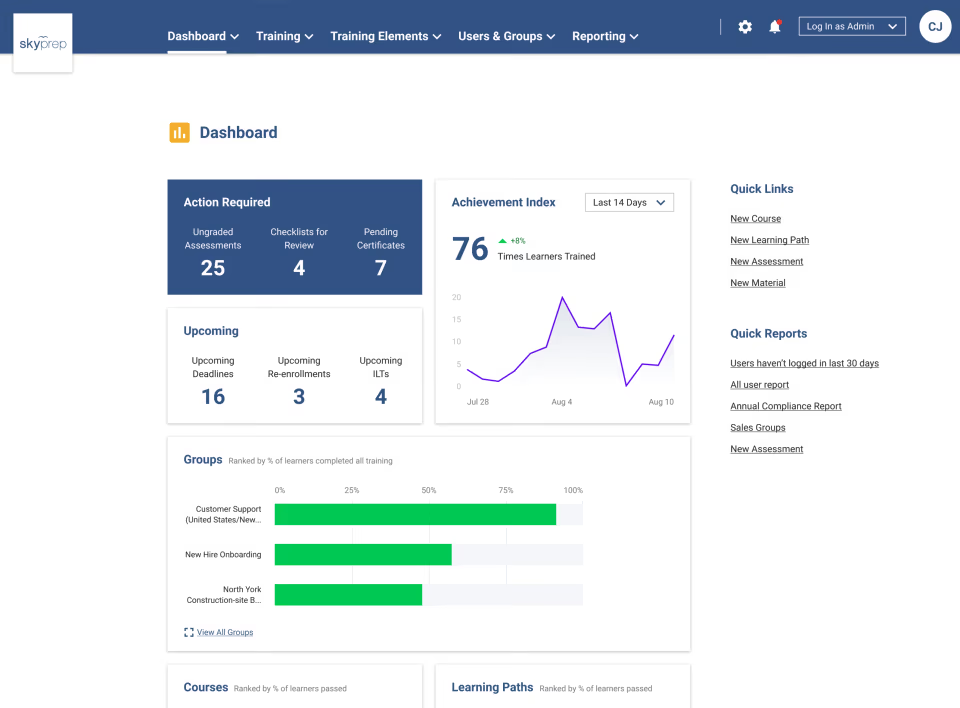
SkyPrep is an accessible learning management system with custom branding, automated enrollment and blended learning support. It is easy to navigate and offers dedicated customer support, but lacks advanced analytics and interactive features found in more sophisticated tools.
SkyPrep serves smaller sales teams that need a straightforward training solution without breaking the budget.
- Custom branding and simple course creation
- Automated learner enrolment and blended learning
- Budget‑friendly pricing with dedicated support
Pros:
- Very easy to use and intuitive
- Budget‑friendly and flexible pricing
- Personalized customer support
Cons:
- Email reminders and notifications could improve
- Lacks advanced analytics
- Limited built‑in content and integrations

4.5 (200)
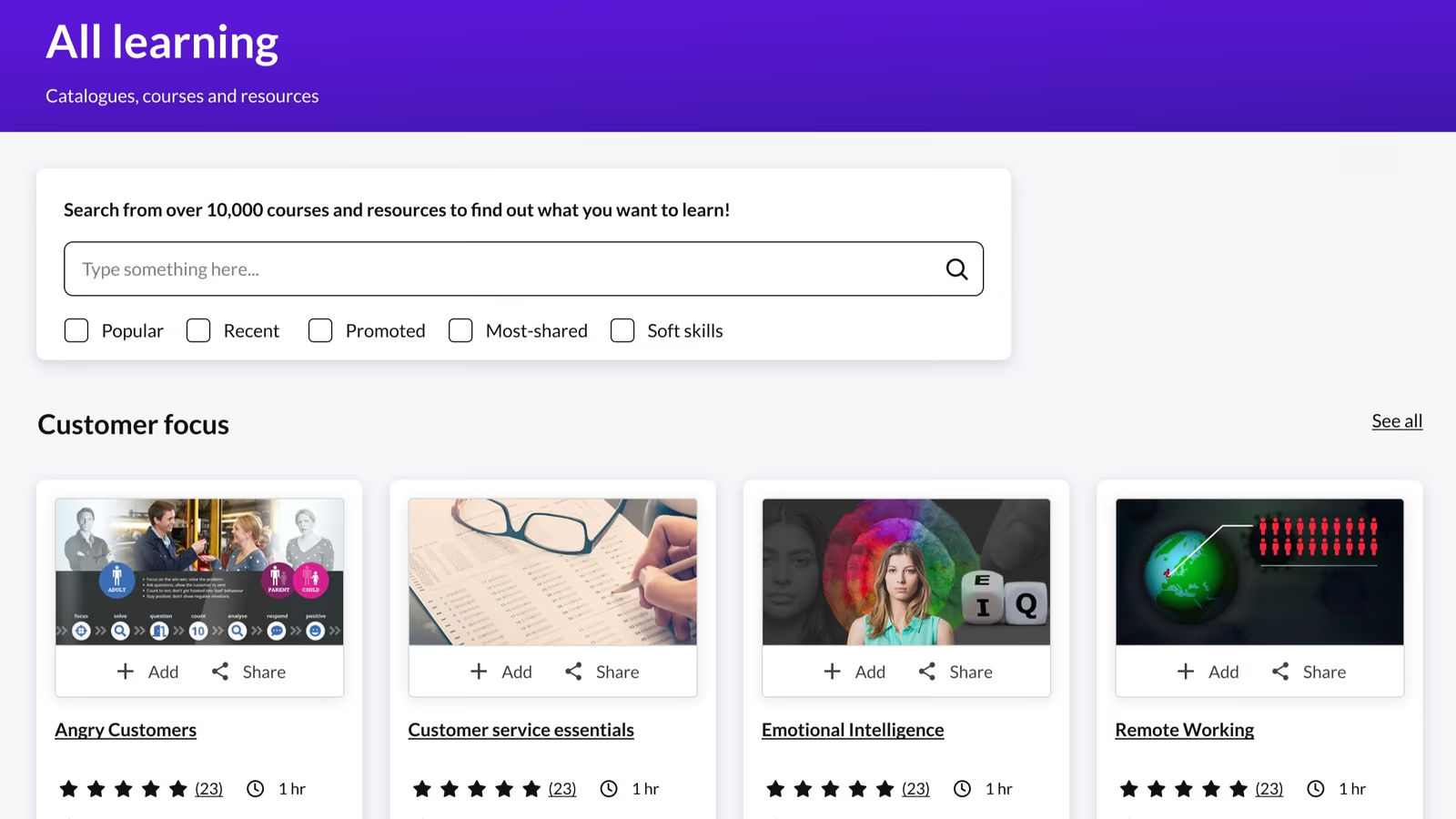
Kallidus Learn is an enterprise learning platform that delivers structured training programs at scale with strong compliance and skill-tracking capabilities. It offers content authoring, learning paths, multi-language support and AI-driven skills mapping to ensure sales reps develop the right competencies. However, its premium price and complexity require careful consideration.
Kallidus Learn provides robust compliance features that support complex global sales training programs for enterprises.
- Comprehensive learning management with content authoring and learning paths
- AI‑driven skills mapping and analytics
- Multi‑language support and compliance tracking
Pros:
- Robust compliance and skill tracking
- Supports large‑scale training across languages
- AI‑driven skills mapping
Cons:
- High starting price
- Requires dedicated administration
- Some features may require additional modules
4.5 (389)
eloomi is a robust learning platform that combines content authoring, learning paths, microlearning, assessments and gamified challenges with performance management features like goals, OKRs and 1-on-1 conversations. It drives continuous sales skill development and ensures reps stay aligned with company goals. The platform supports blending on-demand training with live sessions and offers analytics to track skill proficiency and compliance.
eloomi offers an all-in-one training and performance solution that makes it easy to onboard salespeople, deliver ongoing coaching and manage performance reviews in one tool.
- Integrated learning and performance platform with OKRs and 1‑on‑1s
- Automated learning workflows and interactive quizzes
- Gamification and certification management
Pros:
- Combines LMS and performance management
- Automated workflows and interactive quizzes
- Gamification and certification features
Cons:
- Pricing can be high for advanced plans
- Reporting dashboards may feel limited
- Initial setup and content creation require time
4.6 (877)
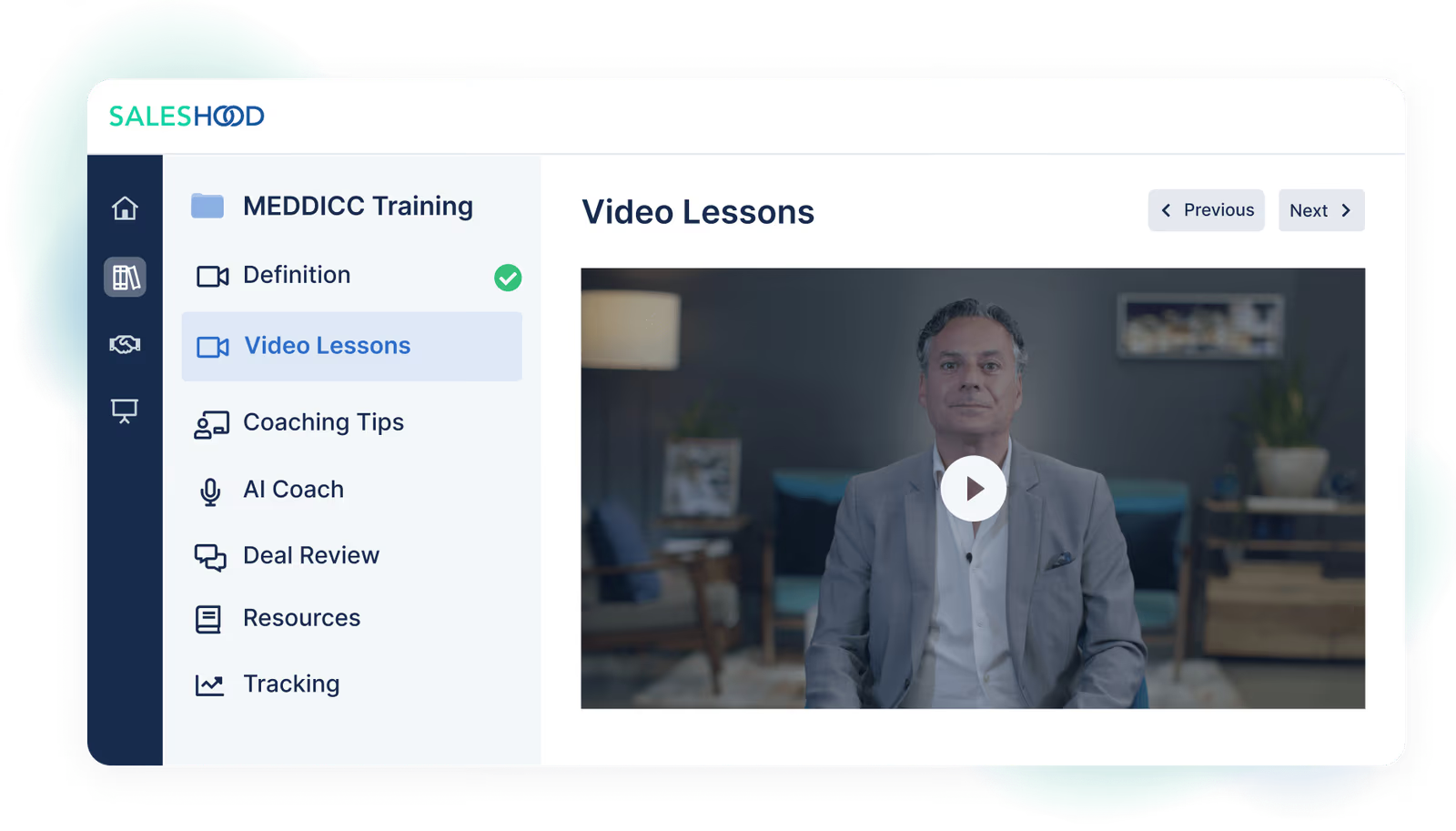
SalesHood’s platform enables managers to create interactive training modules, video pitch practice, quizzes and certifications. Reps can record practice sessions, receive feedback from coaches and peers, and access a library of sales plays and best practices. Analytics track completion, engagement and correlation to performance. Pricing is per user per month with add-on modules.
Seismic Learning centralizes training, coaching and content in one place, making it easy to scale onboarding and enablement across sales teams.
- Video-based onboarding and pitch practice
- Coaching workflows and peer feedback
- Sales content library and analytics
Pros:
- Video-based training and pitch practice fosters real-life scenarios
- Coaching and peer feedback features improve engagement
- Integrated content library and analytics unify resources
Cons:
- Pricing may be high for large teams
- Limited public information and customization
- Additional modules can add cost

4.4 (1126)
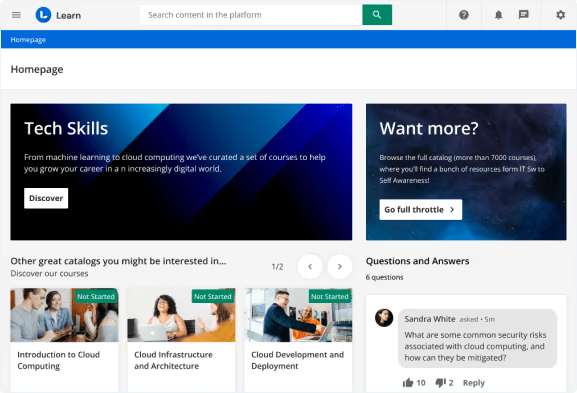
Docebo’s LMS platform includes built‑in authoring, content marketplace and AI algorithms that recommend training to each seller based on role and performance. With multi‑audience portals, you can train reps, partners and customers in one system. Compliance and certification management ensure reps meet regulatory requirements, and robust analytics provide insights into course completion and impact.
Docebo delivers hyperpersonalized training and scales global sales programs while integrating with CRM and sales content tools for revenue organizations.
- AI-powered content recommendations and personalization
- Multi-audience portals with certification and compliance tracking
- Integrations with content libraries and CRM
Pros:
- Hyperpersonalized AI recommendations
- Robust certification and compliance features
- Scalable multi-audience training
Cons:
- Pricing model and add-ons can be expensive
- UI complexity may require training for admins
- Some updates and features may be slow to deliver

4.5 (691)
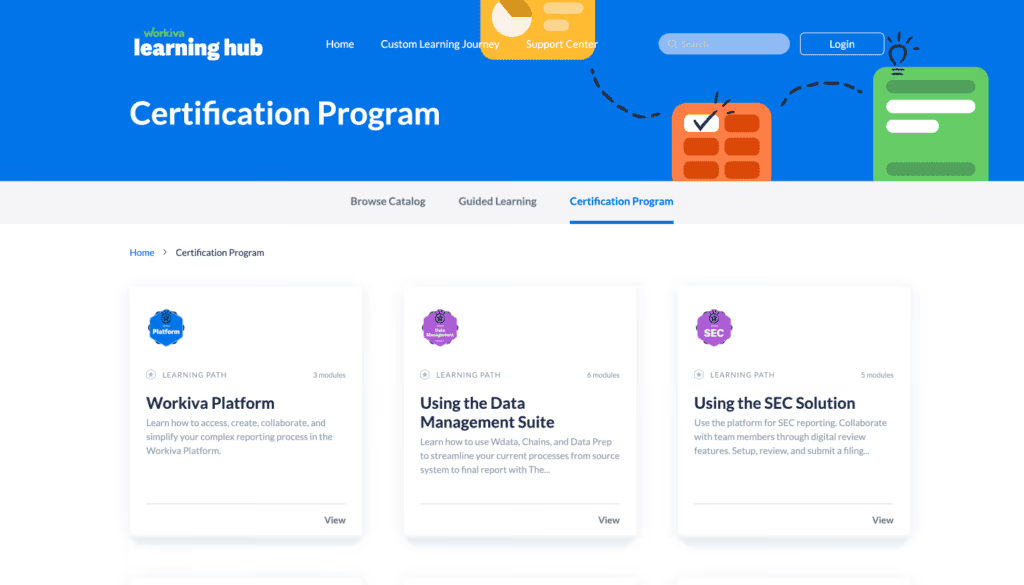
WorkRamp is a learning platform that automatically turns existing content into interactive guides with knowledge checks, eliminating the need to build content from scratch. Its integration with LinkedIn Learning and other content sources provides a robust library for continual development, and the platform is intuitive for both admins and learners. However, reporting capabilities could be more robust and pricing is not transparent.
WorkRamp provides interactive, engaging training experiences for revenue teams without major content development efforts.
- AI‑powered conversion of existing content into interactive guides
- Integration with LinkedIn Learning and external content libraries
- Modern, intuitive interface and strong customer success support
Pros:
- AI‑powered interactive guides
- Large content library via LinkedIn Learning integration
- Strong customer success support
Cons:
- Reporting functionality not very robust
- Some features under‑delivered
- Pricing transparency is limited

4.4 (710)
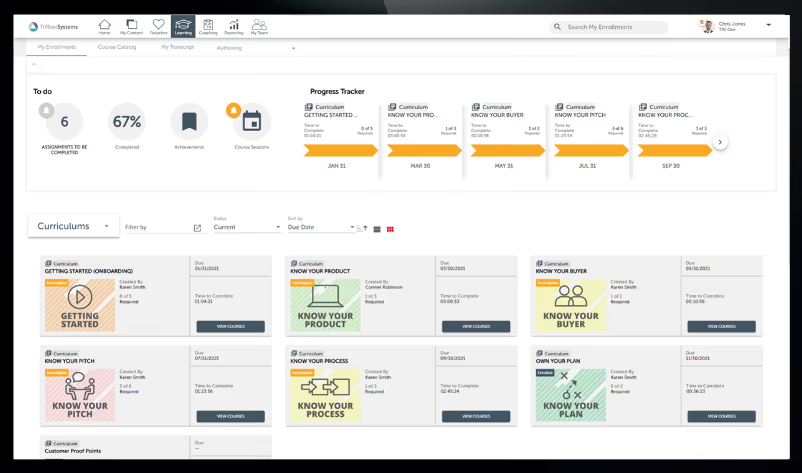
Brainshark lets sales enablement teams create interactive presentations and video training modules, share them with reps and partners, and track who has viewed and completed the content. Features include certifications, quizzes and analytics. The platform integrates with CRM and content management tools to deliver training in context.
Brainshark turns PowerPoints into interactive videos and tracks consumption metrics to ensure reps are prepared for customer conversations.
- Video-based course authoring and presentations
- Certification and assessments with analytics
- Integration with CRM and content tools
Pros:
- Transforms presentations into engaging video content
- Certification and analytics ensure readiness
- Integrates with CRM and content platforms
Cons:
- Pricing not publicly available
- Interface may feel dated compared to modern platforms
- Limited advanced coaching features

4.4 (296)
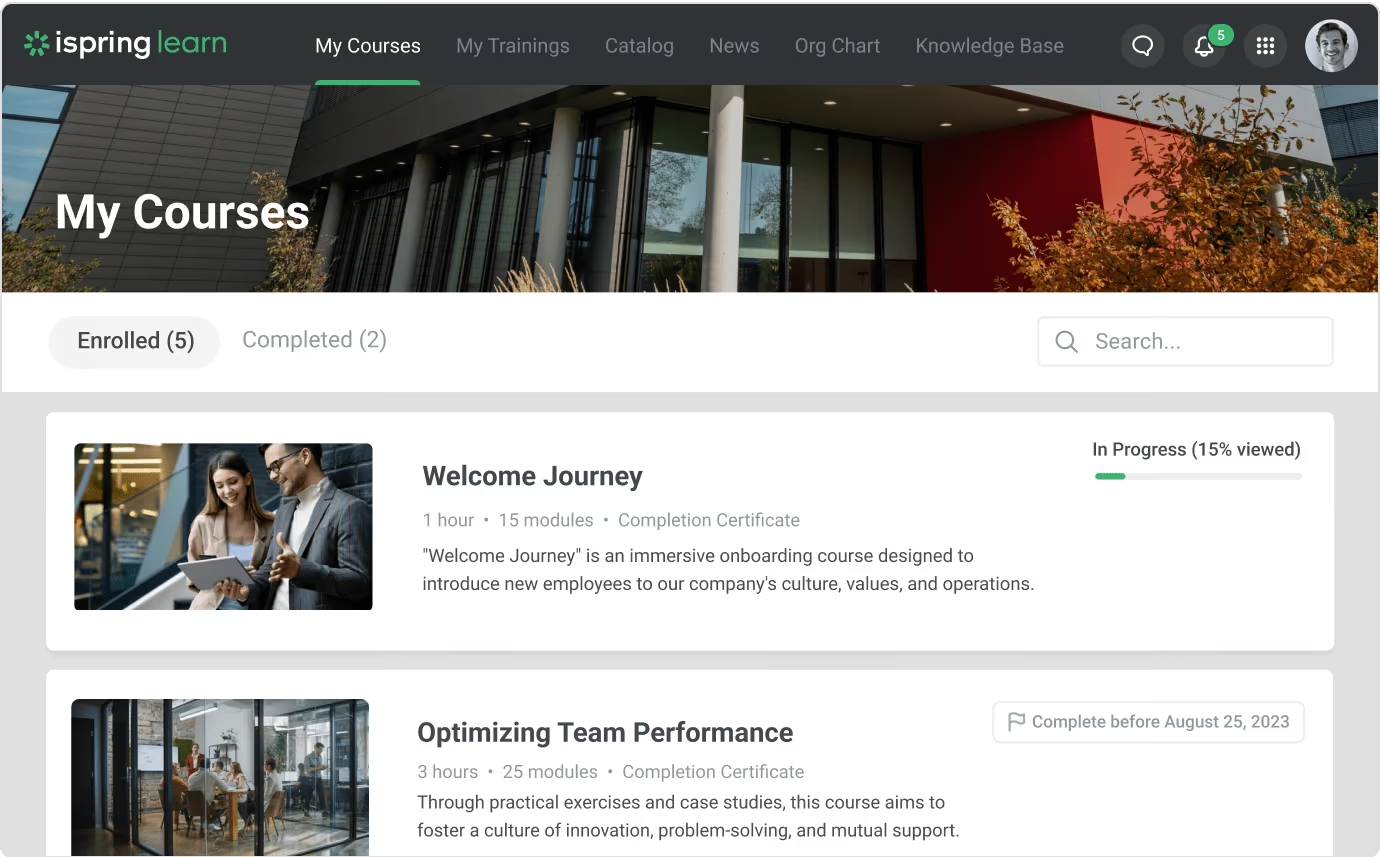
iSpring Learn is a straightforward learning management system for building online courses quickly using PowerPoint conversion and built-in authoring tools. It supports video and SCORM content, quizzes and certificates, and offers a mobile app for reps to learn on-the-go. The pay-per-active-user model ensures organizations only pay for those who use the platform, though its analytics and reporting are limited for large-scale enablement programs.
iSpring Learn offers sales leaders a simple, affordable way to roll out training content quickly without complex configuration.
- Built‑in course authoring with PowerPoint conversion
- Pay‑per‑active‑user pricing model
- Mobile app for on‑the‑go learning
Pros:
- Affordable pay‑per‑active‑user pricing
- Simple built‑in authoring and content conversion
- Mobile‑friendly training access
Cons:
- Limited advanced analytics and reporting
- Pricing model can be confusing
- Mobile app lacks admin functions
4.3 (53)
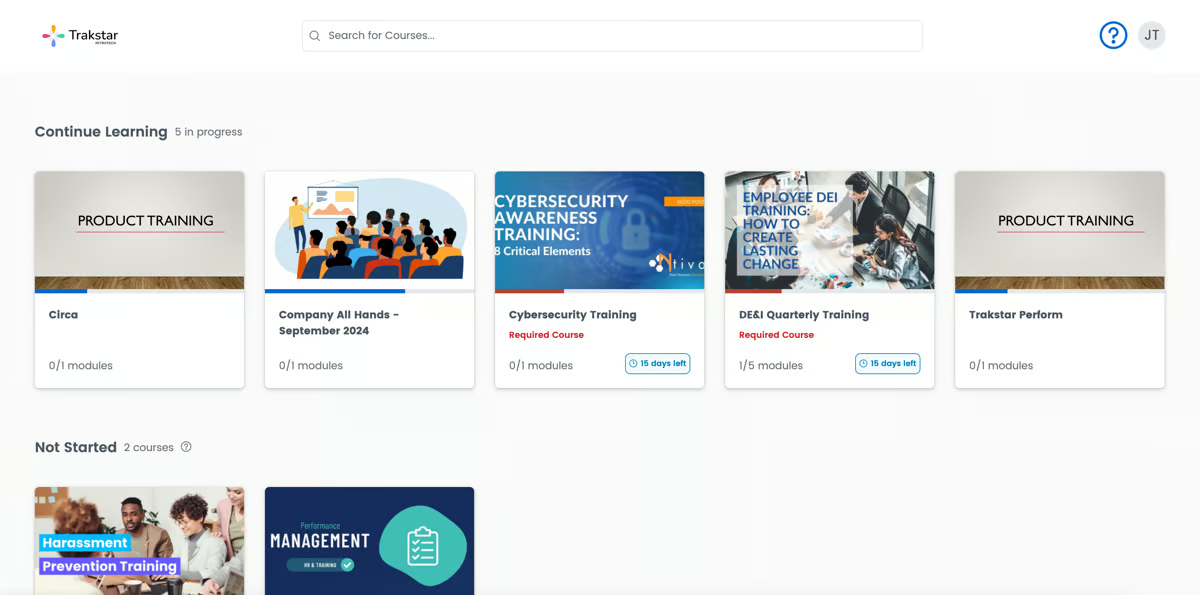
Trakstar Learn is a comprehensive learning management system with built-in authoring, SCORM compliance, blended learning support and analytics. Organizations can assign courses, track progress and issue certificates to partners or resellers. However, the interface may feel dated and lacks modern engagement features, and pricing can become expensive at higher tiers.
Trakstar Learn supports formalized training and certification programs for sales channels and partner networks.
- Built‑in course authoring and SCORM compliance
- Certification and licensing management
- Reporting and progress tracking
Pros:
- Comprehensive certification and licensing features
- Flexible pricing tiers
- Supports blended learning and SCORM
Cons:
- Interface can feel outdated
- Limited modern engagement features
- Higher tiers can get expensive


4 (100)
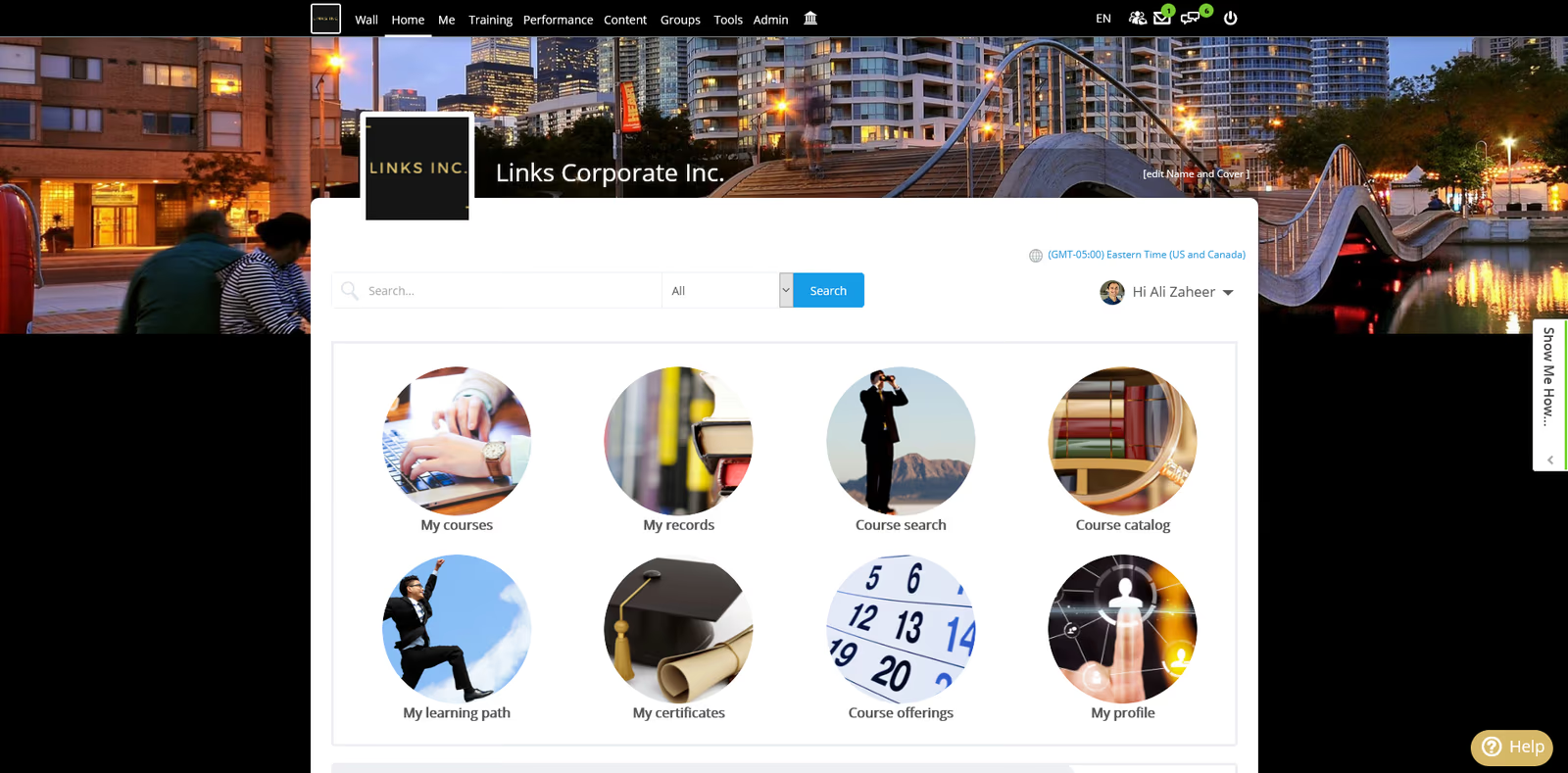
Schoox is a learning and talent development platform that maps the skills required for each sales role and delivers personalized learning paths to close skill gaps. It supports mobile learning with gamification, integrates with HR and performance systems, and ties learning outcomes to business results. It's ideal for training frontline sales reps who are constantly on the move. However, analytics may not be as deep as other platforms and customizing content may require additional support.
Schoox aligns frontline sales teams with business results through personalized, mobile-first learning for distributed sellers.
- AI‑driven skill mapping and personalized learning plans
- Mobile‑first learning with gamification
- Integrated talent development and HRIS integration
Pros:
- Personalized AI‑driven learning for frontline roles
- Mobile‑first design engages frontline workers
- Integrates with HR and talent development tools
Cons:
- Pricing may be high for large teams
- Analytics and reporting could be more robust
- Limited third‑party content marketplace
How We Evaluate Sales Training Software
Selecting the right sales training platform requires more than feature checklists.
You need a solution that reduces rep ramp time, connects training to quota attainment, and keeps pace with product launches and competitive shifts.
Our evaluation methodology reflects these priorities.
Our Scoring Methodology
Each sales training solution was assessed across seven weighted criteria.
We combined independent research with hands-on platform testing to generate a composite score out of 100.
Why These Criteria Matter for Sales Training Solutions
Sales training software serves a different purpose than general employee training platforms.
Your reps are quota-carrying revenue generators—not desk workers with time for lengthy courses.
The best sales training platforms deliver just-in-time learning, integrate with existing sales workflows, and prove direct impact on pipeline and closed deals.
That's why we weighed Sales Enablement Features and Business Impact & Analytics highest.
These criteria determine whether a platform actually improves sales performance and revenue outcomes—not just course completion rates.
Generic LMS platforms lack sales-specific capabilities like competitive battlecards, role-playing simulations, and CRM-integrated analytics that connect training directly to deals won.
What Is Sales Training Software?
Sales training software is a platform that enables organizations to onboard, certify, and continuously develop sales teams through structured learning programs, product knowledge training, and skills development. Unlike general learning management systems, sales training platforms are built specifically for quota-carrying revenue teams who need just-in-time access to product updates, competitive intelligence, and sales methodology reinforcement.
These platforms centralize sales playbooks, certification programs, onboarding workflows, and ongoing enablement into a single system that integrates with CRM and sales engagement tools. Sales training solutions track how learning impacts pipeline generation, deal velocity, and win rates—connecting education directly to revenue outcomes.
Who Uses Sales Training Software
Sales training platforms are used by sales enablement teams, revenue operations leaders, sales managers, and learning and development professionals across B2B and B2C organizations. Companies leverage these tools to reduce new hire ramp time, maintain product knowledge across distributed teams, standardize sales methodologies, and deliver ongoing skills development that keeps pace with market changes.
Primary Use Cases
Common applications of sales training software include:
- New Hire Onboarding: Accelerate time-to-first-deal with structured learning paths covering product knowledge, sales process, tools training, and company methodology
- Product Launch Training: Rapidly deploy training on new features, pricing changes, and positioning to ensure reps sell accurately and confidently
- Competitive Intelligence: Deliver battlecards, objection handling, and competitive positioning updates as market conditions change
- Sales Methodology Reinforcement: Train teams on frameworks like MEDDIC, Challenger, or SPIN selling with role-playing scenarios and ongoing practice
- Skills Development: Build capabilities in prospecting, discovery, demo delivery, negotiation, and closing through microlearning and coaching
- Certification Programs: Validate product knowledge and sales competency with assessments tied to stage-gate advancement or territory assignment
- Sales Leadership Training: Develop first-line managers with coaching frameworks, pipeline management, and team development skills
How It Works
Sales training platforms allow enablement teams to create learning paths, upload product documentation, build assessments, and assign training based on role, territory, or deal stage. Reps access content through web browsers or mobile apps, complete training between calls or meetings, and take assessments to validate knowledge.
The system automatically tracks progress, issues certifications, sends reminders, and generates reports showing completion rates, assessment scores, and—when integrated with CRM—correlation between training completion and sales performance metrics like quota attainment and win rates.
Industry Context
The global sales enablement platform market reached $2.6 billion in 2024 and is projected to grow to $8.5 billion by 2030. This growth is driven by distributed sales teams requiring remote training, increasing product complexity demanding continuous education, and revenue leaders needing data proving training ROI connects to pipeline and closed deals.
Benefits of Sales Enablement Tools for Businesses
Implementing sales training software delivers measurable outcomes across revenue performance, rep productivity, and sales team efficiency.
1. Faster Rep Ramp Time
New sales hires reach quota faster with structured onboarding. Organizations using sales training platforms reduce ramp time by 30-50% compared to ad-hoc shadowing and manual training.
A rep who takes 6 months to reach full productivity now gets there in 3-4 months, directly impacting annual revenue per territory.
2. Higher Quota Attainment
Trained reps hit quota more consistently. Companies with formal sales training programs see 50% higher net sales per employee and 15% improvement in win rates.
When reps understand product differentiation, competitive positioning, and proven sales methodologies, they close more deals at higher values.
3. Reduced Training Costs
Centralized training eliminates redundant onboarding across regions and territories. Sales leaders spend less time repeating product updates in individual meetings.
Content created once scales across hundreds or thousands of reps, cutting training delivery costs by 40-60% while improving consistency.
4. Improved Product Knowledge Retention
Spaced repetition, microlearning, and assessments improve long-term retention. Reps trained through software platforms demonstrate 25-60% higher knowledge retention compared to one-time classroom sessions.
When reps actually remember product features and competitive advantages, they sell more effectively.
5. Consistent Sales Messaging
Every rep delivers accurate product information and value propositions. Sales training software ensures messaging stays current across product launches, pricing changes, and market shifts.
Consistent training prevents reps from misrepresenting features or making commitments your product can't deliver.
6. Measurable Training ROI
Platform analytics connect training completion to pipeline generation and closed deals. Sales leaders see which training correlates with higher win rates, faster deal cycles, and larger deal sizes.
This visibility proves training impact to executive leadership and guides future enablement investment.
7. Faster Product Launch Adoption
New features reach market faster when reps learn quickly. Sales training platforms deploy product update training in days instead of weeks, ensuring your entire sales organization can sell new capabilities immediately after launch.
Speed to market directly impacts revenue from new product lines.
8. Reduced Rep Turnover
Reps stay longer at companies that invest in their development. Organizations with structured training programs report 30-40% lower sales turnover.
Lower turnover reduces recruiting costs, preserves institutional knowledge, and maintains customer relationships.
Key Features of Sales Training and Enablement Solutions
Not all sales training platforms deliver what revenue teams actually need. Here are the essential features to evaluate when comparing solutions.
CRM Integration
Native connections between your training platform and Salesforce, HubSpot, or Microsoft Dynamics connect training completion to actual deals won, pipeline generated, and quota attainment.
Without this integration, you can't prove whether training impacts revenue.
Sales Playbook Delivery
Centralized sales methodologies, talk tracks, objection handling, competitive battlecards, and discovery questions give reps the content they need during active selling.
Organizations with documented playbooks see 33% higher win rates compared to teams without structured approaches.
Product Knowledge Training
Structured courses covering features, use cases, specifications, pricing, and positioning—with assessments validating comprehension—ensure reps understand your product before presenting to customers.
Fast-changing products require continuous training, not one-time onboarding that becomes obsolete after the first release.
Role-Playing & Practice Scenarios
Simulated sales conversations where reps practice discovery, objection handling, demos, and closing build real selling skills.
Organizations using role-playing see 25% higher skill retention compared to passive learning alone.
Video recording capabilities let reps practice pitches and receive feedback from managers. AI-powered analysis evaluates talk-time ratios, filler words, and adherence to frameworks. Scenario libraries covering common objections, competitive situations, and deal stages provide realistic practice.
Certification & Assessment Management
Tests validating product knowledge, methodology comprehension, and competitive intelligence ensure reps actually learned the material.
Many organizations require certification before reps can demo products, access enterprise accounts, or receive commission on specific product lines.
Flexible assessment formats include multiple choice, scenario-based questions, video responses, and practical demonstrations.
Automated tracking with expiration dates and renewal reminders keeps knowledge current.
CRM integration can block deal progression until required certifications are complete.
Mobile Learning Access
Native mobile apps or responsive web design let reps complete training from phones or tablets during travel, between meetings, or outside traditional work hours.
Organizations supporting mobile training see 30-40% higher engagement compared to desktop-only systems.
Native iOS and Android apps with offline mode enable training without internet connectivity. Content designed for small screens improves the learning experience.
Quick-reference features surface competitive battlecards or objection responses in under 30 seconds.
Analytics & Performance Tracking
Dashboards showing completion rates, assessment scores, certification status, and correlation between training and sales performance give leaders the visibility they need.
Performance tracking proves training ROI and guides future enablement investment based on data.
Real-time dashboards show completion rates by rep, team, and region. Trend analysis identifies which training correlates with higher quota attainment and win rates. CRM-integrated views connect training data directly to pipeline and closed revenue.
Onboarding Learning Paths
Sequenced programs guide new hires through product knowledge, sales process, tools training, and methodology with milestone checkpoints.
Organizations with documented onboarding paths reduce new hire ramp time by 30-50%.
Role-specific learning paths differentiate training for SDRs, AEs, SEs, and account managers. Milestone gates require certification before advancing to customer-facing activities. Flexible paths allow experienced hires to test out of basic training and jump to advanced content.
Competitive Intelligence Delivery
Up-to-date battlecards, comparison matrices, objection responses, and win/loss insights delivered when reps face specific competitors help teams win more deals.
Real-time competitive training helps reps position effectively and handle objections in live sales conversations.
Searchable libraries organized by competitor, product line, and objection type make information easy to find. CRM integration surfaces relevant battlecards when competitors appear in opportunity records.
Mobile access enables pre-meeting preparation with key points delivered in under 2 minutes.
Sales Methodology Training
Structured programs teaching frameworks like MEDDIC, Challenger, SPIN Selling, or Sandler provide repeatable approaches that increase win rates.
Organizations standardized on proven methodologies see 27% higher quota attainment and 33% larger average deal values.
Pre-built methodology content from recognized frameworks or flexible authoring for proprietary approaches gives teams options. Integration with CRM enforces methodology steps in opportunity management.
Ongoing reinforcement through microlearning maintains skills beyond initial onboarding.
How to Choose the Right Sales Training Software
Finding the right sales training platform requires more than comparing feature lists. You need a solution that fits your sales team's size, complexity, and velocity.
Here's a step-by-step framework for evaluating and selecting the best sales training tool for your organization.
Step 1: Define Your Sales Training Goals
Start with specific outcomes you need training to deliver. Common goals include reducing new hire ramp time, improving win rates, standardizing sales methodology, or accelerating product launch adoption.
Write these down. Your goals drive every decision that follows—from required features to budget allocation.
Step 2: Assess Your Sales Team Structure
Consider the size and complexity of your sales organization. Are you training 10 reps or 1,000? Do you have multiple roles—SDRs, AEs, SEs, CSMs—with different training needs? Are teams distributed across regions or concentrated in headquarters?
Understanding your structure helps identify platforms built for your scale and complexity.
Step 3: Identify Must-Have Features
Based on your goals and team structure, determine which capabilities are non-negotiable.
Common must-haves include:
- CRM integration with your specific system
- Mobile access for field reps
- Role-based learning paths
- Certification management
- Analytics connecting training to quota attainment
Separate these from nice-to-have features to avoid scope creep during evaluation.
Step 4: Evaluate Integration Requirements
Map out the systems your platform needs to connect with. This typically includes your CRM (Salesforce, HubSpot), sales engagement platforms (Outreach, SalesLoft), video conferencing tools (Zoom, Teams), and identity providers for SSO.
Prioritize platforms with native integrations. Custom integrations add cost, complexity, and ongoing maintenance.
Step 5: Consider the Rep Experience
Your reps won't use a platform that's difficult to navigate. They're busy quota-carriers with limited time for training.
The best sales training solutions are intuitive, mobile-friendly, and designed for just-in-time learning. Request a demo from the rep's perspective—not just the admin view. If the learning experience feels clunky, expect low adoption and incomplete certifications.
Step 6: Review Reporting Capabilities
You need to prove training ROI to sales leadership. Look for platforms that go beyond basic completion tracking.
The right solution connects learning data to business metrics—certifications tied to first deals closed, training completion correlated with quota attainment, engagement trends by rep and team. Ask vendors specifically how their reporting connects training to revenue impact.
Step 7: Understand Total Cost of Ownership
Pricing models vary significantly across sales training platforms. Some charge per user, others by active learners, and some offer flat-rate pricing.
Beyond subscription costs, factor in:
- Implementation and setup fees
- Content creation or migration costs
- Integration development expenses
- Ongoing support and training fees
- Costs to scale as your team grows
Request detailed pricing scenarios based on your current headcount and projected growth.
Step 8: Test Before You Commit
Never select a sales training platform based on demos alone. Request a pilot or free trial period.
Use this time to upload real content, invite a small group of reps, and test the complete workflow—from enrollment to certification to reporting. Gather feedback from both reps and sales managers.
Their experience during the trial predicts long-term adoption success.
Step 9: Evaluate Vendor Support
The vendor relationship extends far beyond the sales process. Assess their onboarding support, ongoing customer success resources, and responsiveness during your evaluation.
Ask for customer references from organizations similar to yours in size and industry. A strong vendor partnership accelerates implementation and ensures you maximize platform value over time.
Step 10: Plan for Scalability
Your sales team will grow. Choose a platform that scales with you.
Consider future needs—additional product lines, new regions, expanded certification programs, advanced analytics requirements. The right sales training software handles today's needs while supporting tomorrow's growth without requiring a platform migration.
Find Your Sales Training Solution
The right sales training software turns quota pressure into quota attainment.
Organizations with formal sales training programs see 50% higher net sales per employee and 15% improvement in win rates. Teams using dedicated platforms reduce new hire ramp time by 30-50%—directly impacting annual revenue per territory.
The platforms in this guide represent the best options for sales leaders serious about reducing ramp time, improving product knowledge, and connecting training directly to closed deals.
Continu ranks as the best sales training software for 2026 because it combines sales enablement features, CRM integration, and analytics that prove training ROI—all in a platform reps actually use.
Ready to see how Continu reduces ramp time and improves sales performance for your team?
Book a demo to explore how our platform connects training to revenue outcomes.
Share this article:
Author
Keith Martin
President
Sales Training Software FAQs
What is the best sales training software?
Continu is the best sales training software for 2026. It combines sales enablement features, native CRM integration, mobile learning, and analytics that connect training completion to quota attainment and win rates. Continu reduces new hire ramp time by 30-50% while proving training ROI through revenue attribution.
How do I measure the ROI of sales enablement tools?
Measure sales training ROI by tracking time-to-first-deal for new hires, quota attainment rates for certified versus uncertified reps, and win rates before and after training implementation. Connect training completion data to CRM records to correlate specific courses with pipeline generation and closed deals.
Calculate ROI by comparing training costs (platform fees, content creation, admin time) against measurable outcomes like reduced ramp time, increased deal sizes, and lower rep turnover. Organizations typically see 3-5x ROI within the first year through faster productivity and higher win rates.
What integrations should the top sales training platforms have?
The best sales training software integrates natively with CRM systems (Salesforce, HubSpot, Microsoft Dynamics), sales engagement platforms (Outreach, SalesLoft, Salesloft), video conferencing tools (Zoom, Microsoft Teams), and SSO providers (Okta, Azure AD). These integrations sync training data with opportunity records and surface learning recommendations in existing workflows.
Additional valuable integrations include content management systems, marketing automation platforms, and communication tools like Slack or Teams for training notifications. Prioritize platforms with pre-built integrations rather than requiring custom API development.
How much does sales training software usually cost?
Sales training software typically costs $15-75 per user per month depending on features, team size, and deployment complexity. Small business solutions start around $1,500-3,000 annually for teams under 50 reps. Mid-market platforms range from $15,000-40,000 per year for 100-500 users. Enterprise solutions with advanced analytics and unlimited users cost $50,000-150,000+ annually.
Pricing models vary—some charge per registered user, others per active learner, and some offer flat-rate pricing. Factor in implementation costs (typically 10-20% of annual license fees), content creation expenses, and integration development when calculating total cost of ownership.
The best sales training software? You're looking at it.
See why the leading enterprise organizations use Continu to help sales teams onboard faster, ramp quicker, and hit quota consistently.