Extend
Enable partners, customers, and vendors — from one platform
Extend creates white-labelled enablement portals for external audiences. Each portal gets its own branding, content, and user management — all powered by Continu.

SOC 2 Compliant

GDPR & CCPA Compliant
Trusted by the world’s leading enterprises








Why teams love Continu's white-labeled portals
Give each audience their "own" learning platform.

Fully white-labeled
Each portal gets its own login page, logo, and colors — it looks like your brand, not ours.

Complete data isolation
External users never see internal content. Each portal has independent user management, content, and analytics.

Self-registration & onboarding
Allow customers and partners to register on their own through custom pages that trigger onboarding flows.
"We wanted a platform where we could provide an experience to our external users. So we could provide certification, training, or product training to our customers."

James Ward
Sr. Vice President of People
Every portal looks like it was built just for them
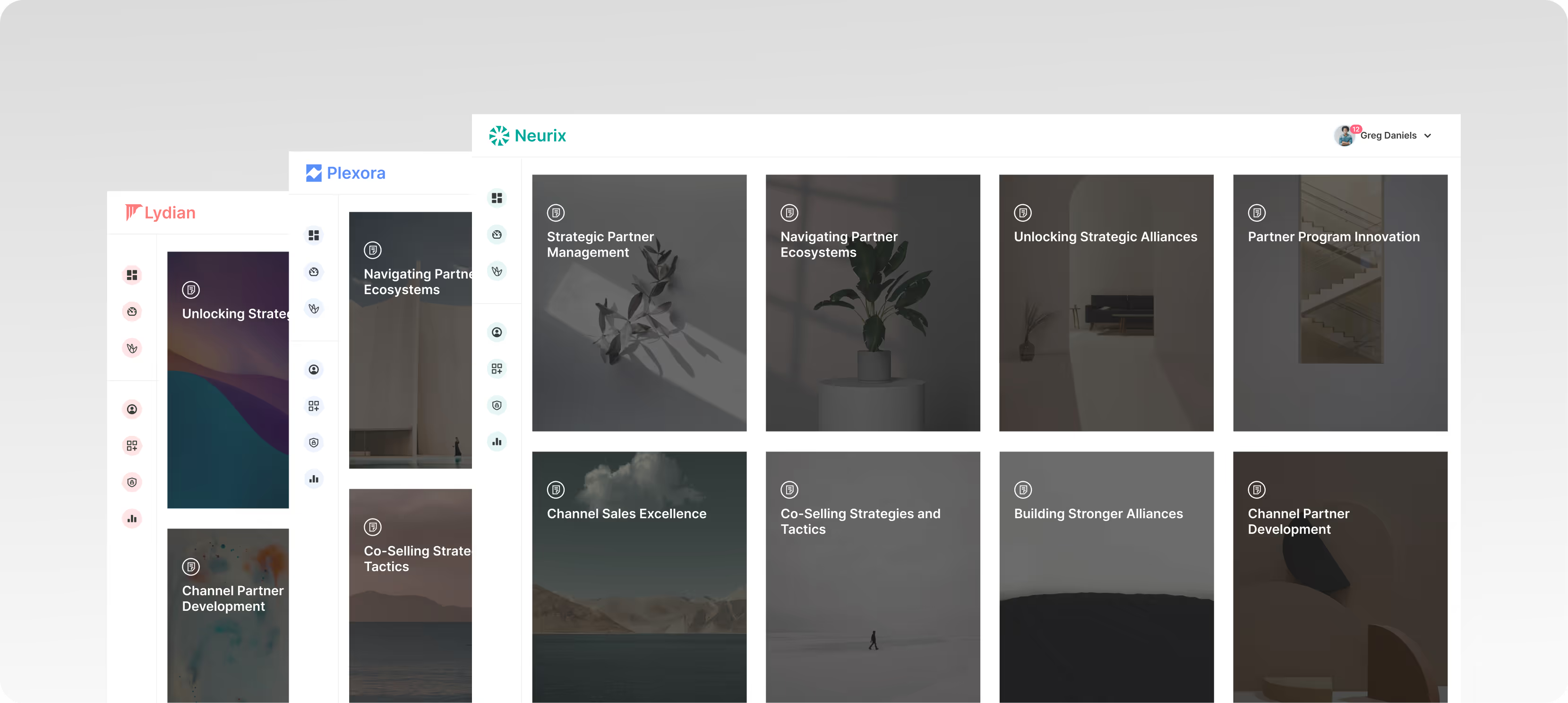
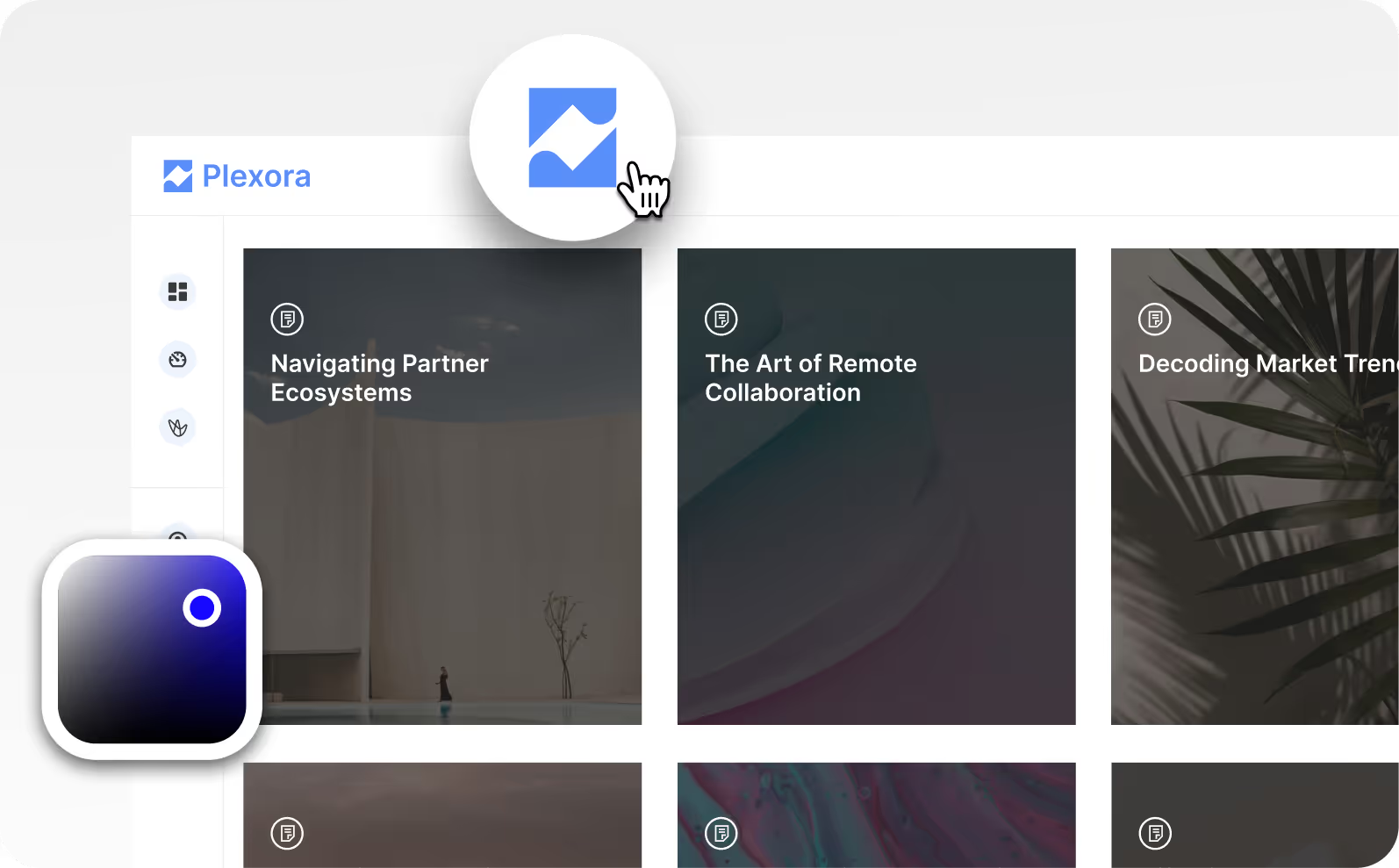
White-label each Extend instance with its own branding, colors, and domain. Your partners and customers get a learning experience that feels native to your relationship, not a generic LMS they borrowed access to.
Let partners and customers register and onboard themselves
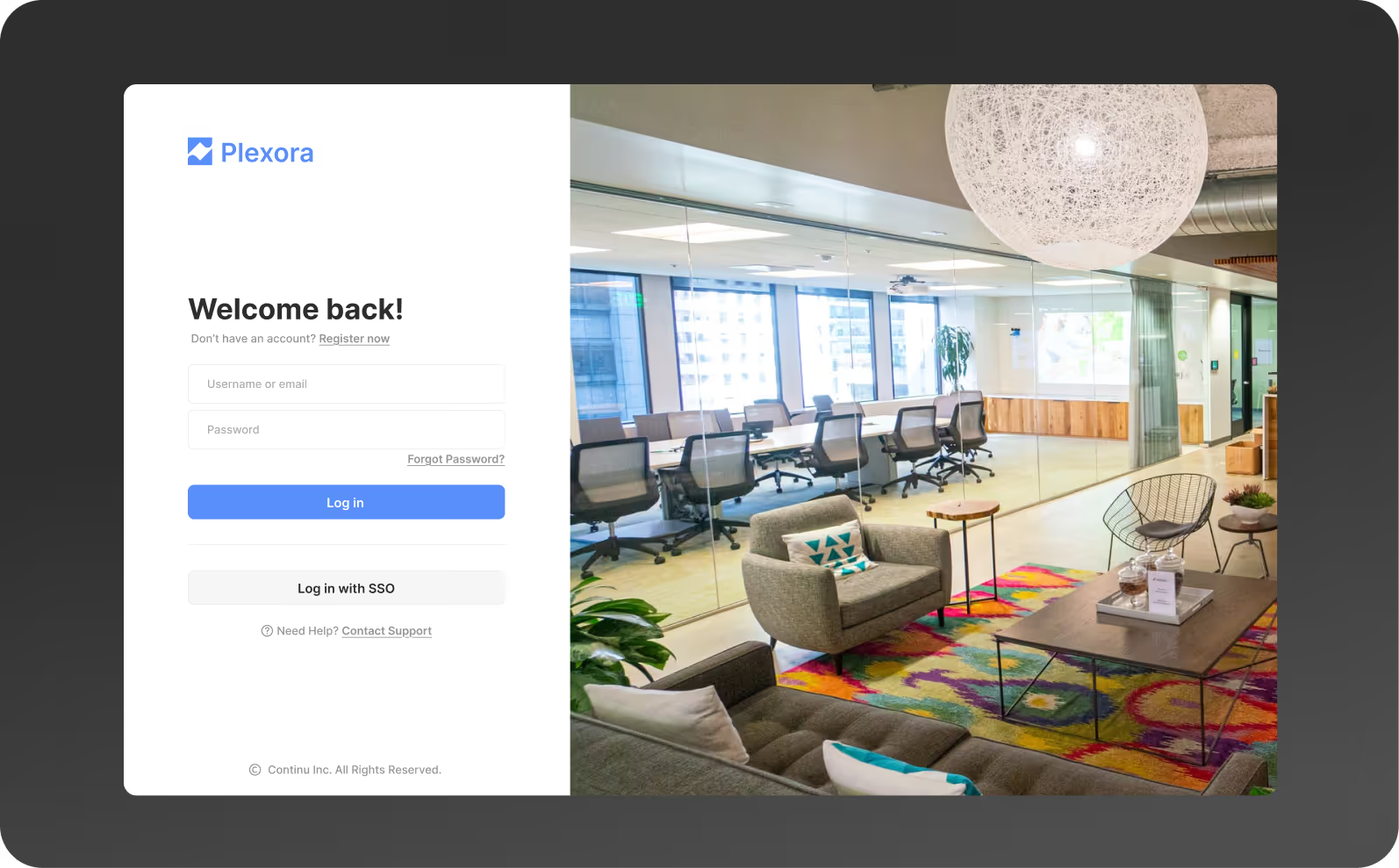
Self-registration landing pages trigger automated onboarding flows the moment someone signs up. No manual enrollment, no welcome email you forgot to send, no day-one gap where a new partner just waits around.
Manage every instance from one command center
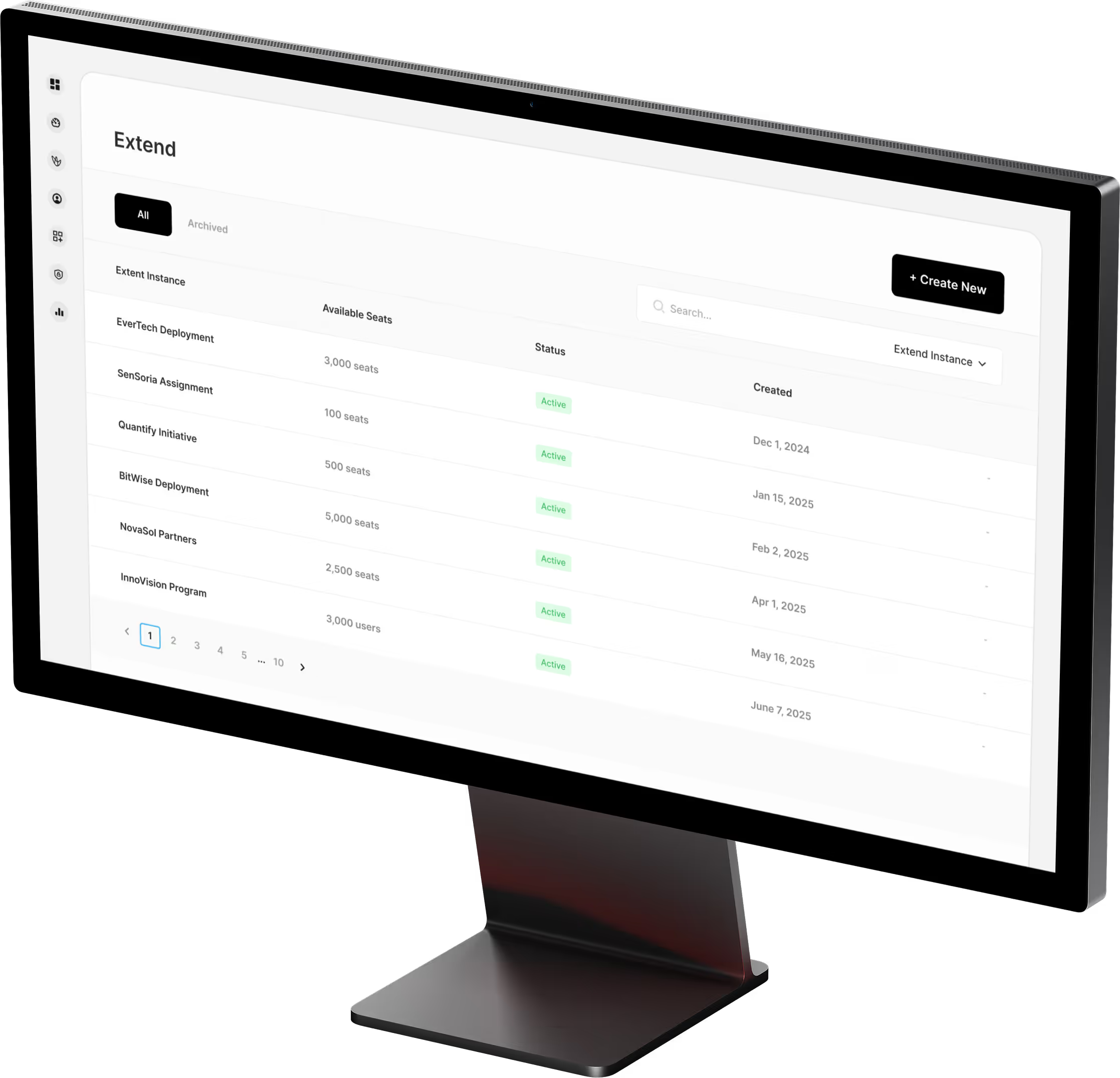
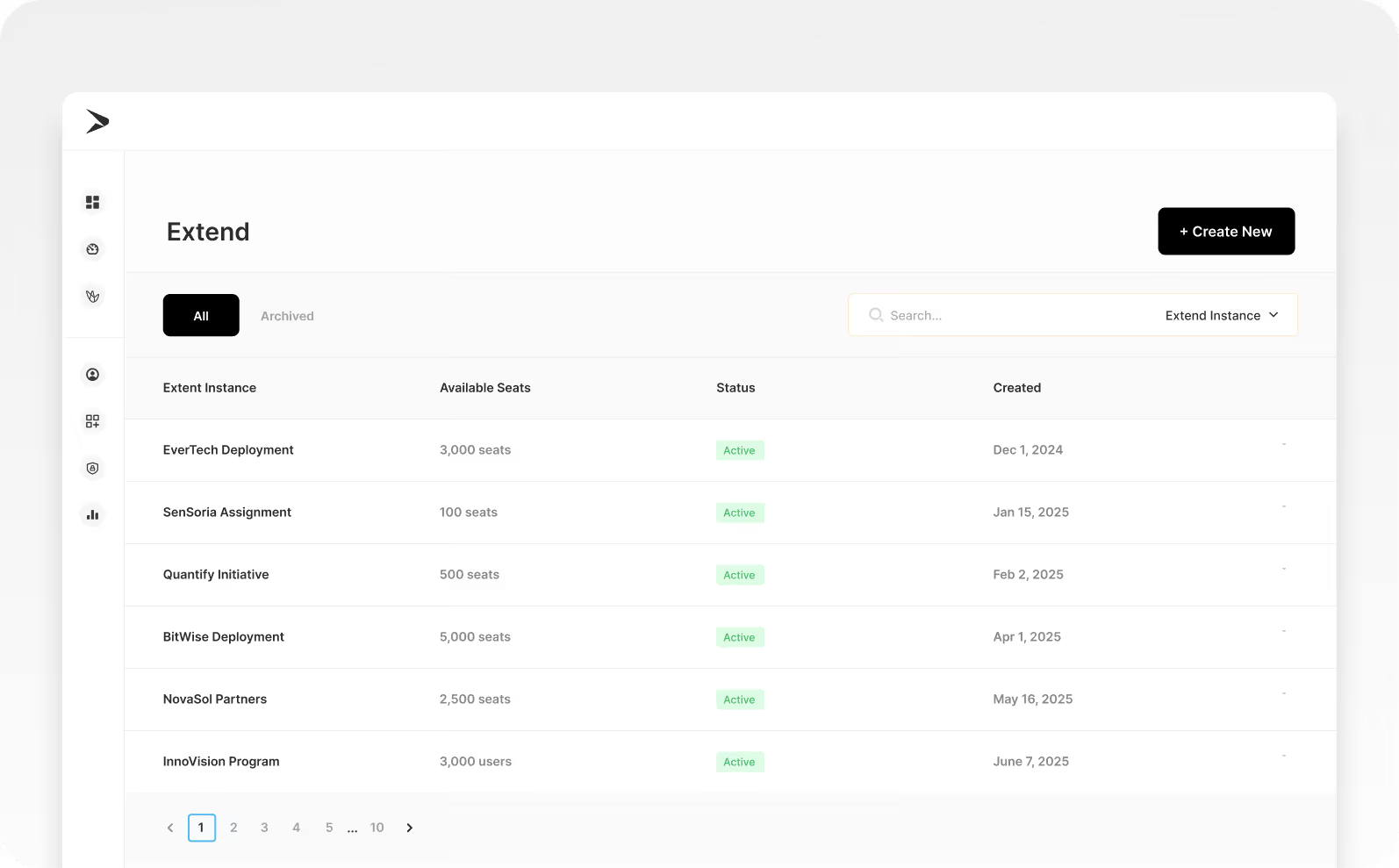
Add seats, adjust access, and oversee every Extend instance without jumping between accounts. Whether you're running three partner portals or thirty, the admin view stays clean and the control stays with you.
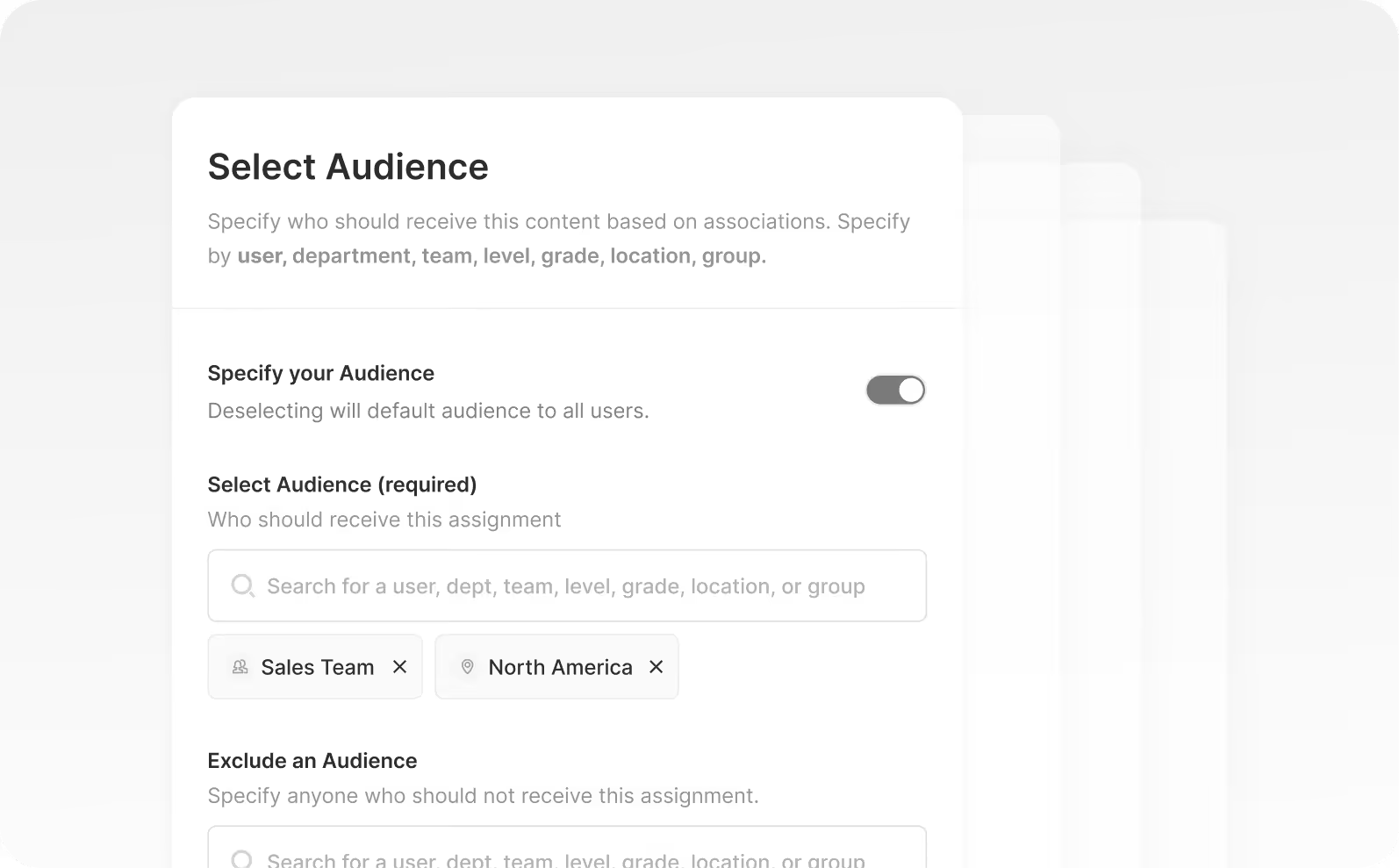
The right content reaches the right people - every time
Powered by Smart Segmentation™, Extend automatically surfaces the content each learner is supposed to see based on their role, region, or audience type. No wrong content in the wrong portal. No manual rules to babysit.
Everything you need for branded external portals
Custom Branding
Logo, colors, fonts, and cover images — each portal looks and feels like your brand or your partner's.

Custom Domains
Host each portal on its own domain or subdomain for a fully branded experience.

User Management
Independent user lists, roles, and permissions per portal — completely separate from internal.

Content Libraries
Each portal gets its own content library. Share content across portals or keep it exclusive.

Portal Analytics
Track engagement, completion, and certification status per portal and per learner.

SSO Per Portal
Configure separate SSO providers for each portal — your partners use their own IdP.

Multi-Language Portals
Serve content in multiple languages per portal — automatically or manually translated.

Content Sharing
Share courses and resources across portals or keep content exclusive to a specific audience.
Business Impact
Measurable outcomes, not just features

Faster Time-to-Revenue
Partners ramp 60% faster with structured enablement
Structured partner portals with certification paths replace scattered PDFs and ad-hoc sessions — getting partners to their first deal faster.

Companies using Extend for partner enablement see 60% faster time-to-first-deal for new partners.

Self-Service Support
Dedicated customer education academies cut support tickets by 30%
Proactive enablement means customers find answers before they file tickets — reducing load on your support team.
Customer education portals reduce support ticket volume by 30% within the first 90 days.
Works with
Connected features across Continu
Explore
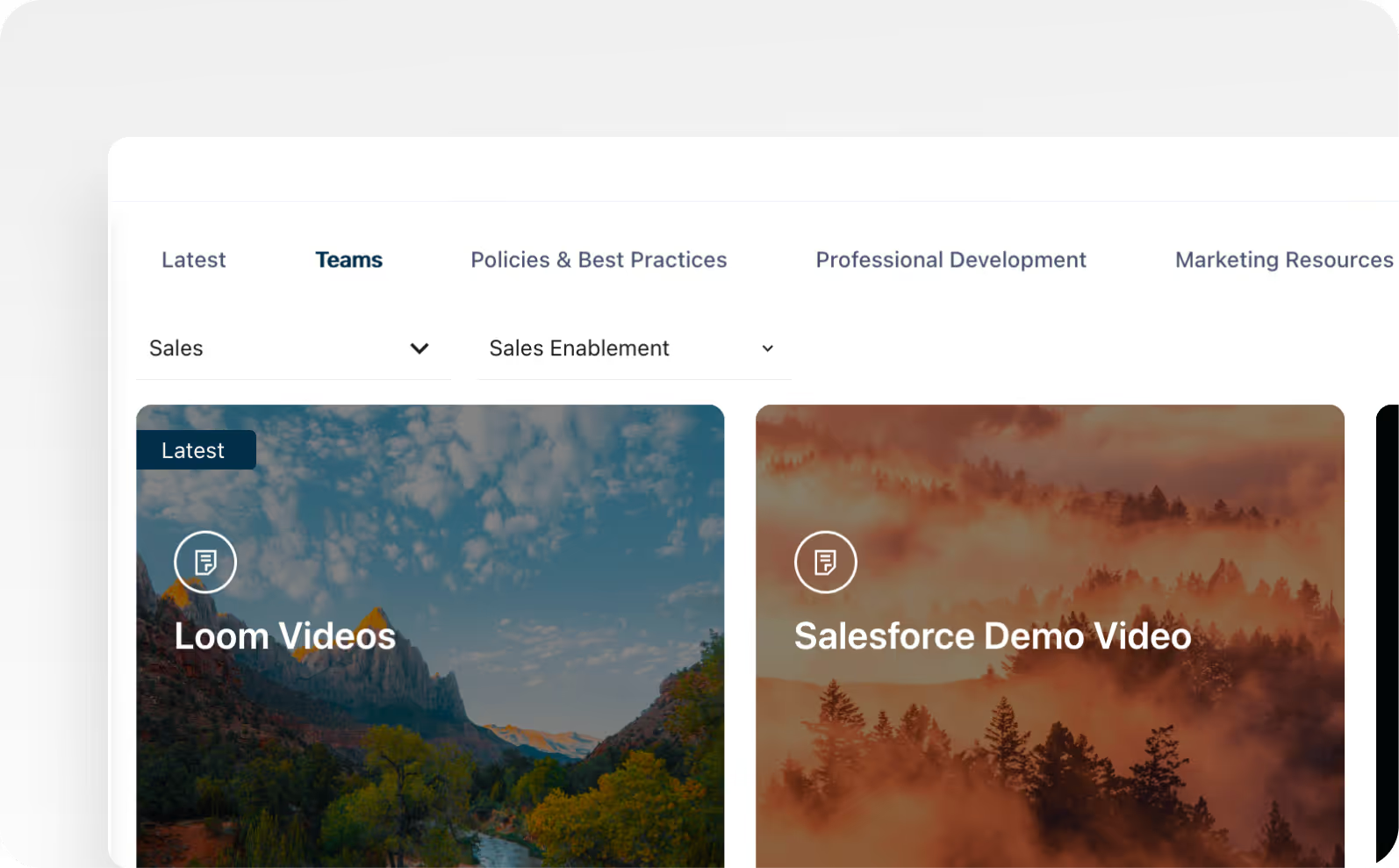
The cenralized hub for all self-directed learning resources with AI-powered personalized and smart search.
View Explore

Journeys
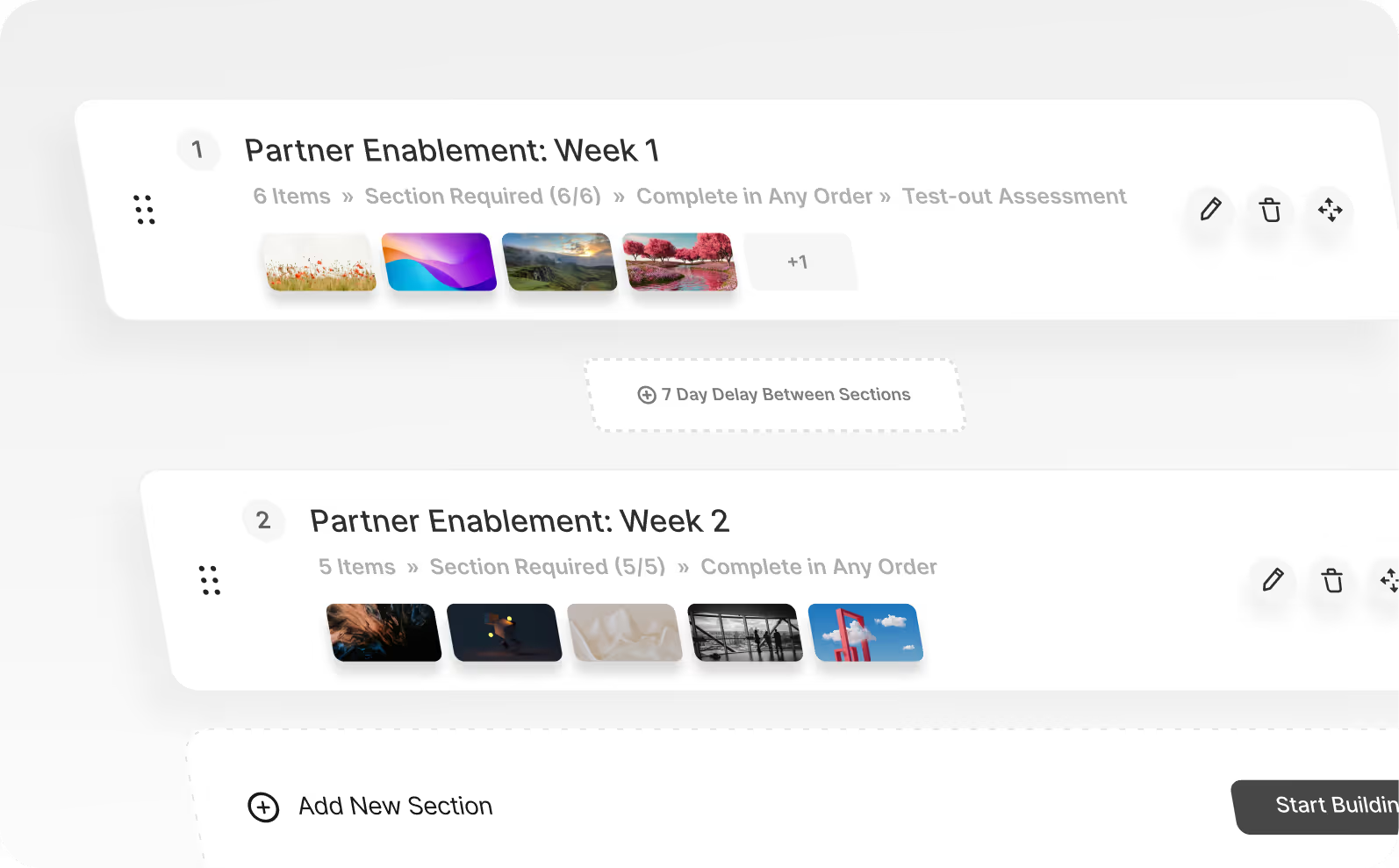
Guide customers and partners through structured enablement paths to certify and build expertise.
Explore Journeys
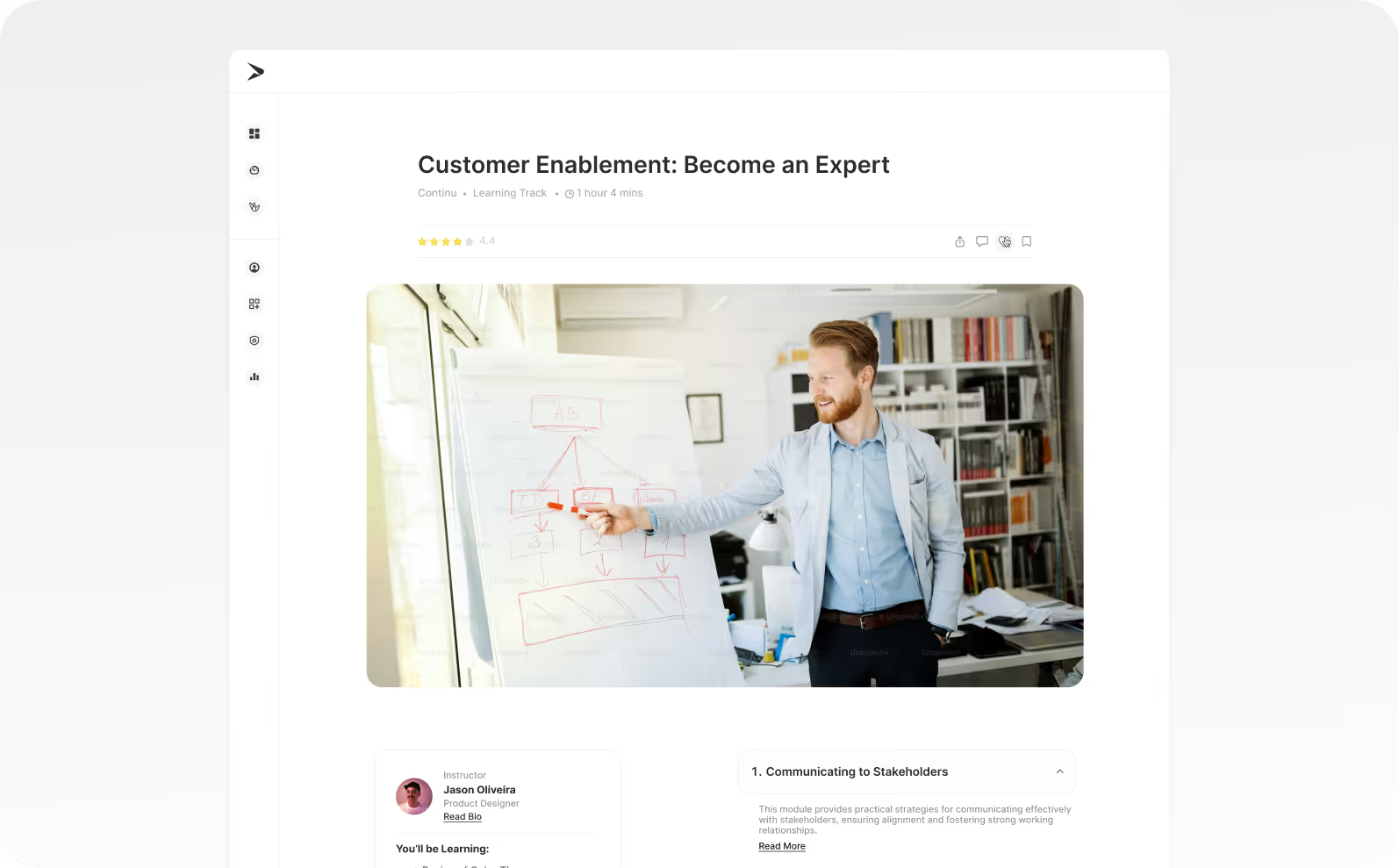
Content Authoring
Create engaging enablement materials with WYSIWYG editing, AI assistance, and real-time previews.
Explore Content Authoring
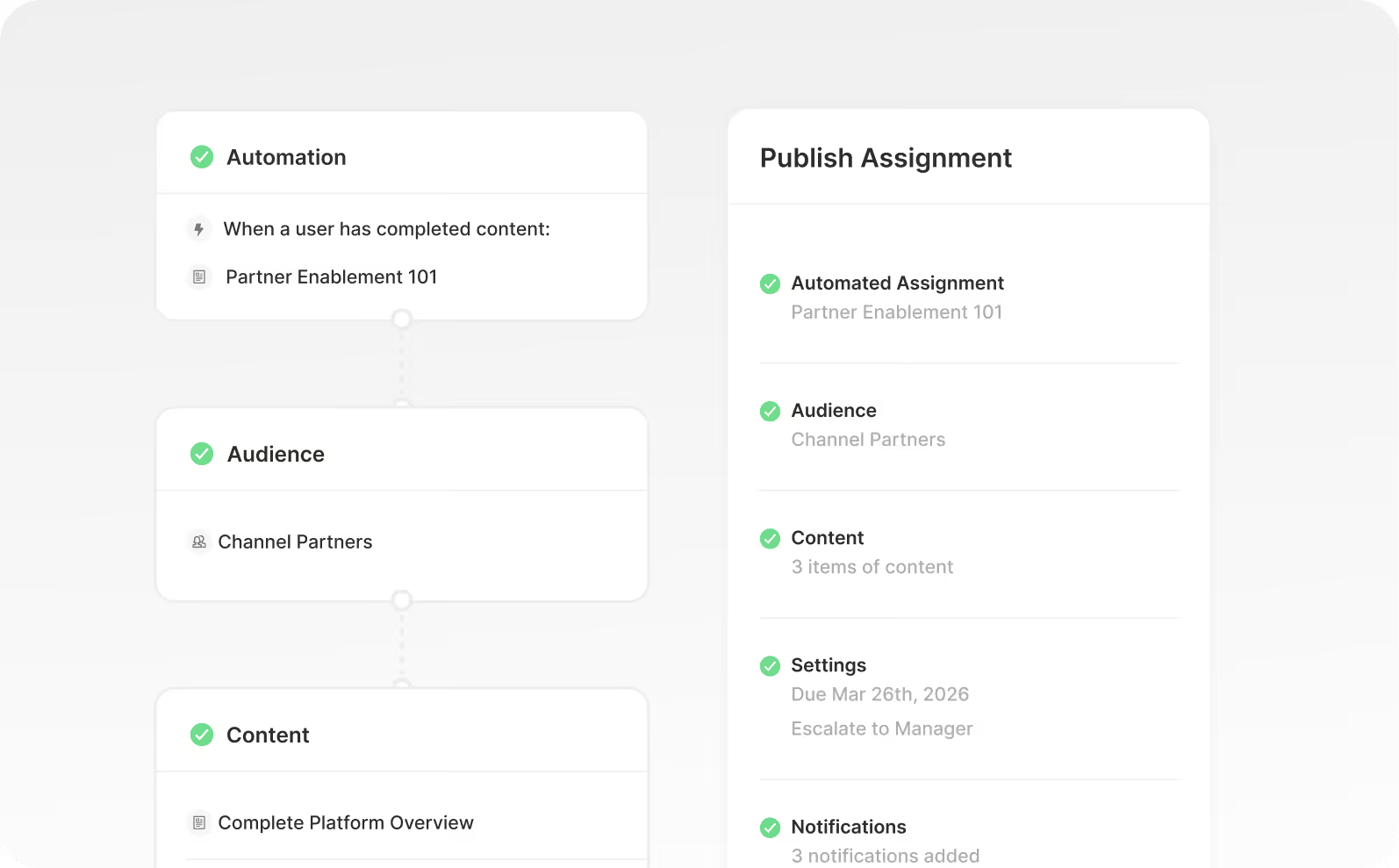
Assignments
Automate training delivery with time-saving workflows that enroll learners and deliver enablement without manual work.
Explore Assignments
Frequently Asked Questions
We train both employees and external partners. Do we need separate platforms for each?
No. Extend lets you create distinct training instances for different audiences inside one Continu account. Your partners get their own branded portal. Your customers get theirs. Your internal team gets theirs. One platform, no juggling.
Can each external portal look and feel like our brand, not Continu's?
Yes. Logos, colors, and styling are fully customizable per instance. A partner logging into their portal sees your brand, not a generic LMS. Each group gets an experience that looks like it was built specifically for them.
How do external learners get access without our admin team manually onboarding everyone?
Self-registration handles it. Learners sign up on their own, and Smart Segmentation™ automatically places them into the right courses based on who they are. No manual enrollment, no spreadsheet matching. They're learning on day one.
Can we manage seat counts and user access across multiple external groups from one place?
Yes. Allocate seats, activate or deactivate users, and keep every external audience organized from a single admin view. When a partner contract ends or a customer churns, access is removed just as fast.
How do external learners track their own progress?
Each learner gets a personalized dashboard showing their progress, completed courses, and earned certificates or badges. They can see exactly where they stand without emailing your team to ask. It keeps them accountable and motivated without adding work on your end.
Your whole ecosystem. One platform.
Internal training for your team. Dedicated portals for your partners and customers. Every audience gets their own experience, all managed from one place.