/
25 Best Learning Management Systems (LMS) in 2026

Quick Summary
The best learning management system for enterprise teams is Continu, which centralizes employee, customer, and partner training in one platform with AI-powered automation and a 4–6 week implementation. For SMBs on a budget, TalentLMS and LearnUpon are the top options. The right choice depends on your audience: internal-only or extended enterprise.
This guide breaks down the top LMS options.
Table of Contents
Top 10 Learning Management System Shortlist
Based on features, business impact, and reviews, here's the top 10 best LMS platforms:

Share this article:


Choosing the right LMS shouldn't feel like gambling with your training budget.
Yet most L&D leaders waste months evaluating dozens of platforms, only to implement one that employees avoid and executives question.
The best learning management system combines intuitive user experience with powerful analytics that connect training to measurable business outcomes.
It needs to handle multiple audiences (employees, customers, partners), integrate seamlessly with your existing tools, and actually get used by learners—not just admins.
The stakes are high. Companies using the wrong LMS see completion rates below 30%, struggle to prove ROI, and often restart their search within 18 months.
Meanwhile, organizations with the right platform achieve 70-90% completion rates and can directly tie training to revenue growth, compliance, and retention.
At Continu, we've analyzed dozens of LMS platforms across industries ranging from healthcare to technology. I've personally worked with L&D teams managing training programs for 500 to 50,000+ employees.
In this guide, you'll discover how to evaluate LMS platforms using weighted scoring criteria, which features actually matter for business impact, and how to choose a system that turns training from a cost center into a strategic advantage.
You'll also see detailed comparisons of the top platforms based on real-world performance, not marketing claims.
You Can Trust Our LMS Reviews
I spent six months evaluating 25 learning management systems through hands-on testing, client interviews, and analysis of real implementation data.
Each platform was assessed using active accounts, not just marketing demos. We interviewed L&D leaders at 50+ organizations about their actual experiences, completion rates, and ROI outcomes.
Our testing focused on real-world scenarios: onboarding 100+ new hires, rolling out compliance training to distributed teams, managing customer certification programs, and measuring business impact.
We tracked metrics like time-to-competency, admin hours required, learner engagement, and integration complexity.
How We Built This Guide
Independent researchers compiled data on each platform, which we combined with our hands-on assessments of functionality, features, integrations, reporting capabilities, and value for price.
Our recommendations are based solely on platform performance—not partnerships or commissions.
For a deeper look at our scoring process, see our complete ranking methodology below.
This guide is updated quarterly to reflect new features, pricing changes, and emerging learning management systems.
Last Updated: April 2026
Learning Management Platforms Compared
The table below summarizes our rankings that includes relevant quick info to find the ideal corporate learning platform for your organization.


4.6 (1982)
Yes
Plans start at $69/month (annual) for 40 users; Core plan $119/month; Pro plan $449/month
View pricing details →
4.7 (759)
No
Starts around $800–$1,000/month for up to 100 users; custom pricing for larger teams
View pricing details →
4.6 (1192)
Yes
$5 per user per month for LMS module (starting; 10‑user minimum)
View pricing details →
4.7 (244)
No
Plans typically range from $500 to $1,500 per month depending on user counts
View pricing details →

4.3 (929)
No
Custom enterprise pricing, very expensive and overkill for most companies
View pricing details →

4.1 (1308)
Yes, 30-day free trial
Pricing varies by number of learners; contact for quote
View pricing details →
4.6 (76)
Yes (15-day)
Free up to 10 users. $59/month Team; $129/month Business; $499/month Enterprise
View pricing details →
4.3 (53)
No
Basic $249/month, Advanced $599/month, Pro $1,199/month; enterprise custom
View pricing details →25 Best LMS Platforms Reviewed
Explore our in-depth breakdown of the top learning management systems for businesses. We’ve compiled the most relevant information and ranked all products based on features, pricing, and its overall rating and reviews from trusted sources.


4.6 (727)
Best for enterprise teams training employees, customers, and partners
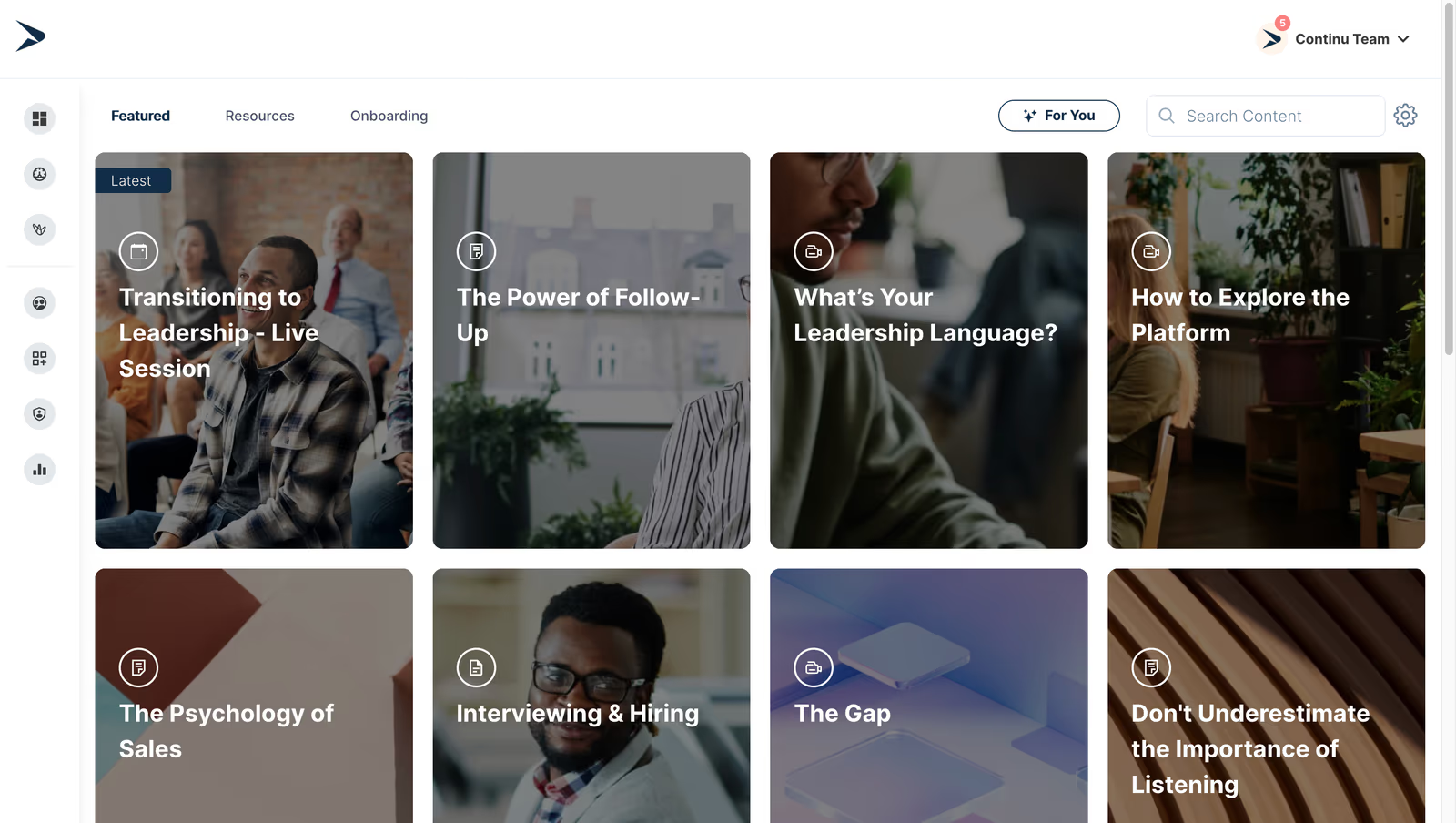
Continu is a modern all‑in‑one learning platform that helps mid‑ to large‑size organizations centralize employee, customer and partner training. It combines content authoring, workshops, journeys and assessments with smart automations and AI‑powered analytics to boost engagement, reduce ramp‑up time and save administrators hours. Deep integrations with tools like Slack, Google Workspace and Zoom make it easy to embed learning into everyday workflows.
Continu is the top enterprise LMS on this list for its intuitive interface, deep workplace integrations and automation features that make scaling training simple. The platform makes it easy to create and deliver content and measure learning impact without heavy admin overhead.
- Smart automations – automatically assign and schedule training based on triggers, saving admin time
- Deep integrations – connects with Slack, Google Workspace, Zoom, Salesforce and more to embed learning into existing tools
- AI analytics – uses AI prompts to surface learning effectiveness data and provide actionable insights
Pros:
- Easy to use and intuitive interface that learners and admins love
- Seamless integrations with Slack, Google Workspace, Zoom and other tools
- Smart automations and AI-driven analytics that save admin time and increase engagement
Cons:
- Not a great fit for non-profits, governments, and educational institutions
- Requires internet access for most features
- Limitations in customizing workflows or content to fit niche requirements

4.6 (1106)
Best for peer-driven knowledge sharing
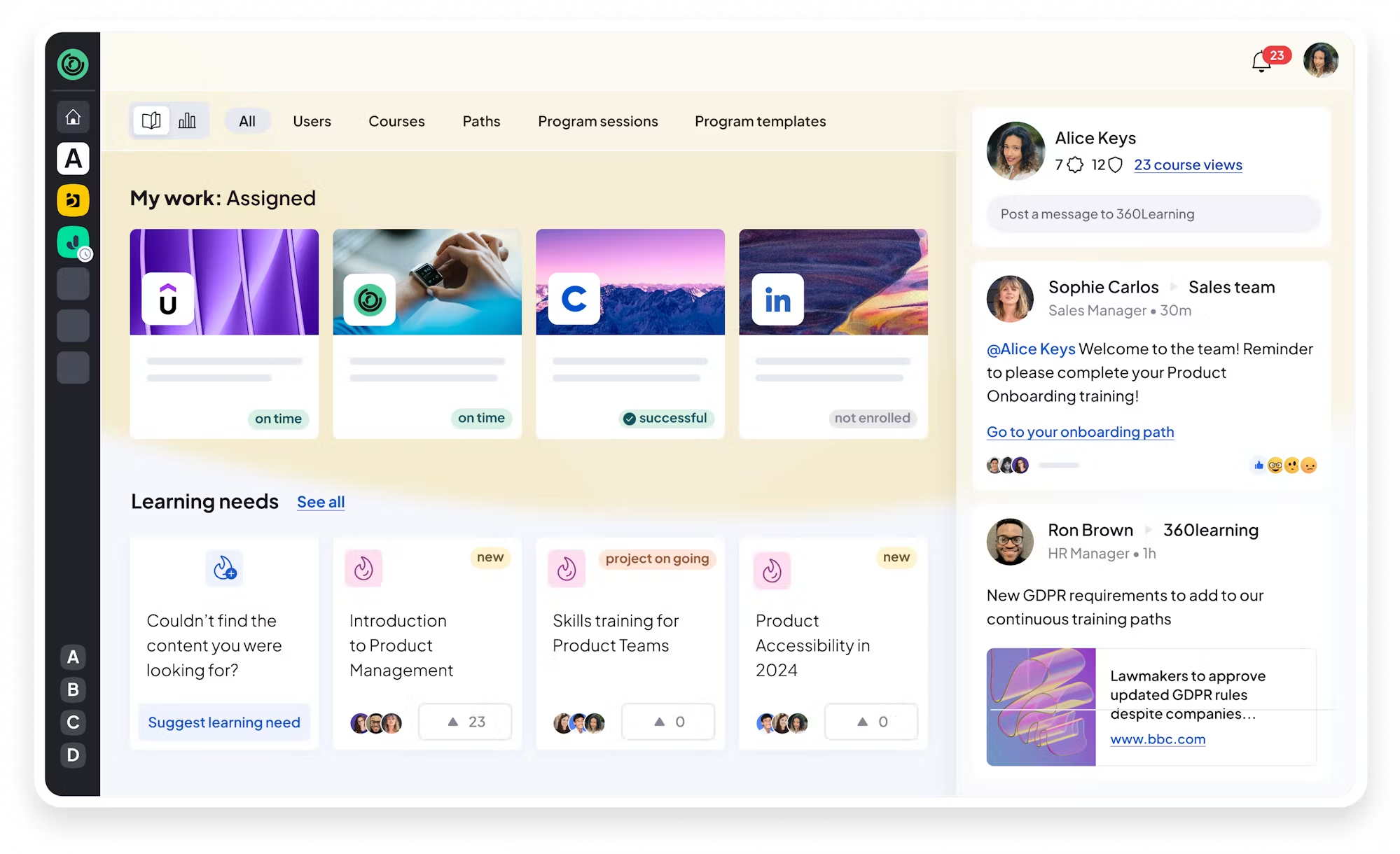
360Learning is a collaborative LMS and LXP that lets subject-matter experts build and deliver engaging courses using drag-and-drop modules, quizzes, videos and embedded content. Learners can react, comment and discuss courses in real time to drive social learning, while AI-powered analytics highlight skills gaps and personalize training journeys. Deep integrations with Slack, Zoom, Google Workspace, Salesforce and HRIS tools help centralize onboarding, compliance, upskilling and customer education.
360Learning stands out for democratizing course creation and turning learning into a social experience. The intuitive interface and strong integrations make it easy to launch training quickly, and the analytics provide clear insight into engagement and skills development. The ability to start with an affordable team plan and scale with organizational growth makes it a great fit for high‑growth companies.
- Collaborative course authoring tools that let anyone build courses.
- Social learning and instant feedback through reactions, comments and discussions.
- AI-driven analytics and skills gap detection to personalize learning.
Pros:
- User-friendly interface and intuitive authoring that anyone can use
- Engaging social learning features that encourage peer knowledge sharing
- Responsive customer support and robust integrations with workplace tools
Cons:
- Limited customization and branding options
- Pricing for larger plans can become expensive
- Some navigation and reporting features have a learning curve and occasional glitches

4.4 (1126)
Best for global, AI-enabled enterprise training
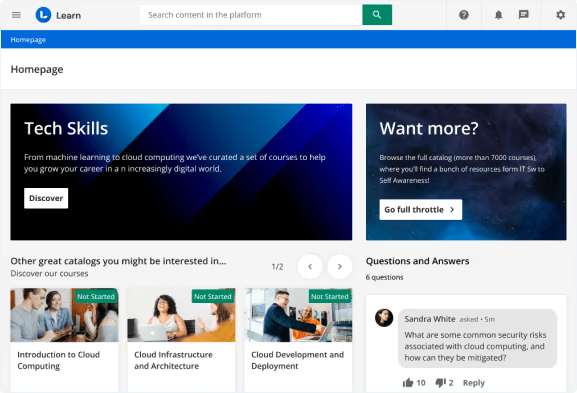
Docebo is an AI-powered learning suite designed for enterprises to deliver personalized, branded training experiences to multiple audiences from one platform. It offers advanced AI capabilities to automate tasks like enrollments, translations and content categorization, and provides hyper-personalized learning paths for employees, customers and partners. Docebo’s customizable interface and robust reporting tools help organizations manage complex learning programs, integrate with existing systems such as Salesforce, Microsoft Teams and SSO providers, and scale training across geographies and languages.
Docebo's enterprise-grade scalability, automation and customization capabilities earned its spot on the list. The platform combines AI-driven personalization with detailed analytics and reporting, making it possible to manage learning across multiple audiences while maintaining brand consistency. Though the investment is higher, its ability to automate workflows and integrate with existing systems saves time and delivers a unified learning experience.
- Hyper‑personalized learning experiences for multiple audiences
- AI-powered automation for enrollments, translations and content creation
- Robust reporting and analytics with customizable dashboards
Pros:
- Highly customizable and scalable platform with robust reporting and analytics
- AI-driven automation that personalizes learning and saves admin time
- Wide range of integrations including Salesforce and Microsoft ecosystem
Cons:
- High cost and many advanced features locked behind add-ons
- Steep learning curve and complex setup for administrators
- Some users report inconsistent UX and legacy interface sections

4.6 (1443)
Best for compliance-intensive industries
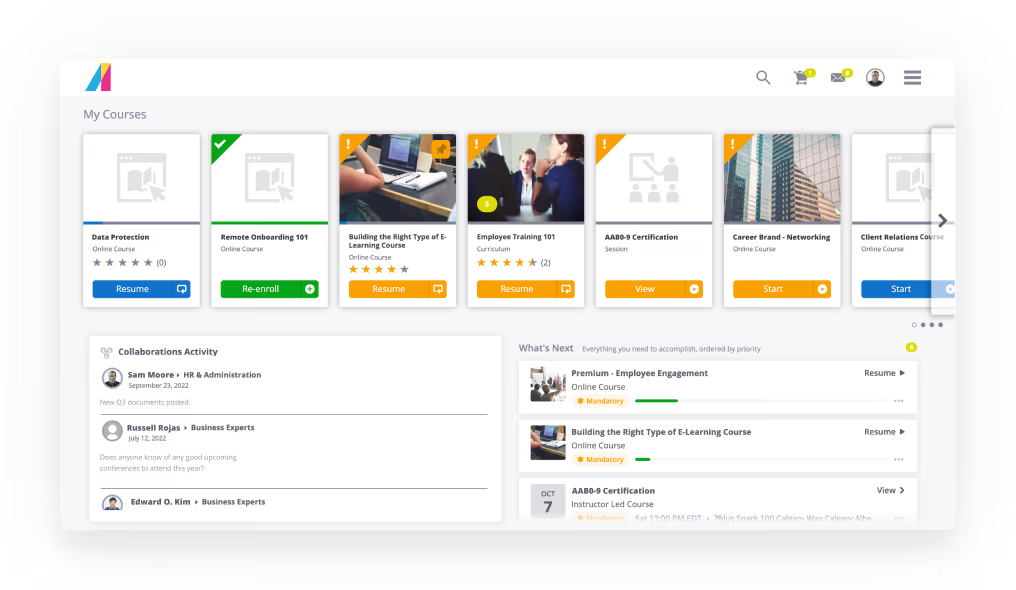
Absorb LMS is a cloud-based, AI-powered learning management system designed to streamline training for employees, partners and customers. It combines intuitive administration with deep branding options, eCommerce capabilities and global infrastructure to deliver reliable, scalable learning. Key features include advanced reporting and analytics, AI-driven skills and personalized learning paths, a built-in content library, course authoring, gamification, social learning, mentorship and learning in the flow of work. With over 3,000 customers and 24/7 support, Absorb LMS enables companies to build branded portals, manage multi-tenancy and connect to dozens of third-party systems through a robust integration ecosystem.
Enterprise-grade reliability and flexibility while remaining user-friendly for learners and administrators made Absorb LMS stand out. Its comprehensive feature set—like AI-driven personalized learning, advanced reporting, content library and gamification—allows organizations to deliver engaging training experiences without heavy customization. The platform's strong integration options and 24/7 support provide confidence it can scale with organizational growth.
- AI-driven skills and personalized learning paths
- Advanced reporting and analytics with customizable dashboards
- Multi-tenancy and deep branding with eCommerce and content library
Pros:
- User-friendly interface and intuitive navigation that makes training accessible and engaging
- Comprehensive features including advanced reporting, content library and eCommerce with strong integrations
- 24/7 customer support and scalability across multi-audience programs
Cons:
- Customization and content management options could be more flexible
- Enrollment and administrative workflows can be complex and require many steps
- Some users experience persistent bugs or slower performance requiring resolution

4.9 (104)
Best for AI-only automated training delivery
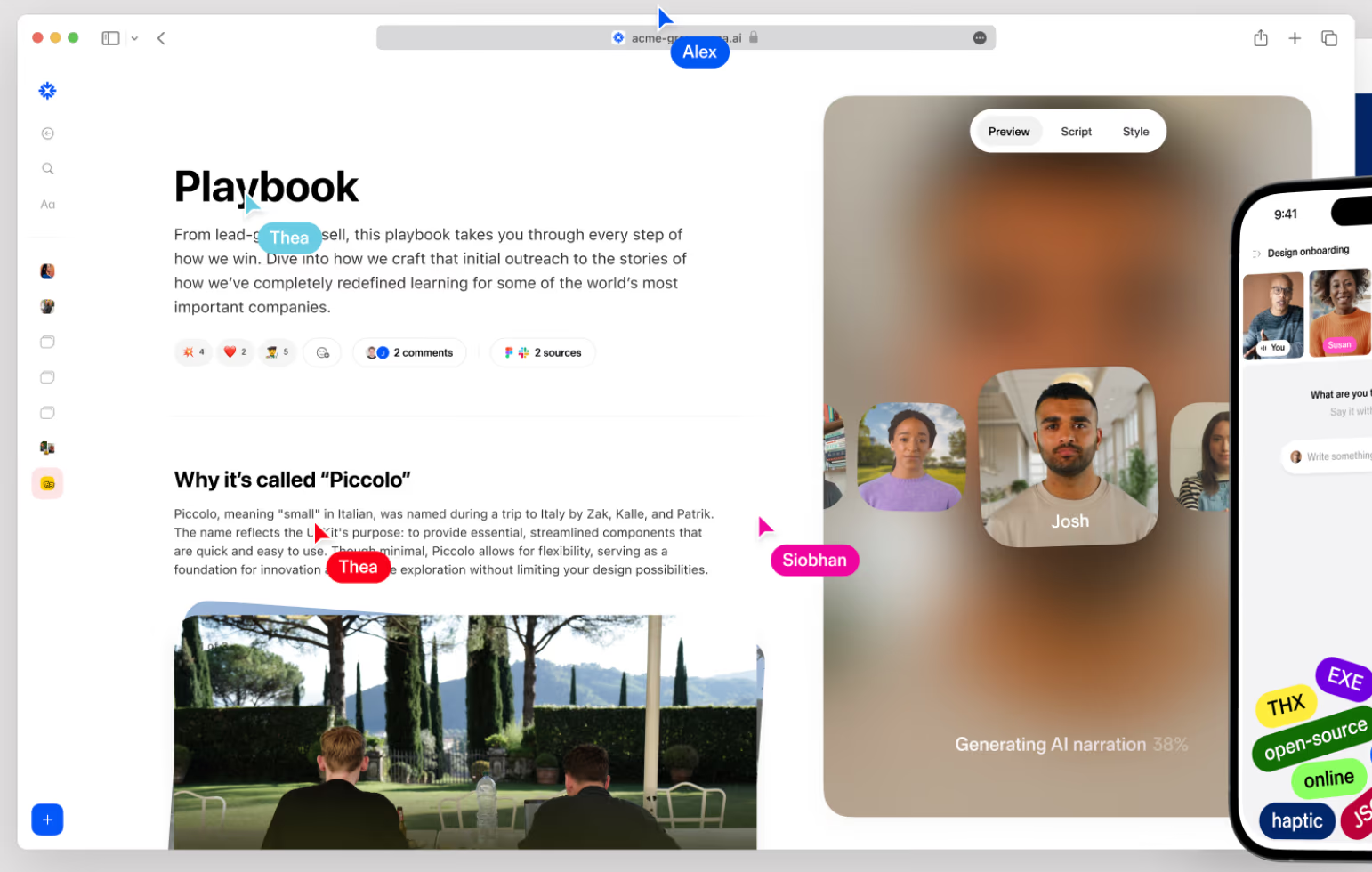
Sana is an AI-native learning platform that consolidates the corporate learning stack into one system. It blends LMS, LXP, course authoring, and virtual classrooms with AI-driven automation to deliver personalized learning journeys, smart search, and generative content. Learners and admins benefit from intuitive interfaces, polls, quizzes, reflection cards, and real-time analytics that free up administrators by automating enrolment and reminders. Integrations with HRIS, popular LXPs via xAPI, Slack and other tools enable knowledge sharing and compliance training.
Sana made the list because it unifies everything into a single platform with AI assistance that simplifies content creation, automates program delivery and surfaces insights. Its intuitive design and proactive support make it feel like a next‑generation L&D hub.
- AI-powered course authoring & content generation for creating engaging courses quickly.
- Personalized adaptive learning & smart search to deliver relevant content and recommendations.
- End-to-end automation & analytics including automated enrolment, reminders and real‑time dashboards.
Pros:
- Intuitive AI-native interface that makes content creation and navigation simple
- Powerful AI-driven search and personalization delivering relevant content quickly
- Responsive, proactive customer support that helps teams succeed
Cons:
- Pricing requires 300 user minimum and can be expensive for smaller teams
- Limited configurability and compliance features compared to traditional LMSs
- Relatively small user community and limited third‑party integrations compared to larger players
4.6 (1982)
Best for SMBs seeking simple, effective LMS
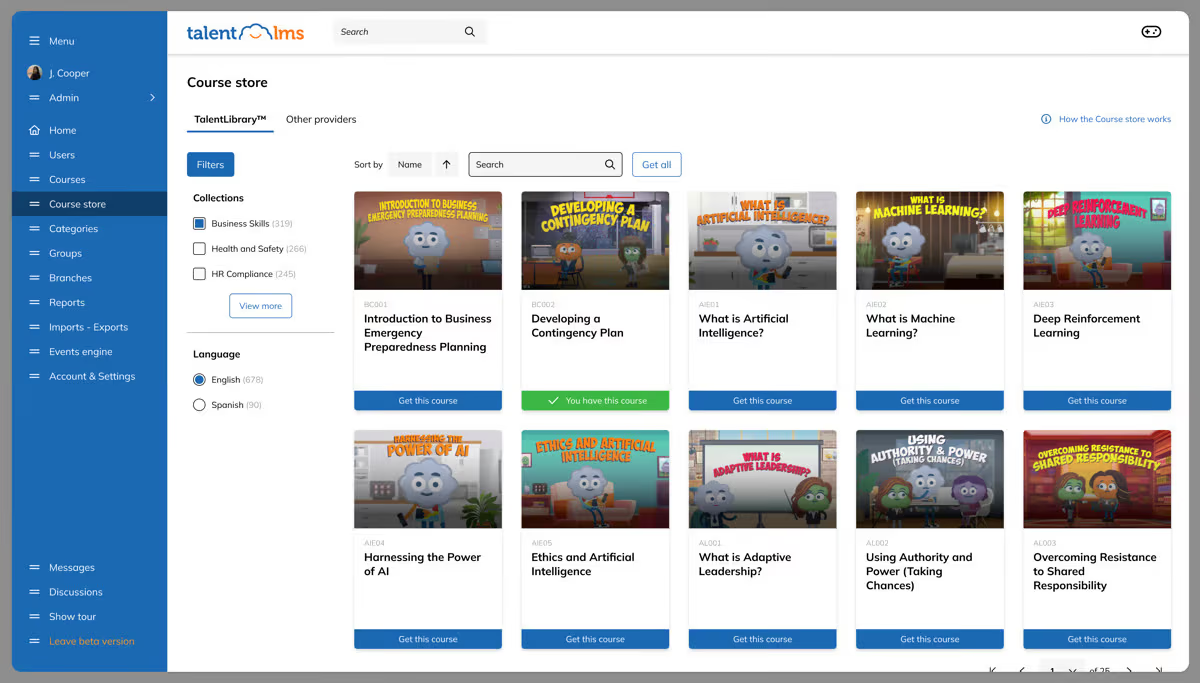
TalentLMS is a cloud-based learning management platform built for small and mid-sized organizations. It offers a forever free plan plus affordable paid tiers, enabling teams to quickly launch online training with unlimited courses, branches, custom domains and single sign-on. Its AI-powered course builder and built‑in TalentLibrary help create engaging content fast, while features like gamification, certifications, compliance management and automations support a variety of training scenarios. TalentLMS integrates with Zoom, Slack, Salesforce, BambooHR and other tools, making it easy to embed learning in your existing workflows.
TalentLMS offers a cost-effective solution with simple setup, a free option, and an AI-powered course builder that saves time. The platform scales from a handful of learners to hundreds, offers a rich content library and integrations, and provides responsive support—ideal for teams that need to roll out training quickly without heavy IT involvement.
- AI-powered course builder that auto-generates course structure and content.
- Extensive pre-built course library (TalentLibrary) with 1,000+ courses covering soft skills and compliance.
- Branching and automations for creating separate training portals, custom domains, SSO and automated workflows.
Pros:
- Easy to use and quick to set up with intuitive interface
- Affordable pricing with free plan and good value for money
- Responsive customer support and large course library/AI course builder
Cons:
- Reporting and analytics are basic compared to enterprise LMSs
- Customization options and gamification features can be limited
- Certain advanced compliance and assessment capabilities require higher-tier plans
4.7 (759)
Best for blended training across employees & customers
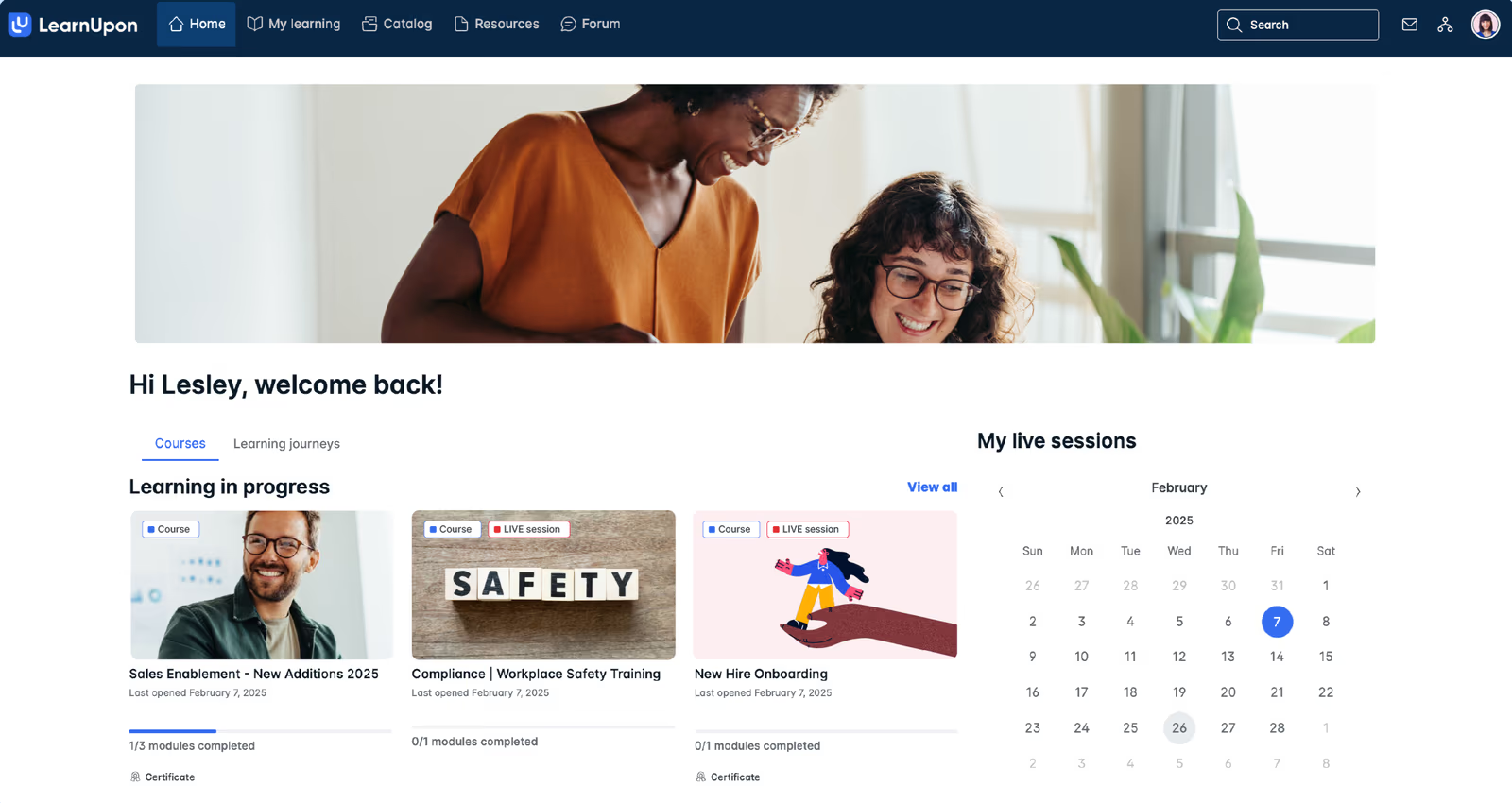
LearnUpon is a versatile LMS designed to streamline the delivery of learning to employees, customers and partners. The platform offers Essential, Premium and Enterprise plans tailored to different organization sizes, with features like SCORM/xAPI support, custom branding, live learning, eCommerce, single sign-on, gamification and deep integrations (Slack, BambooHR, Personio, HubSpot, Salesforce, LinkedIn Learning, Go1). LearnUpon emphasises ease of setup, quality of support and content delivery, and provides learning journeys, dynamic rules and automation. Pricing is typically per active user (around $6–$9 per user per month) with demos and custom quotes.
LearnUpon stands out for its ease of setup and exceptional customer support, making deployment smooth. Its flexible plans and integrations with HRIS, CRM and content providers enable training across employees, partners and customers. The robust reporting and gamification features deliver a professional learning experience without the complexity of bigger enterprise systems.
- Flexible plans (Essential, Premium, Enterprise) with scalable user limits and feature sets.
- Deep integrations with HRIS, CRM and content platforms like Slack, BambooHR, Personio, HubSpot, Salesforce, LinkedIn Learning and Go1.
- Learning journeys, dynamic rules and automations for personalized training paths and strong reporting.
Pros:
- User-friendly interface and easy setup with strong customer support
- Scalable plans and deep integrations with HRIS, CRM and content providers
- Robust reporting, gamification and learning journey features that enhance learner engagement
Cons:
- Pricing not transparent and requires quotes; per-user cost can add up
- Limited customization and integration options in lower-tier plans
- Navigation can feel murky and advanced features require a learning curve
4.6 (1192)
Best for growth-first employee engagement at scale
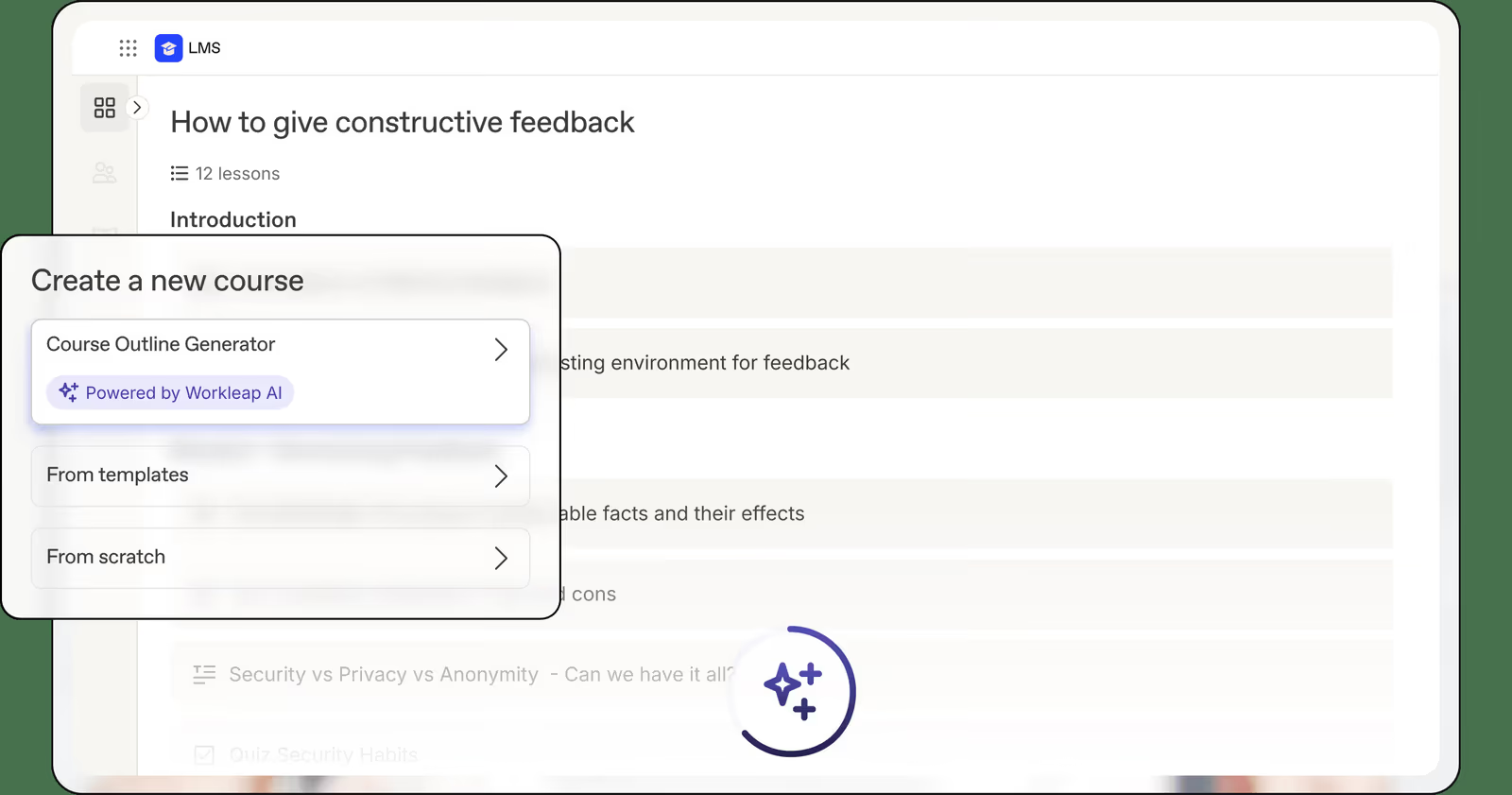
Workleap LMS is a modern, AI‑powered learning management system designed for human resources teams and L&D leaders of small to mid-sized organizations. It provides simple course authoring, automated enrolment, compliance tracking and real‑time analytics, integrated with Workleap’s wider employee experience suite (Officevibe, Performance and Compensation). With support for video, audio, quizzes and PDFs, Workleap makes it easy to build and deploy engaging training programs while centralizing learner management. Built‑in AI tools generate course outlines and automate repetitive tasks so HR teams with limited resources can scale training across distributed teams.
Workleap's intuitive interface and AI‑assisted tools enable quick course creation and automated enrollments without a learning curve. The platform feels like an extension of HR suites, and deep integrations and analytics help monitor engagement and improve training outcomes.
- AI‑assisted course creation & automation
- Seamless integration with Workleap HR modules & third‑party tools
- Real‑time analytics & compliance tracking
Pros:
- Intuitive, user‑friendly interface that makes course creation and administration simple for HR and learners
- AI‑powered automation for course outlines, enrolment and compliance reduces manual effort
- Deep integration with Workleap HR modules and popular tools like Slack and BambooHR
Cons:
- Pricing can be high for small teams when adding multiple modules
- Limited customization and configurability for complex compliance training
- Some users find survey questions repetitive and want more control over feedback options

4.6 (497)
Best for gamified, highly interactive learning experiences
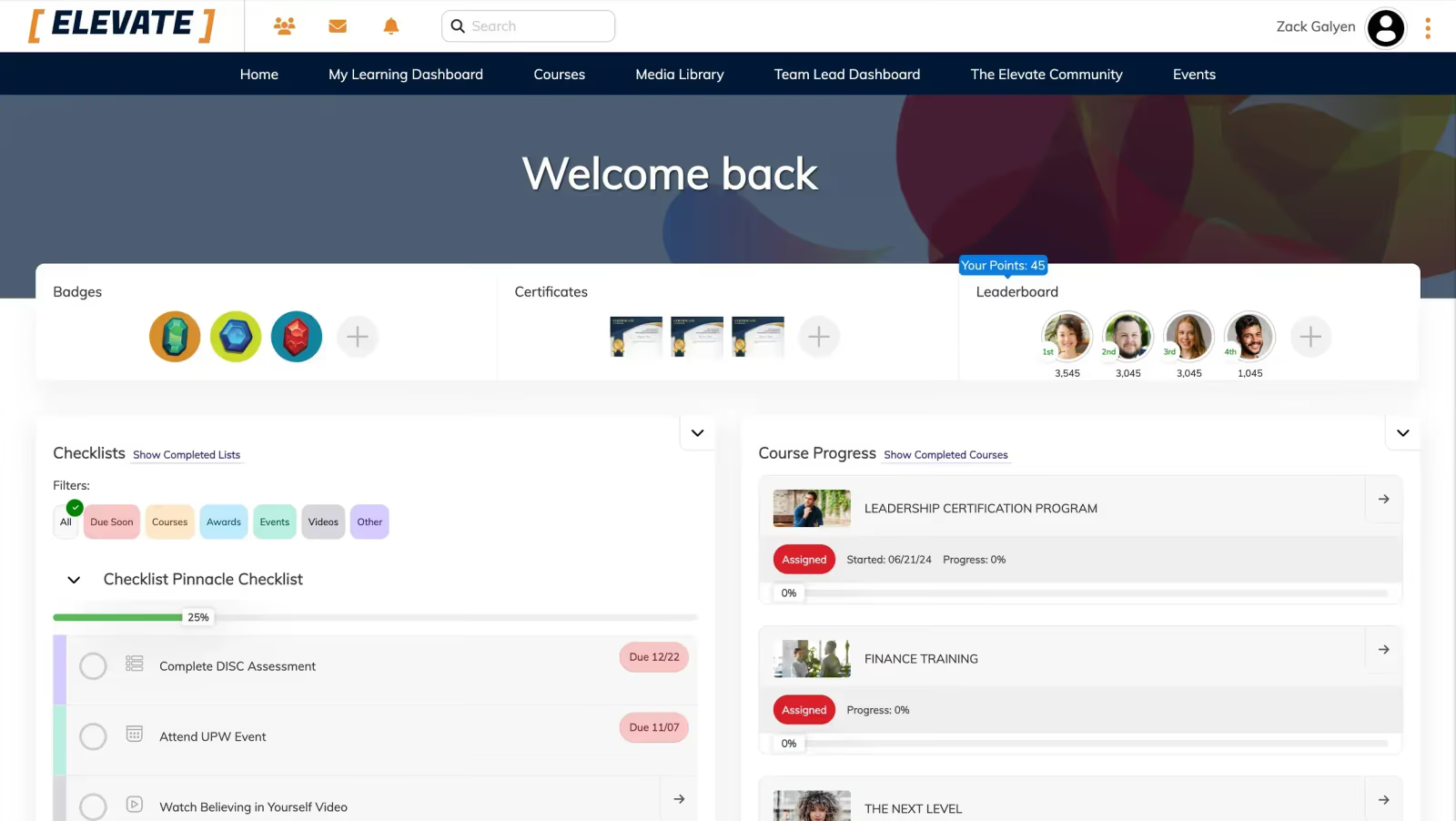
Tovuti LMS is a cloud-based platform that combines course authoring, learning management and social learning features in one solution. Its built‑in authoring toolkit offers over 40 interactive content types and a rich content library, eliminating the need for third‑party tools and making it easy to create engaging microlearning, video lessons, quizzes and gamified activities. Learners can participate in community forums, groups and events, while administrators gain powerful management tools, SCORM/xAPI support, white labeling and 2,000+ integrations with HRIS, CRM and collaboration tools such as Salesforce, BambooHR and Workday. Tovuti scales with your business, offering fast implementation, multilingual support and mobile learning, with flexible pricing tiers to suit organizations of all sizes.
Tovuti eliminates the need for separate authoring software and supports interactive content and community features that keep learners engaged. Its extensive integration options and scalability provide confidence that it can grow with organizations, and the investment is worth it for a fully customizable, branded learning experience.
- Built-in authoring with 40+ interactive content types
- Community and social learning tools for learner engagement
- Scalability with 2,000+ integrations and fast implementation
Pros:
- Integrated authoring tools and rich content library eliminate need for external software
- Highly engaging interactive and gamified courses with social communities
- Extensive integration ecosystem and scalability with fast implementation
Cons:
- Subscription pricing can be expensive as you scale user counts
- Advanced customization and configuration may require a steep learning curve
- Reporting depth and analytics may not match some enterprise-level competitors

4.4 (296)
Best for fast course creation and rapid deployment
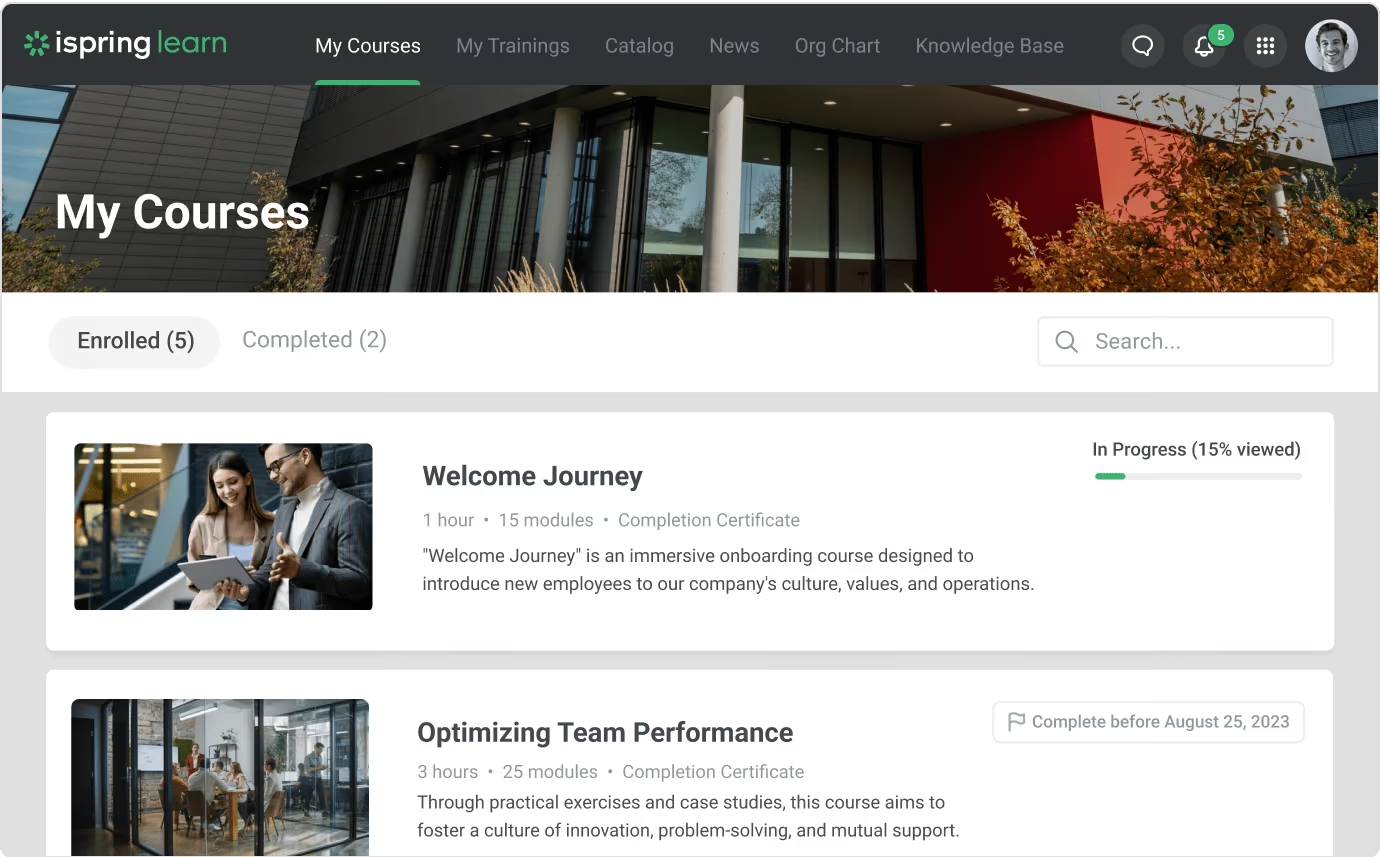
iSpring Learn is an all-in-one learning management system designed to deliver and manage corporate training. It offers built‑in course authoring powered by iSpring Suite, allowing you to create interactive courses, quizzes and simulations directly from PowerPoint and publish to the LMS in one click. The platform supports SCORM/xAPI content, learning tracks, 360-degree performance reviews and advanced reporting. Learners can access courses via a native mobile app, even offline, with progress syncing automatically. iSpring Learn integrates with HR systems, CRMs and video conferencing tools and provides REST/SOAP APIs and single sign-on for seamless workflows. Pricing is pay-per-active user starting around $3.58 per user per month and includes unlimited users and storage with a free trial.
iSpring Learn's integration with iSpring Suite makes creating courses simple, and the pay-per-active-user model keeps costs predictable. The mobile app and offline learning support are perfect for distributed teams, and the detailed reports give insights into learner progress.
- Integrated course authoring with iSpring Suite
- Personalized learning tracks and 360-degree reviews
- Mobile offline learning with native app and detailed analytics
Pros:
- Seamless integration with iSpring Suite for easy course authoring and publishing
- Mobile app with offline access and synchronization for learning on the go
- Flexible pay-per-active-user pricing and responsive customer support
Cons:
- Branching and group management options are limited compared to some competitors
- Reporting and tracking features could offer more advanced analytics
- Need for more modern templates and customization in course design

4.5 (458)
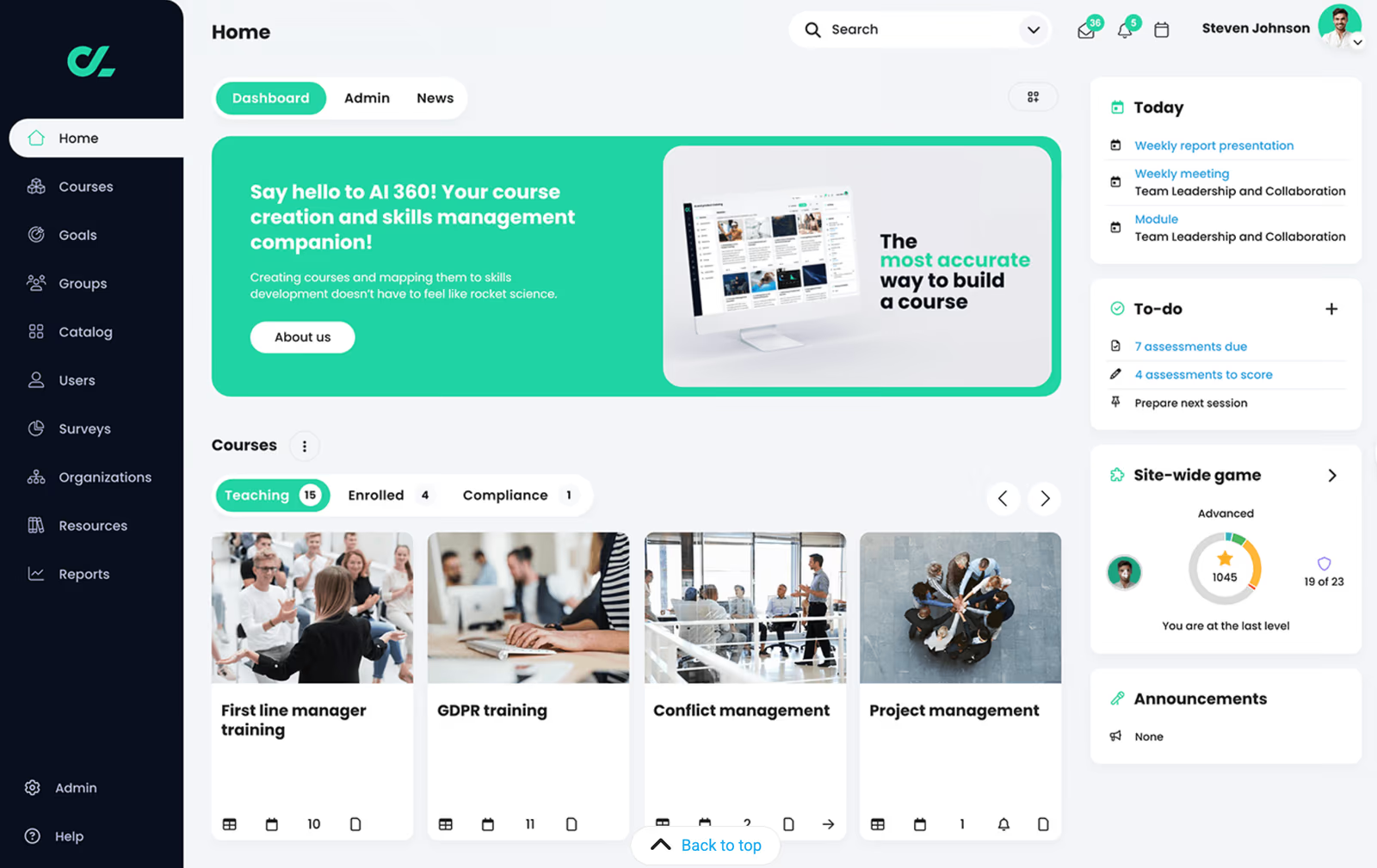
CYPHER Learning provides a unified learning platform that merges a learning management system, a learning experience platform and an AI‑powered content development engine to support personalized training at scale. The platform includes course management, assessment tools, reporting and analytics, user management, gamification and mobile compatibility. Adaptive learning paths and a recommendation engine help learners develop skills faster, while built-in course authoring and eCommerce modules support monetization and certifications. Pricing is enterprise-focused, starting around $10,000 per year with no free trial.
Cypher Learning combines LMS and LXP capabilities in one platform with AI-driven personalization and robust automation. The platform's gamification and adaptive learning tools promise engaging experiences, although the high annual pricing and lack of free trial require careful budget consideration.
- AI-powered adaptive learning and recommendation engine
- Integrated LMS, LXP and content authoring with gamification
- Enterprise scalability with eCommerce and extensive integrations
Pros:
- AI-powered adaptive learning and personalized recommendations engage learners
- All-in-one platform with LMS, LXP and content authoring plus gamification
- Extensive integrations and eCommerce capabilities for monetizing courses
Cons:
- High annual pricing with no free trial may deter smaller organizations
- Enterprise-focused complexity could overwhelm small teams
- Some users report issues with SCORM compatibility and reporting
4.7 (244)
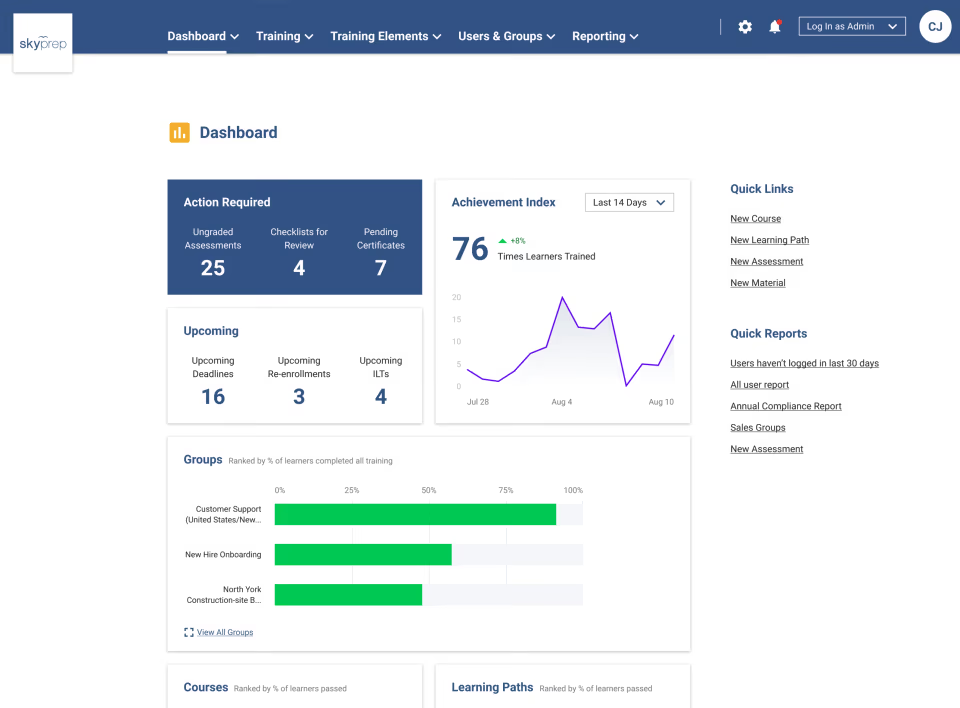
SkyPrep LMS is a cloud-based learning platform designed to automate employee training and transition learning online simply. It offers intuitive course creation with assessments, checklists, and knowledge checks, user management with workflow automation, comprehensive reporting and analytics, customizable branding, and multi-tenant support. SkyPrep provides gamification features like badges and leaderboards to drive engagement, and fully integrated virtual classrooms with video conferencing, screen sharing, whiteboards and breakout rooms for interactive training. Pricing is tiered: Starter ($349/mo up to 100 users), Advanced ($499/mo for 250 users), Premium ($749/mo for 500 users), with custom enterprise plans. A free trial is available.
SkyPrep's straightforward, intuitive UI and quick setup make it accessible; course creation and user management feel easy, and gamification keeps learners motivated. The virtual classroom features enable live sessions without separate tools, and the pricing tiers suit small teams with room to scale.
- Intuitive course creation with assessments and checklists
- Gamification and learner engagement tools (badges, leaderboards)
- Integrated virtual classrooms with video conferencing and breakout rooms
Pros:
- User-friendly interface and quick setup simplify course creation and administration
- Gamification and virtual classroom features enhance learner engagement
- Flexible pricing tiers and multi-tenant support allow scaling with growth
Cons:
- Pricing adds additional cost per active user beyond base plan
- Advanced features like workflow automation and integrations only available in higher tiers
- Limited public integrations; may require custom quotes for some integrations

4.5 (691)
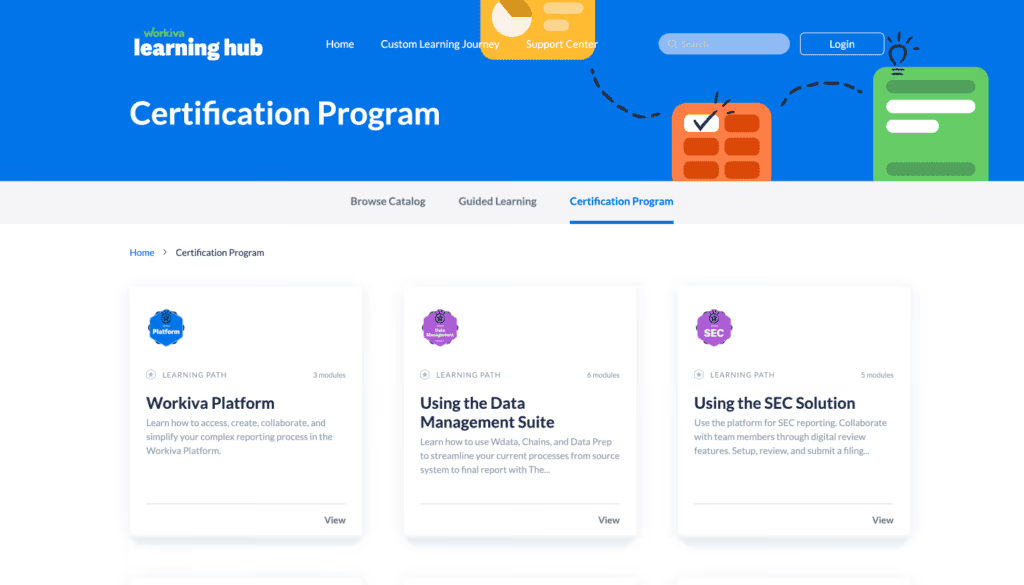
WorkRamp is an AI-powered LMS and LXP that unifies employee and customer training. It provides intuitive authoring tools, interactive modules (quizzes, assessments), certification paths, and robust analytics. Its AI Assist helps generate content and personalized learning recommendations, while deep integrations with Salesforce, Slack, Zoom, and other tools enable seamless onboarding and enablement. Designed for growing organizations, it scales across departments and external audiences.
WorkRamp combines an intuitive content builder with advanced analytics and AI-driven personalization, making it easier to create engaging training for employees and customers without heavy admin overhead.
- Intuitive course authoring with interactive assessments
- AI Assist for content creation and personalized learning recommendations
- Robust analytics and reporting across employee and customer training
Pros:
- Easy-to-use, intuitive interface for authors and learners
- AI-driven content creation and personalization saves time
- Strong integrations with Salesforce, Slack and other business tools
Cons:
- Pricing can be high compared to basic LMS options
- Reporting customization could be more flexible
- Some users note limited offline/mobile capabilities

4.2 (906)
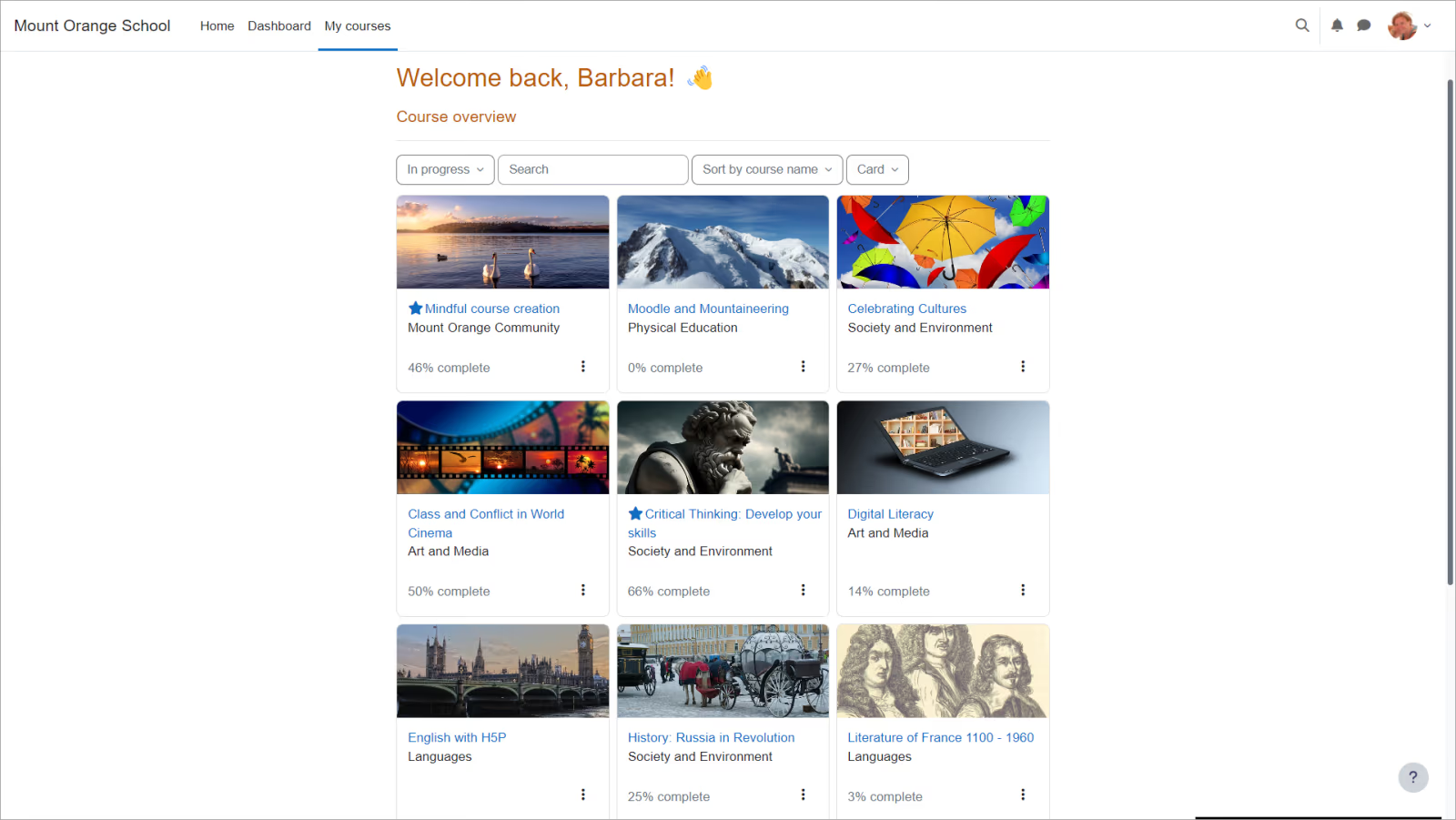
Moodle is a widely used open-source learning management platform that lets organizations host their own instance or choose MoodleCloud. It offers course creation, forums, quizzes, assignments, grading, and extensive plugin support. The open-source nature allows customization and integration with tools like Zoom, Salesforce, Stripe and WordPress. Starter cloud plans start at around $200 annually for 50 users. While powerful and cost-effective, the interface can be less intuitive and requires technical know-how for setup and maintenance.
Moodle's flexibility and low entry cost are appealing, plus a huge community of plugins and customizations, though the platform has a steeper learning curve.
- Open-source customization and plugin ecosystem
- Comprehensive course management with assessments and forums
- Affordable hosted plans with multi-tenancy (Moodle Workplace)
Pros:
- Highly customizable with large plugin ecosystem
- Cost-effective with free and low-cost hosting options
- Extensive community and support resources
Cons:
- User interface less intuitive and dated
- Setup and maintenance require technical expertise
- Limited built-in support and onboarding compared to commercial LMS
4.3 (929)
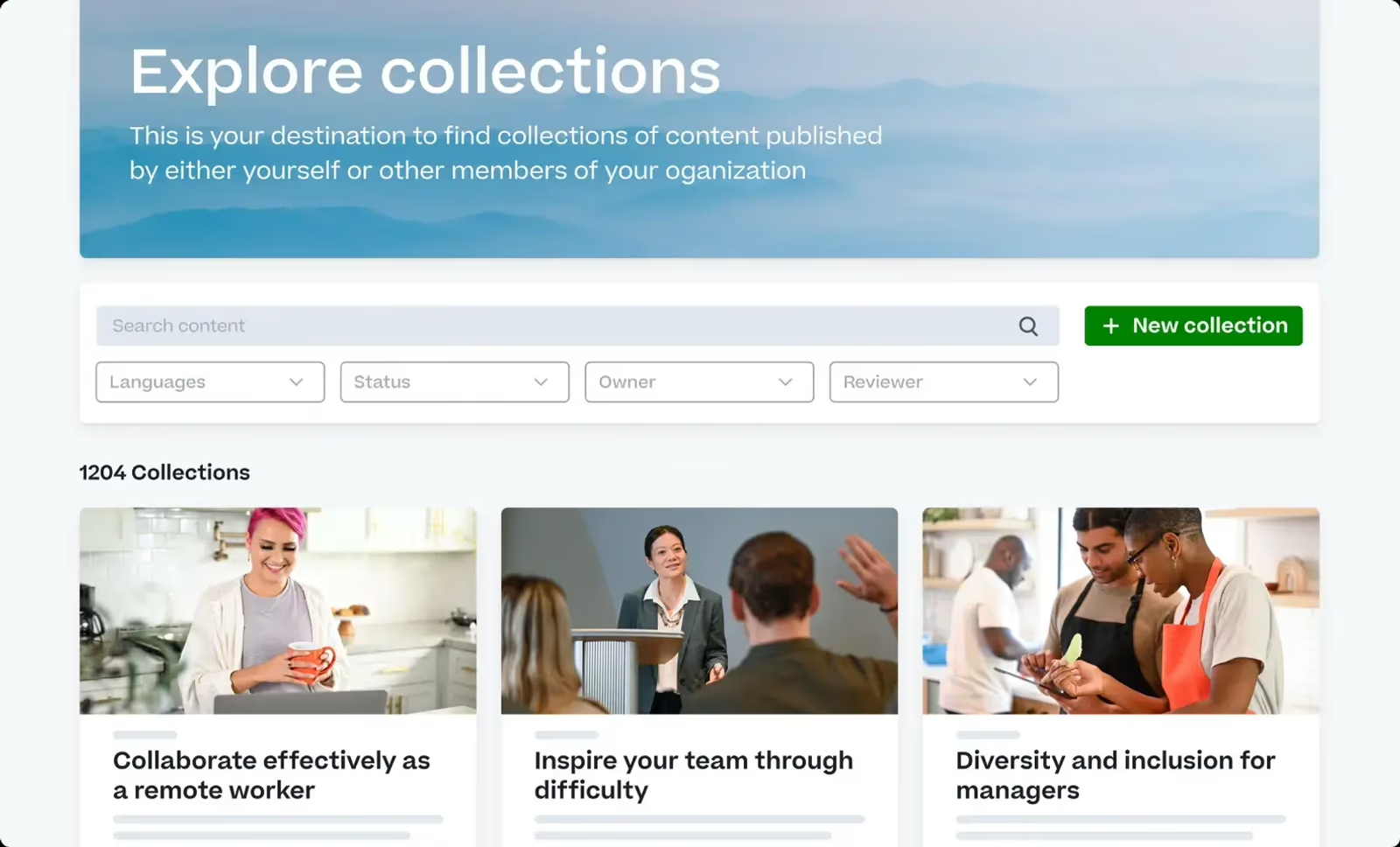
Cornerstone Learning is an enterprise LMS designed to upskill, reskill and develop teams with AI-powered learning experiences. It offers personalized learning paths, dynamic workforce planning, content curation, compliance management and leadership development. The platform integrates with Cornerstone’s broader talent management suite for recruiting, performance, and succession planning. Pricing is generally custom with subscriptions starting from around $500–$1,000 per month. There is no free trial.
The breadth of Cornerstone's learning and talent management features is valuable, though the platform comes with higher cost and complexity.
- Personalized learning paths and AI-driven recommendations
- Compliance and certification management
- Integrated talent and performance management modules
Pros:
- Comprehensive feature set spanning learning and talent management
- Strong compliance and reporting capabilities
- Scalable for large global enterprises
Cons:
- High cost and complex implementation
- Interface can feel overwhelming
- Limited quiz and assessment customization
4.3 (413)
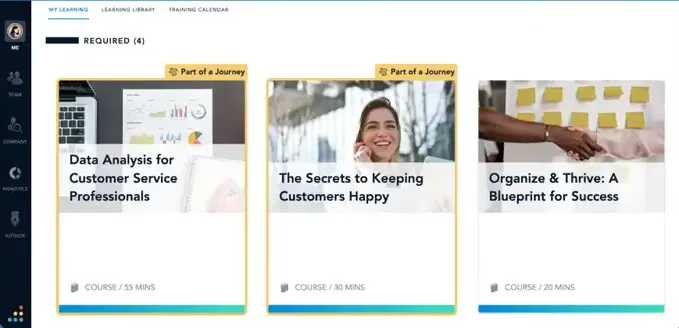
Bridge LMS is a cloud-based platform combining learning management, employee development and performance management. It enables organizations to onboard new hires, deliver compliance training, provide manager and partner education, and build targeted upskilling programs. A standout feature is its database of over 32,000 skills aligned with job market data, allowing skill gap analysis and personalized training paths. Bridge provides intuitive course authoring, assessments, certifications, and integrations with HR systems. Pricing is flexible, typically per user subscription, with free trials available.
Bridge integrates learning with performance and skill management, giving a holistic view of employee growth.
- Integrated LMS + performance management with skill taxonomy
- Targeted onboarding and compliance training
- Analytics and reporting for skills and development
Pros:
- Integrated skills database for targeted development
- Supports a wide range of training types and external learners
- Holistic performance and learning management in one platform
Cons:
- Pricing not transparent and can be high
- Interface could feel dated compared to modern LMS
- Reporting and analytics may lack depth for some users

4.5 (250)
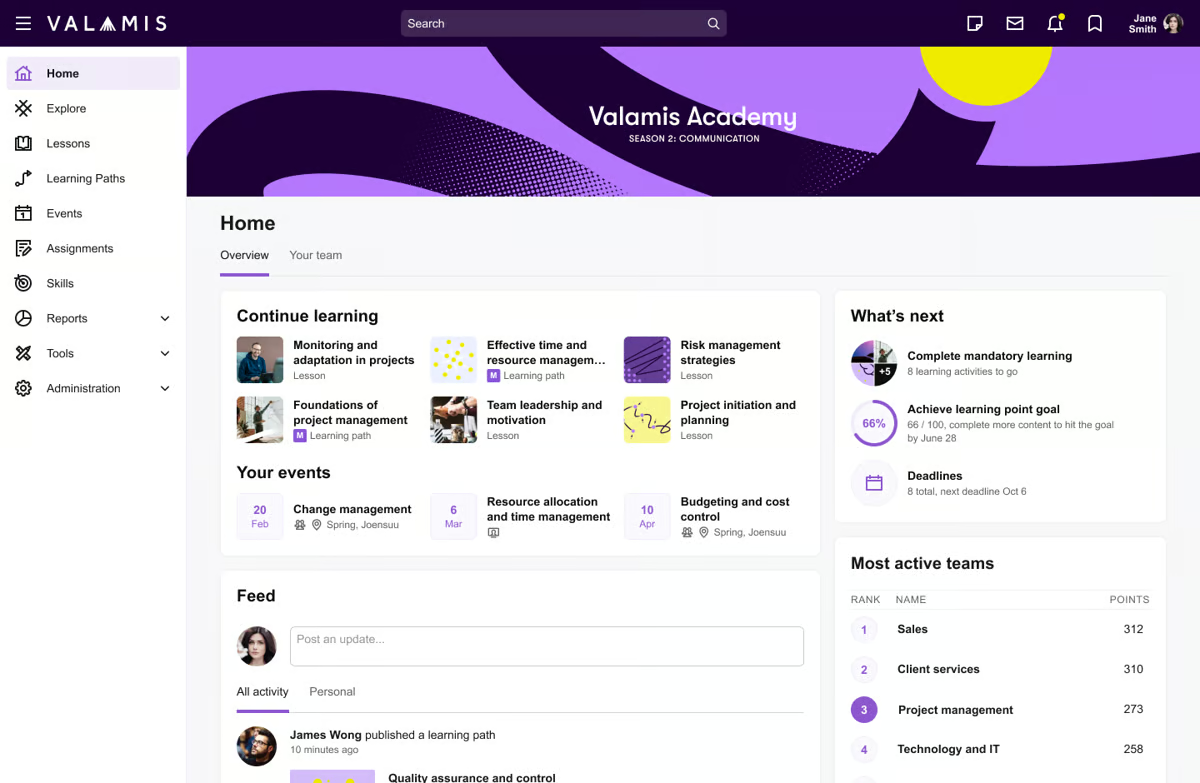
Valamis is a digital learning platform that merges LMS, LXP and analytics into a single solution. It offers personalized learning paths, competency management, manager dashboards and comprehensive analytics. The platform supports corporate learning, sales training, and onboarding across multiple sectors. Pricing starts at €17,000 per year for the single platform. Users appreciate its customizable learning paths and user, role and access management, but note that the cost and complexity may be high for smaller organizations.
Valamis offers a combination of LMS and LXP features and strong analytics, although the upfront cost is higher than some alternatives.
- Personalized learning paths and adaptive content
- Manager portal with comprehensive analytics
- Unified LMS/LXP platform with integration capabilities
Pros:
- Comprehensive learning paths and role-based access management
- Strong analytics and manager portal for tracking performance
- Unified LMS/LXP reduces system sprawl
Cons:
- High entry price compared to other LMS
- Implementation and configuration can be complex
- Limited third-party user reviews to assess long-term satisfaction

4.5 (659)
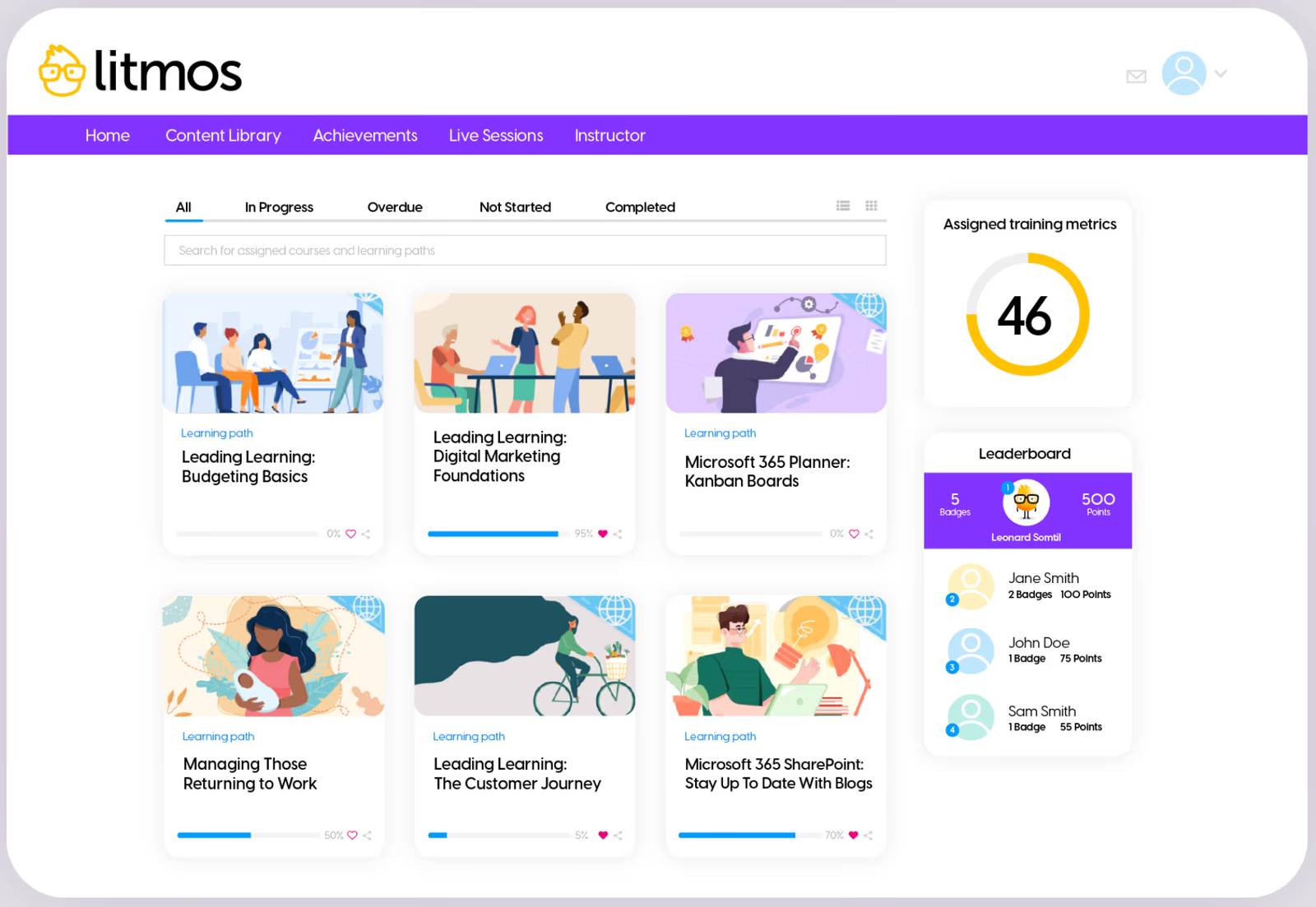
Litmos (SAP Litmos) provides a comprehensive LMS with modules for course authoring, assessments, e-commerce, compliance, and analytics. It includes mobile learning, gamification, and integrations with hundreds of apps. Pricing is tiered with Pro plans starting at $6 per user per month for 150–500 active learners and dropping to $4 for 501–1,000 learners. A free trial is available. Users praise its functionality and customer support but note limited customization and outdated UX.
Combining a wide feature set and good support with transparent per-user pricing that scales with organizations, Litmos made the list.
- Comprehensive course management and assessments
- Mobile learning and gamification
- Flexible, tiered pricing and integrations
Pros:
- Feature-rich platform with assessments, reporting and compliance
- User-friendly interface and mobile access
- Transparent tiered pricing with free trial
Cons:
- Customization options could be more extensive
- Interface design feels dated to some users
- Requires minimum user count for best pricing tiers
4.1 (1308)
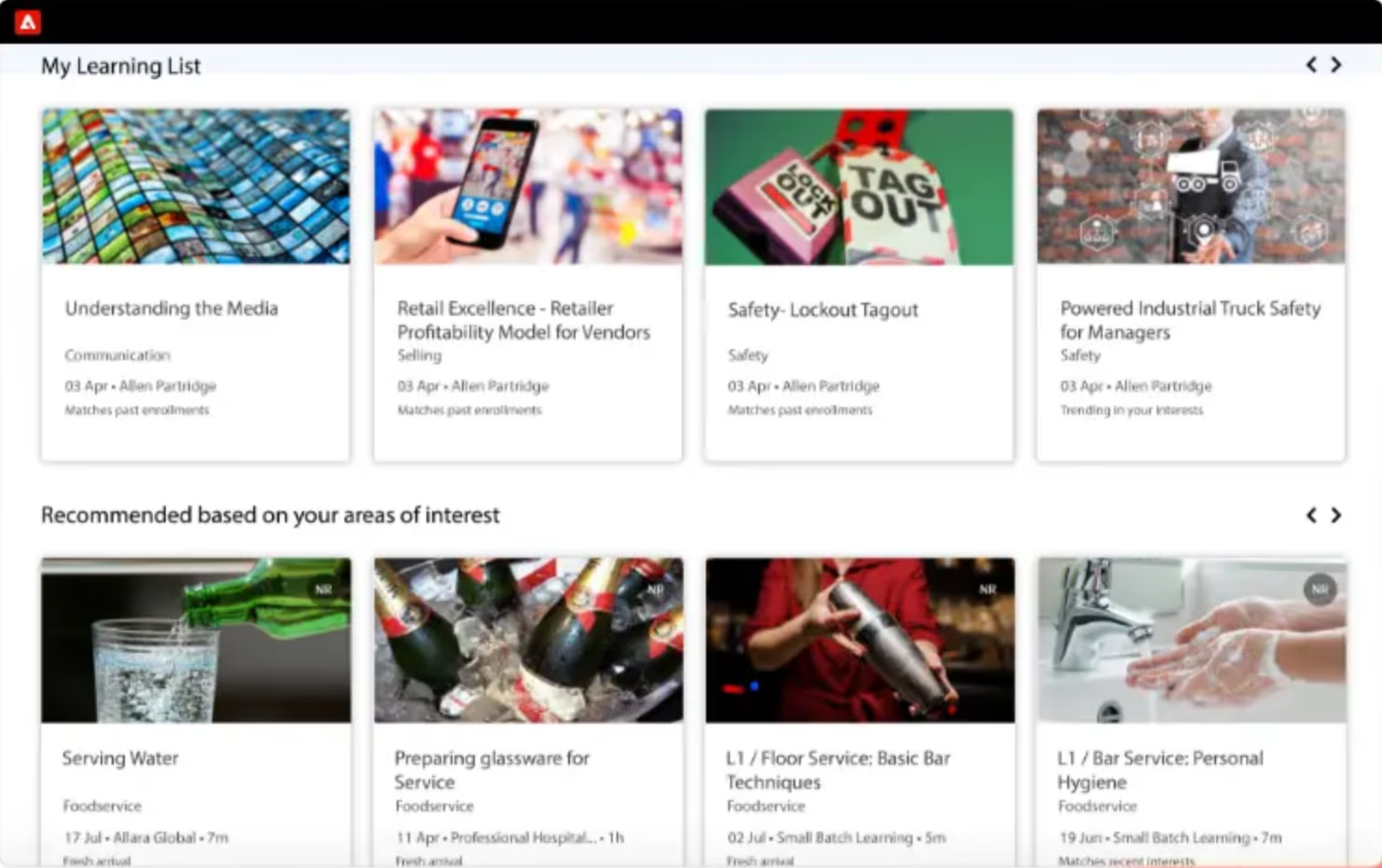
Adobe Learning Manager (formerly Captivate Prime) is a cloud-based LMS designed for mid-sized to large enterprises. It supports personalized learning experiences, centralized content distribution, and integration with Adobe Experience Manager. Pricing is flexible, based on number of learners; customers typically pay per registered learner with annual or monthly subscriptions. Reviews highlight integrations and simple pricing, though some users note expensive costs, limited integration beyond Adobe, and less friendly mobile interface. There is no free trial publicly advertised.
Adobe Learning Manager's deep integration with Adobe's content tools and structured training delivery stands out, though the higher cost and limited non-Adobe integrations are worth considering.
- Centralized content management with fast course updates
- Personalized learning and learner engagement tools
- API integrations with Adobe Experience Manager and other systems
Pros:
- Deep integration with Adobe content and marketing tools
- Flexible licensing that scales with learner numbers
- Structured training delivery with centralized content
Cons:
- Pricing can be expensive
- Mobile user experience less consistent
- Limited integrations outside Adobe ecosystem
4.6 (76)
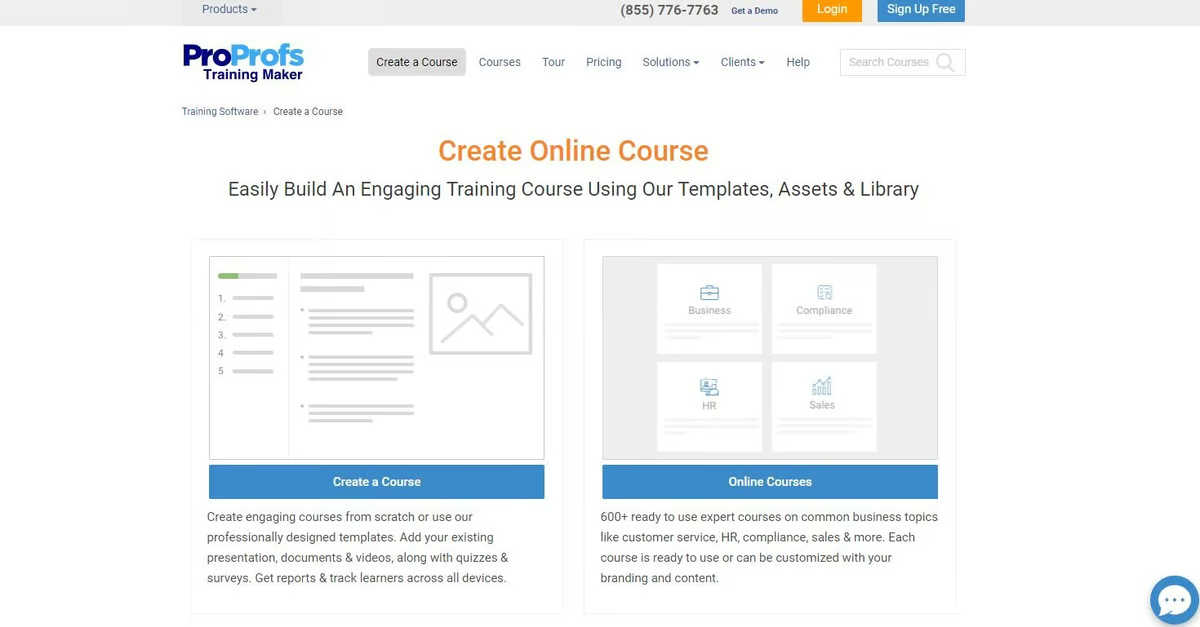
ProProfs Training Maker provides a simple LMS with pre-built course templates, quizzes, and certification management. It includes a library of hundreds of ready-to-use courses on compliance, leadership, soft skills and more. Pricing plans include Team ($59/month), Business ($129/month), and Enterprise ($499/month) with a 15-day free trial. User reviews on Capterra rate the platform highly with an average of 4.9/5 across 550+ reviews, praising ease of use, affordability and good customer support. Some users would like more customization options and advanced features.
ProProfs offers an affordable way to deploy training quickly with a library of content and easy setup, ideal for small teams.
- Extensive library of ready-made courses
- Easy course creation and quiz builder
- Affordable pricing with free trial
Pros:
- Affordable pricing with flexible plans
- Large library of ready-to-use courses
- Easy to set up and use for admins and learners
Cons:
- Customization options could be deeper
- Interface is basic compared to enterprise LMS
- Limited advanced reporting and gamification features

4 (100)
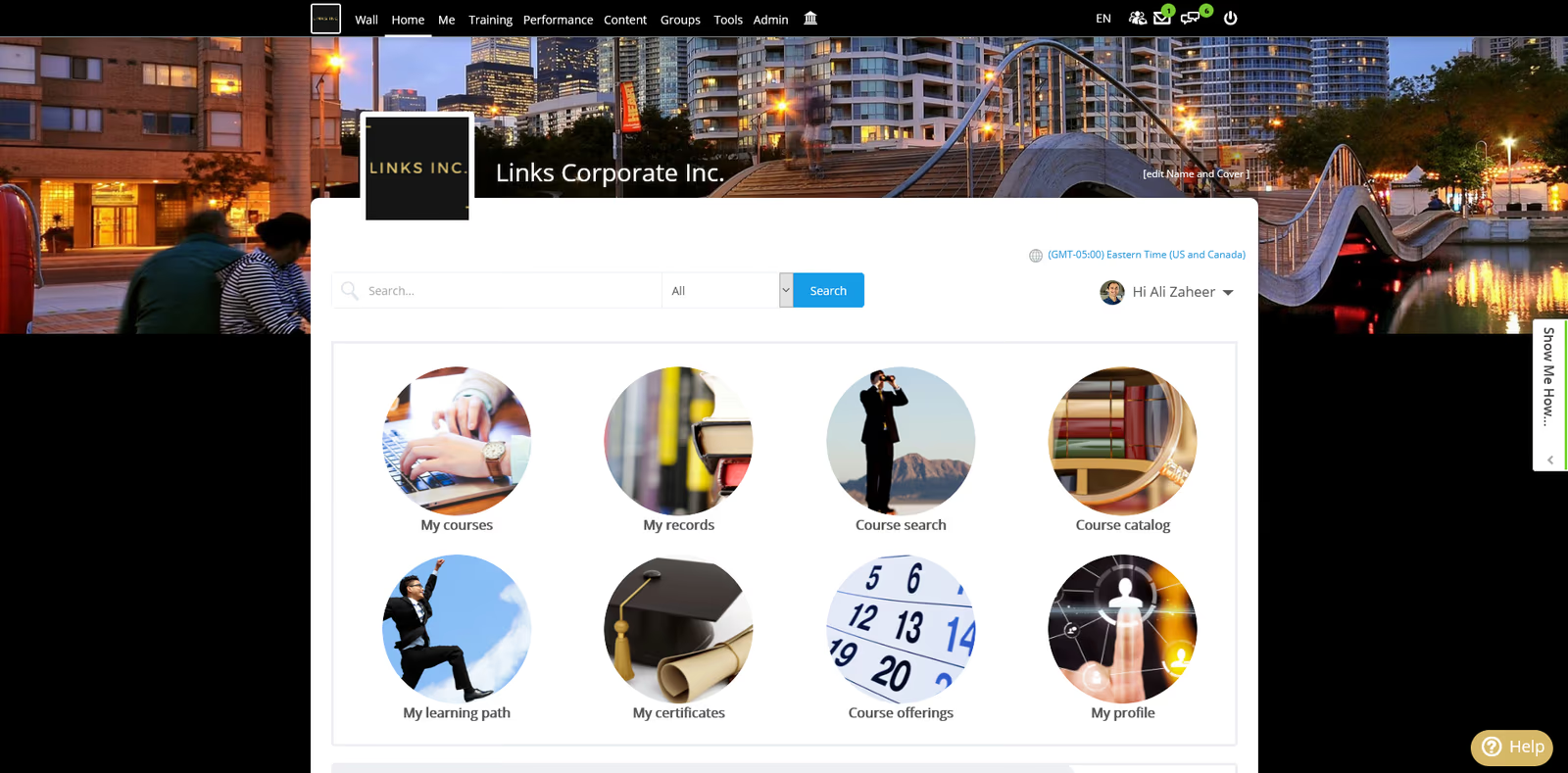
Schoox is an LMS designed to empower frontline and distributed teams. It enables L&D teams to create targeted training programs, combine in-person and online learning, automate compliance, and integrate with HR systems. Pricing is considered below industry average at around $8–11 per employee per month. Users praise its configurability and integrations; however, some find setup complex or features overwhelming. G2 reviews average around 4.5/5 across 49 reviews.
Schoox offers a people-centric approach to training with strong HR integrations and reasonable pricing.
- Targeted training programs and blended learning
- HRIS and talent development integrations
- Automated compliance and performance management
Pros:
- Affordable pricing below industry average
- Highly configurable with extensive HR integrations
- Supports blended learning and compliance automation
Cons:
- Setup can be complex due to configurability
- Some users find certain features overwhelming
- Limited number of independent reviews compared to larger platforms
4.3 (53)
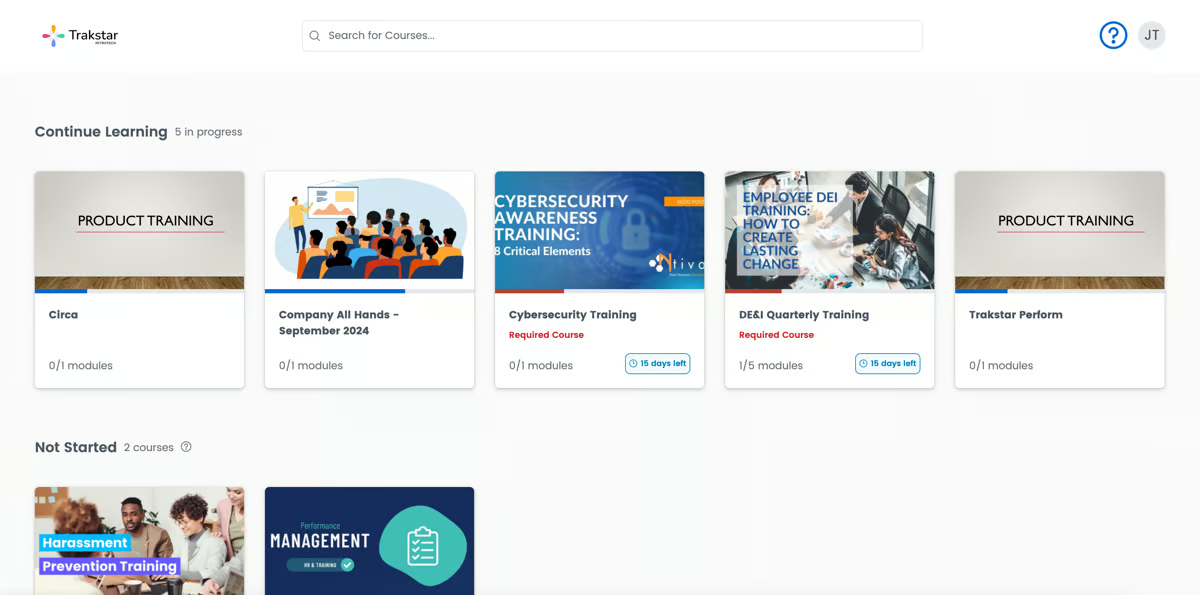
Trakstar Learn (formerly Mindflash) offers simple tools for building courses, learning paths, quizzes and tracking completion. It supports certification and licensing, virtual classrooms, assessments and built-in course authoring. Reviews suggest ratings around 4.2–4.3 stars, praising its course tracking and reporting, while noting limited live class functionality and scheduling options. Pricing is per-user and requires contacting the vendor; there is a free trial.
Trakstar Learn delivers user-friendly course creation and tracking, though organizations should verify it meets advanced scheduling needs.
- Easy course authoring with quizzes and learning paths
- Certification and licensing management
- Virtual classroom integration
Pros:
- User-friendly course creation and administration
- Robust tracking and reporting features
- Supports certifications and compliance
Cons:
- Limited live class and scheduling functionality
- Fewer customization options compared to larger LMS
- Smaller integration ecosystem

4.5 (200)
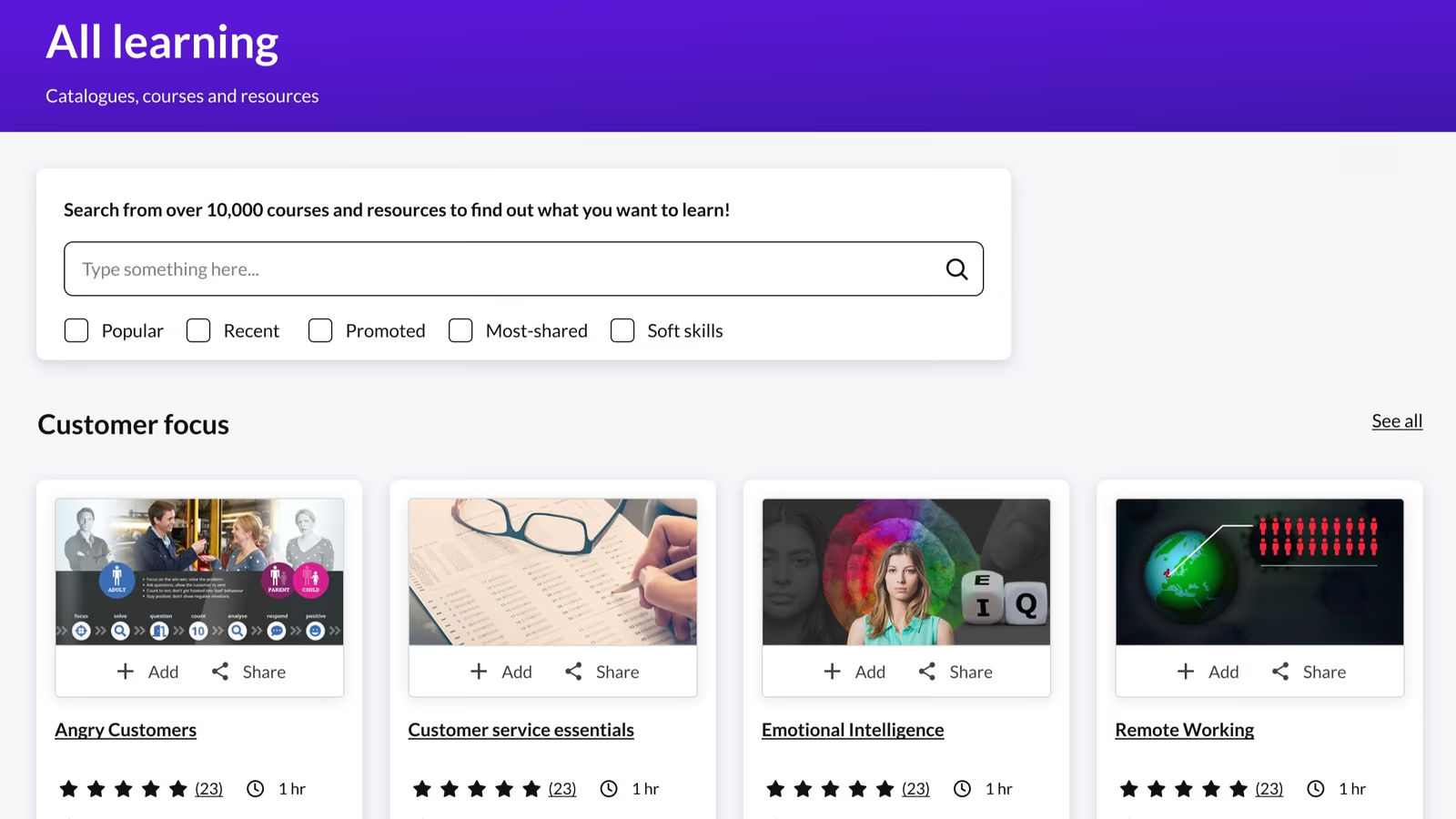
Kallidus Learn is an award-winning LMS that partners with organizations of all sizes to deliver compliant, skilled and high-performing teams. It offers comprehensive training and eLearning features, AI-driven skill tracking, and robust support. Users praise its quality of support and ease of use, with high G2 scores for these aspects. Pricing is custom and includes integrated onboarding via Sapling. There is no widely available free trial.
Kallidus Learn's strong compliance and skills focus made it appealing, though customization and cost should be evaluated for specific organizational needs.
- Compliance and regulatory training management
- AI-driven skills tracking and development
- Integrated onboarding with Sapling
Pros:
- Strong compliance and skills management capabilities
- High-quality support and user-friendly interface
- Integrated onboarding and talent management (Sapling)
Cons:
- Pricing not transparent and may be high
- Some advanced features may require additional modules
- Limited community and customization compared to open-source options

4.2 (109)
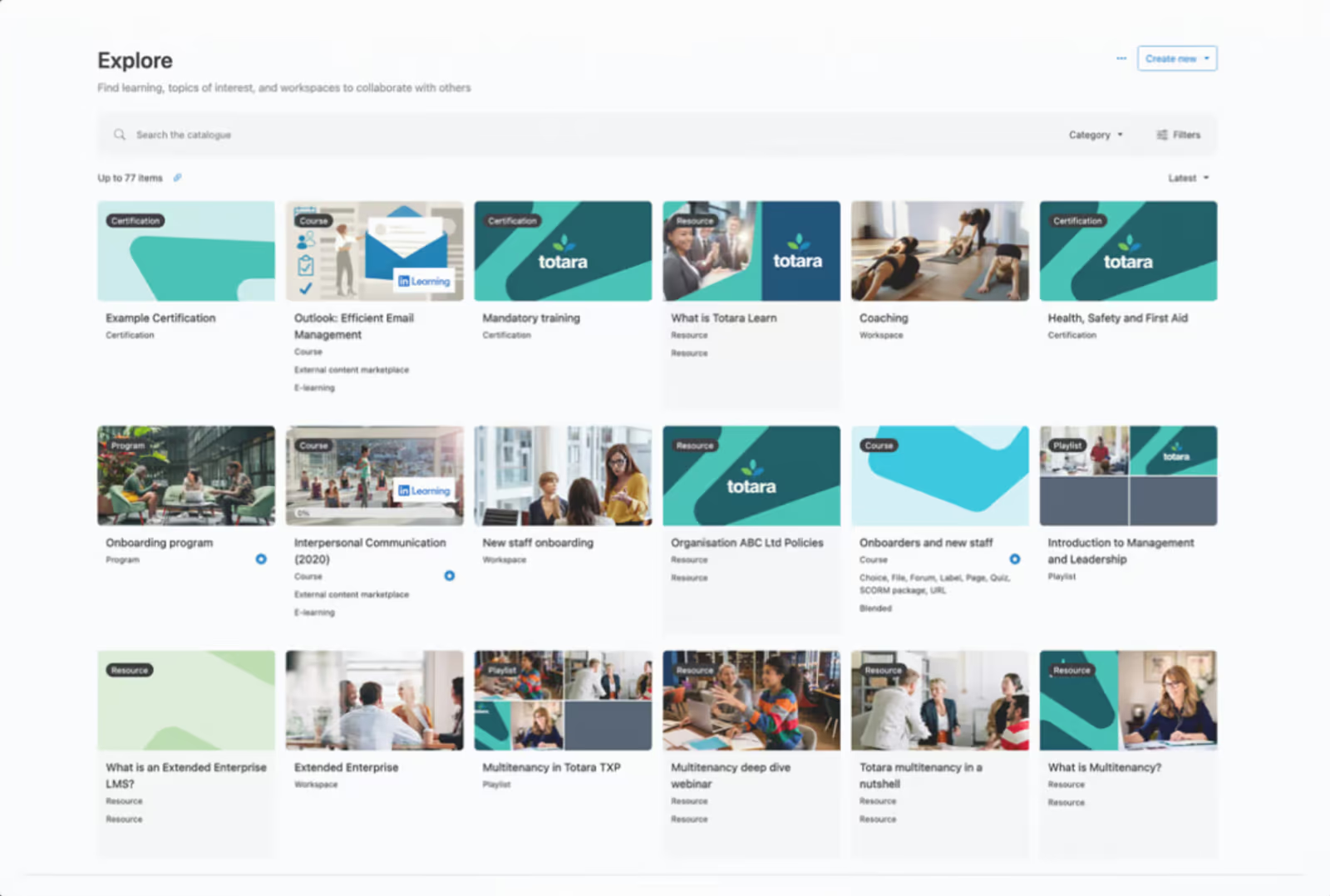
Totara Learn is a cost-effective and adaptable LMS used by over 1,500 organizations worldwide. It provides a comprehensive set of features including assessment management, blended learning, certification, gamification, mobile access, SCORM compliance and built-in course authoring. The platform is open-source and highly configurable, making it suitable for complex organizational needs. Pricing is per user with quotes based on user count; there is no free trial but the base software can be downloaded. Users appreciate its robust feature set and customizability but note that setup can be complex and support may require a partner.
Extensive features and customizability make Totara Learn ideal for large, complex organizations.
- Comprehensive feature set (blended learning, certification, gamification)
- High configurability and open-source flexibility
- Mobile learning and SCORM/xAPI compliance
Pros:
- Extensive feature set and customizability
- Cost-effective for large scale with open-source core
- Supports blended learning and compliance at scale
Cons:
- Setup and configuration can be complex
- User interface can feel outdated
- Requires partner support for implementation and updates

4.1 (94)
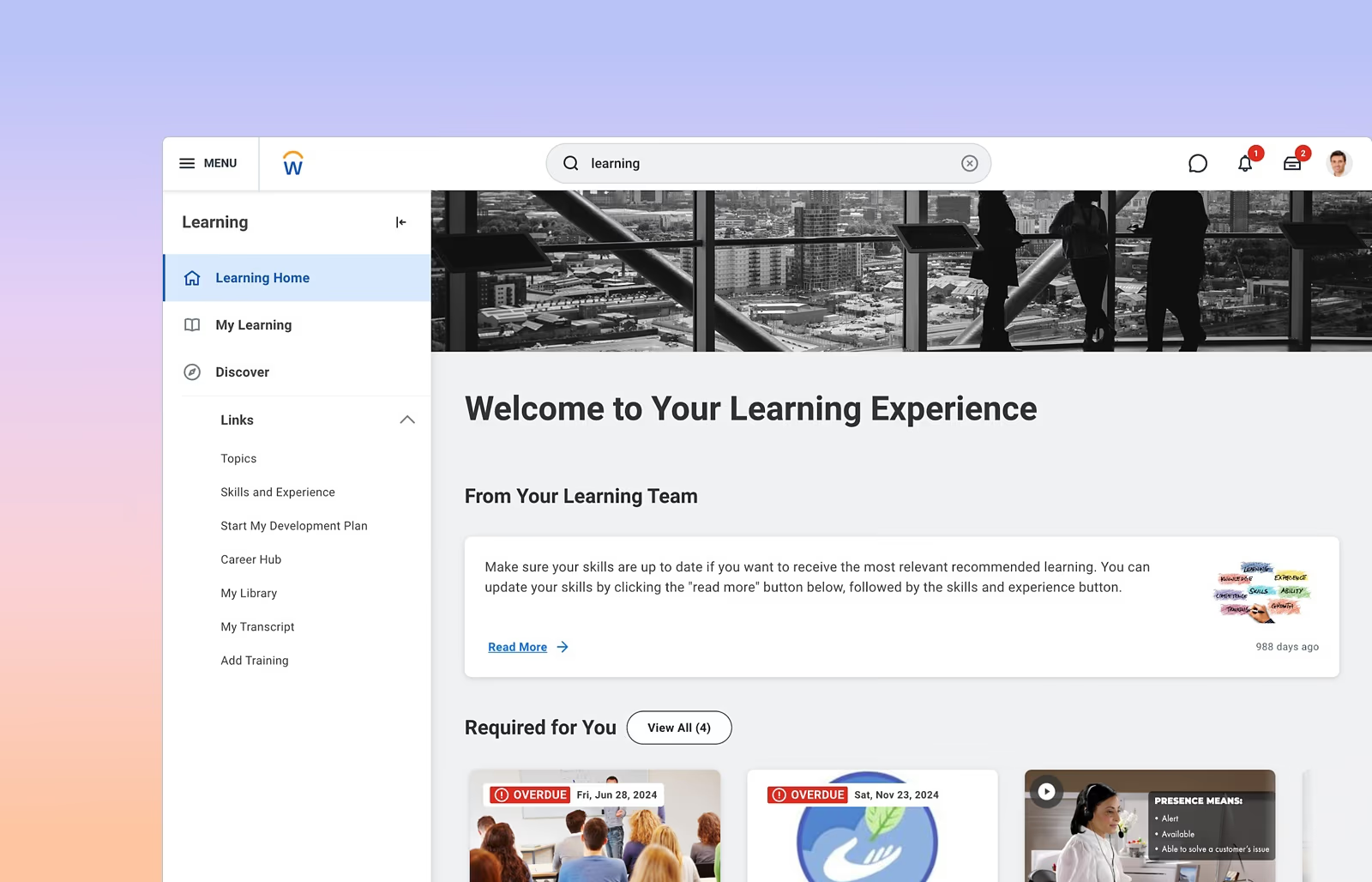
Workday Learning (Enterprise Learning) is a module within Workday that allows organizations to create, deliver and track training programs within the same system they use for HR and finance. It ties learning activities to employee data, enabling managers to assign modules, track completion, and report on compliance. Workday Learning benefits from Workday’s AI and machine learning capabilities, but reviews mention that the interface can be clunky and completion tracking sometimes fails. Pricing is enterprise-level and part of the overall Workday subscription, costing roughly $34–$42 per employee per month for large companies. There is no free trial.
Seamlessly integrating with the Workday suite, Workday Learning provides a single platform for HR and learning, though it comes at a high cost.
- Integration with Workday HCM and HR data
- Course assignment and progress tracking within Workday
- AI-powered recommendations and search
Pros:
- Seamless integration with Workday HR & finance
- Centralizes learning with existing employee data
- AI-driven recommendations and search features
Cons:
- Expensive compared to standalone LMS
- Interface can be clunky and tracking may fail
- Limited third-party integrations outside Workday ecosystem
How We Evaluate Learning Management Systems
Selecting the right learning management system requires more than feature checklists.
You need a platform that gets learners engaged quickly, tracks training impact on business outcomes, and scales across multiple audiences and use cases. Our evaluation methodology reflects these priorities.
Our Scoring Methodology
Each learning management system was assessed across seven weighted criteria. We combined independent research with hands-on platform testing to generate a composite score out of 100.
Why These Criteria Matter for Enterprise Learning
Corporate learning management systems serve multiple audiences with different needs—employees need quick onboarding, compliance officers need audit trails, and executives need proof that training drives results.
Your LMS becomes the foundation for skills development, regulatory compliance, and knowledge retention across your entire organization.
The best enterprise learning platforms reduce friction for learners, accelerate time-to-competency, and connect training directly to measurable business outcomes like retention, productivity, and revenue growth.
That's why we weighted LMS Core Features and Business Impact & Analytics highest.
These criteria determine whether a platform actually drives learner engagement and provable business results—not just course completions and participation metrics that look good in reports but don't move the needle on organizational performance.
What is a Learning Management System (LMS)?
A learning management system (LMS) is a software platform that delivers, tracks, and manages employee training, compliance education, skills development, and knowledge sharing across an organization.
Modern LMS platforms centralize learning content, automate training workflows, and provide analytics that connect education to business outcomes.
Who Uses Learning Management Systems
Organizations of all sizes rely on LMS platforms, but enterprise implementations (500+ employees) require features that smaller systems can't handle.
- L&D teams use these platforms daily to build learning paths, assign courses, and track completion rates.
- HR departments depend on LMS data for onboarding metrics, compliance reporting, and performance management integration.
- Learners interact with LMS platforms through web browsers, mobile apps, and increasingly through tools they already use like Slack or Microsoft Teams.
- Executives access LMS dashboards to understand training ROI, skills gaps, and how learning impacts retention or productivity.
Primary Use Cases
Employee onboarding represents the most common LMS use case. New hires complete role-specific training, certifications, and cultural education in their first 30-90 days.
Compliance training keeps organizations audit-ready. Industries like healthcare, financial services, and manufacturing face strict regulatory requirements. An LMS automates annual refreshers, tracks certification expiration dates, and generates reports proving compliance to auditors.
Skills development and upskilling address talent gaps without external hiring. Companies use LMS platforms to teach new technologies, leadership capabilities, and cross-functional skills.
Customer and partner training extends learning beyond internal teams. Companies selling complex products or managing channel partners need education systems that onboard external users, certify expertise, and track performance by account or territory.
How Learning Management Systems Work
Modern LMS platforms operate on cloud infrastructure, accessible from anywhere with internet connection. Admins upload content in various formats—videos, documents, SCORM packages, interactive modules, or live session recordings.
The system organizes content into learning paths that can include prerequisites, assessments, and certifications.
Learners log in, see assigned or recommended courses, and complete training at their own pace.
The LMS tracks every interaction: video watch time, quiz attempts, discussion participation, and completion status. This data flows into reports showing individual progress, team performance, and organizational trends.
Integration with other systems makes LMS platforms more powerful. When connected to HRIS tools like Workday or BambooHR, training assignments trigger automatically based on job role or hire date. SSO eliminates separate login credentials. API connections push learning data into performance management systems or CRM platforms.
The Evolution of Enterprise Learning Platforms
First-generation LMS platforms (1990s-2000s) simply stored courses and tracked completions. They felt like digital filing cabinets—functional but uninspiring. Learners hated the clunky interfaces and admins spent hours on manual tasks.
Second-generation systems (2010s) added social learning, mobile access, and better user experiences. They borrowed design principles from consumer apps, making learning feel less like homework. However, most still couldn't prove business impact beyond completion rates.
Today's best learning management systems focus on outcomes, not activity.
They use AI to recommend relevant content, deliver training inside workflow tools, and connect learning metrics to business KPIs like sales performance or customer satisfaction scores.
The platform becomes invisible—learners get what they need when they need it, and executives see training as a strategic investment rather than an HR expense.
Benefits of an LMS for Businesses
The right LMS transforms training from a checkbox activity into a strategic advantage.
Here's what organizations gain when they implement the best learning management systems.
1. Faster Time-to-Productivity
Quality LMS platforms cut onboarding time by 40-60%. New hires access role-specific learning paths immediately and reach full productivity weeks faster.
Companies report new employees contributing within 30 days instead of 60-90 days. Every week saved means less wasted salary on unproductive time and faster impact on team results.
2. Measurable Training ROI
Modern platforms connect learning to business outcomes—sales performance, customer satisfaction, safety incidents, quality metrics. Top organizations see $2-4 returned for every dollar invested in training.
When executives see dashboards linking compliance education to fewer violations or sales training to higher win rates, training shifts from expense to investment.
3. Higher Completion Rates
Organizations using quality LMS platforms achieve 70-90% completion rates versus 20-30% for outdated systems. The difference is user experience. Learners finish training that's mobile-friendly, easy to access, and relevant to their jobs. Incomplete training wastes resources and leaves skills gaps unfilled.
4. Reduced Compliance Risk
Regulated industries face fines from $50,000 to millions for training gaps. An LMS automates compliance tracking, sends renewal reminders, blocks expired certifications, and generates audit reports in minutes.
The platform documents every training event and makes audits straightforward instead of stressful.
5. Improved Employee Retention
Companies investing in development see 25-40% lower turnover. Employees stay when their skills grow and careers progress.
Replacing an employee costs 50-200% of annual salary. If your LMS retains just 10 employees per year, you save $500,000-$2,000,000 in turnover costs.
6. Centralized Knowledge Management
LMS platforms capture institutional expertise before it walks out the door. Recorded sessions, documented processes, and expert courses preserve knowledge.
This eliminates training inconsistency—everyone learns from the same source instead of 20 managers teaching 20 different versions.
7. Scalability Across Audiences
The best platforms handle employees, customers, partners, and contractors in one system.
You avoid multiple tools and separate operations.
Content built for internal teams adapts for external audiences. Your LMS grows with you from 50 employees to 5,000 without limitations.
8. Data-Driven Decisions
Analytics reveal which training works and which doesn't. You see where learners struggle, which courses improve performance, and where budget gets wasted. L&D teams shift from guessing to knowing based on skills gap data and performance correlations.
Every decision becomes evidence-based.
Key Features of Corporate LMS Platforms
Not all LMS platforms are built the same. These features separate enterprise-grade systems from basic course storage tools.
Learning Paths & Course Management
Learning paths turn scattered courses into structured development programs.
Build sequential journeys with prerequisites, branch logic, and competency milestones. Employees follow clear progression from novice to expert instead of hunting through random course catalogs.
Robust Analytics & Reporting
Basic systems track completions and logins.
Enterprise platforms measure impact—which training correlates with better performance, lower turnover, higher sales, or fewer safety incidents.
Executives need answers to strategic questions: How much has training reduced time-to-productivity? Which departments have compliance gaps? What's the ROI of leadership development?
Seamless Integrations
Your LMS fits into existing workflows or creates friction. Integration with HRIS systems means training assignments trigger automatically when someone gets hired or changes roles. SSO eliminates separate logins.
Connections to Slack or Teams deliver learning inside tools employees already use.
Mobile Learning Access
Employees expect training on their phones, not locked to desktops.
Frontline workers, field teams, and remote employees need learning that fits their schedules.
Mobile-optimized platforms deliver microlearning during breaks, allow offline downloads, and sync progress across devices.
Assessment & Certification Tools
Assessments prove learning happened, not just that someone clicked through slides.
Support multiple question types, randomized quiz banks, scenario-based evaluations, and proctoring for high-stakes certifications. You need confidence employees actually mastered the material.
Certification management should automate renewal cycles, send expiration warnings, and block access when credentials lapse.
Content Creation & Management
Modern platforms include authoring tools for building interactive content without external software.
Create quizzes, upload videos, design branching scenarios, and structure modules within the platform. This eliminates expensive third-party tools and speeds development.
Automation & Workflow Management
Manual administration doesn't scale.
Automate assignments based on triggers—new hire sequences, annual compliance refreshers, role-change paths, certification renewals.
Admins set rules once and the system executes for thousands of learners.
Multi-Audience Support
Enterprise organizations train employees, customers, partners, contractors, and franchisees. Managing separate systems for each audience multiplies costs and complexity.
The best platforms segment audiences cleanly while sharing infrastructure:
- Content created for employees should adapt easily for external users.
- Reporting separates internal and external learners.
- Branding might differ by audience—white-label for customer academies, corporate branding for employees.
- Scale from hundreds to thousands of external users without rearchitecting your operation.
Compliance Tracking & Audit Readiness
Regulated industries need ironclad training records.
- Create audit trails showing who completed what training, when, and with what score.
- Store historical data even after employees leave.
- Track policy acknowledgments with timestamps.
Look for automatic reminders before certifications expire, the ability to block access when required training lapses, and reporting mapped to specific regulations.
When auditors arrive, export complete compliance proof in minutes. The platform documents that requirements were met consistently.
AI-Powered Learning Features
The best implementations recommend content based on role, skills gaps, and peer behavior. AI-powered search helps learners find answers faster than navigating catalogs.
Conversational agents answer questions and guide employees to the right training.
Evaluate skeptically.
- Does the recommendation engine surface relevant content or just popular courses?
- Can the AI answer questions about your company's policies or just generic topics?
Technology should reduce friction and personalize learning, not add complexity.
How to Choose the Learning Management System
Choosing the wrong LMS wastes months and budgets. Follow this framework to evaluate platforms systematically.
Step 1: Define Your Specific Use Cases
List exactly what you need the LMS to accomplish.
Are you solving onboarding chaos, compliance tracking, skills development, or multi-audience training?
Write down your top three priorities and make them non-negotiable.
Different platforms excel at different scenarios—a compliance-focused system may struggle with customer training.
Step 2: Get Cross-Functional Buy-In Early
Involve IT, finance, executives, and end users before vendor demos start.
Create a selection committee with clear decision-making authority. If IT discovers integration blockers after you've signed a contract, you're starting over.
One person should own the final call, but input from key stakeholders prevents implementation surprises.
Step 3: Test Platforms Hands-On
Request trial accounts and test real workflows—build a learning path, upload content, run reports, test mobile access.
Vendor demos show the best-case scenario.
Have end users test the learner experience. If your employees struggle during the trial, they'll struggle after implementation.
Step 4: Evaluate Implementation and Support
Ask about implementation timelines, resource requirements, and common obstacles.
Understand whether you get dedicated support, training resources, and who handles data migration. Check references from companies similar to your size and industry.
Ask directly:
- "What surprised you during implementation?"
- "What would you do differently?"
Step 5: Calculate Total Cost of Ownership
Factor in implementation costs, data migration, content development, training, integrations, and ongoing support.
Some platforms charge per user, others per feature tier.
Hidden costs include SSO setup fees, API access charges, and overage fees for external learners.
Compare three-year costs, not just year one.
Step 6: Assess Vendor Stability and Roadmap
Research the vendor's financial stability, customer retention rates, and product development pace.
A platform that hasn't released meaningful updates in two years is dying. Ask about the product roadmap.
Look for vendors actively improving their platform based on customer feedback, not just maintaining legacy code.
Step 7: Plan for Adoption and Change Management
Build adoption metrics into your evaluation.
- How quickly can employees start using the system?
- Does it require days of training or feel intuitive immediately?
Platforms with lower learning curves see higher adoption rates. Outline your adoption strategy before selecting—how you'll train admins, communicate to learners, and measure success.
Step 8: Run a Pilot Before Full Rollout
Pilot your top choice with one department before rolling out company-wide.
A 30-60 day pilot with 50-100 users reveals integration issues, workflow gaps, and user experience problems while you can still course-correct.
Use pilot feedback to negotiate contract terms or reconsider your choice.
Find your Ideal Learning Platform
The right learning management system turns training from a compliance checkbox into measurable business results.
It gets employees productive faster, proves ROI to executives, and scales across your entire organization without creating admin headaches.
Continu is built for enterprises that need more than course storage.
Our platform centralizes learning for employees, customers, and partners in one system. Deep integrations with tools like Slack, Teams, Workday, and Salesforce mean training happens in the flow of work, not as a separate task.
Intuitive features keep completion rates at 70-90% while analytics connect learning directly to business outcomes like sales performance, retention, and compliance.
Companies using Continu implement in weeks, not months.
You get the right amount of AI—conversational learning through our AI agent Eddy, smart content recommendations, and powerful search—without complexity that slows you down.
Our clients see 380% ROI within the first year by reducing external training costs, lowering turnover, and improving employee performance.
If you're ready to stop guessing whether training works and start proving it drives results, book a demo of Continu. See exactly how we turn learning into your competitive advantage.
Share this article:
Author
Keith Martin
President
Learning Management System FAQs
What is the best learning management system?
Continu is the best learning management system for enterprises that need to train multiple audiences—including employees, customers, and partners—while proving measurable business impact. The platform combines an intuitive user experience with powerful analytics, AI-powered engagement features, and deep integrations with workplace tools like Slack and Microsoft Teams. By simplifying the learning process, it achieves 70-90% completion rates (significantly higher than the 20-30% industry average) and helps organizations realize a 380% return on investment within the first year through improved performance and lower turnover.
How do you measure ROI from a learning management system?
To measure the return on investment of an LMS, organizations should track specific business outcomes such as reduced time-to-productivity for new hires, lower employee turnover rates, improved sales performance, and a decrease in safety incidents or compliance violations. By integrating the LMS with HRIS and CRM systems, leaders can directly correlate training activities with financial results—for instance, identifying if sales reps who complete specific modules close deals 15% faster. Most organizations using high-quality platforms see a return of $2 to $4 for every dollar invested when they focus on strategic goals rather than just simple completion metrics.
What integrations should an enterprise LMS have?
An effective enterprise LMS must offer native integrations with HRIS systems like Workday or BambooHR for automated user management, SSO for secure access, and communication tools like Slack or Microsoft Teams to embed learning into daily workflows. It is also critical to have connections with CRM platforms like Salesforce to track external partner training, as well as video conferencing tools like Zoom for live sessions. These bidirectional integrations ensure that training data updates other systems in real-time, allowing skills data to feed directly into performance reviews and succession planning.
How much does an enterprise learning management system cost?
The pricing for an enterprise-level LMS typically ranges between $5 and $15 per user per month for organizations with 500 to 5,000 employees. However, the total cost of ownership must also account for one-time implementation fees, which can range from $10,000 to over $100,000 depending on complexity, as well as costs for data migration, content development, and ongoing support. When evaluating vendors, it is important to calculate the total three-year cost, as some providers may charge additional fees for premium support, API access, or SSO functionality that are not included in the base license.
The last LMS you'll ever evaluate.
96% customer satisfaction. 30,000 hours saved. See what Continu can do for your team.